

💡 Quick Answer: The Top Site Audit Tools Driving SaaS Growth in 2026
The best site audit tools in 2026—Semrush, Ahrefs, Screaming Frog, Seobility, Lumar (DeepCrawl), SE Ranking, and Google Search Console “help SaaS SEO teams diagnose crawl issues, improve Core Web Vitals, and scale organic growth”. For B2B SaaS companies running content-led or PLG motions, these tools directly impact the pipeline by increasing demo bookings, trial-to-paid conversions, and ARR.
💡 For B2B SaaS teams, organic traffic is just the starting line “pipeline is the real KPI”. You can have best-in-class content or a frictionless PLG sign-up, but if your site is weighed down by crawl errors, JavaScript rendering issues, or sluggish Core Web Vitals, you’re quietly bleeding SQLs and stalling trial activations.
A focused SaaS content audit & fix sprint can clear these roadblocks fast so your highest-intent pages load fast and convert.
This pain point shows up most acutely in growth-stage companies: the seed team that scaled content without technical SEO guardrails, or the Series B PLG company juggling 3,000+ landing pages across markets.
In both cases, broken internal links, bloated CSS, or indexation gaps aren’t just “SEO problems” they’re growth bottlenecks tied to demo conversion rates, trial-to-paid velocity, and ultimately ARR expansion.
👉 The challenge? Most SaaS operators only run audits reactively after rankings dip, organic demo volume flatlines, or a board member asks why CAC is climbing. The fix: operationalize a quarterly B2B SaaS content audit checklist and make audits a habit, not a fire drill.
The opportunity? Treat site audits like an operator-grade growth motion ideally with a SaaS SEO agency that can tie fixes to business impact. Done consistently, they:
- Accelerate trial-to-paid conversion by shaving seconds off load times.
- Lower CAC by capturing demand via organic instead of paid.
- Lift ACV by optimizing conversion paths across product-led journeys.
In this guide, we’ll walk through the 7 best site audit tools every SaaS SEO team should be running in 2026, and more importantly, show you how to operationalize them inside your growth stack so they don’t collect dust, but actually move the needle on SQLs, trials, and ARR.
The 7 Best Site Audit Tools in 2026 (Reviewed for SaaS SEO Teams)
In this section, we break down the leading site audit tools one by one, covering what each does best, their standout features, and which SaaS growth stage they’re most suited for. Think of it as a practical buyer’s guide: not just “what the tool does,” but how it translates into SQLs, trials, and ARR impact for your team.
| Tool | Best For | 3 Key Features |
|---|---|---|
| Semrush | Growth-stage SaaS teams needing an all-in-one SEO + audit solution | • 140+ site checks • Historical audit tracking • Integration with keyword & backlink data |
| Ahrefs | Teams that rely heavily on backlink data and want integrated audits | • Site structure + link audit • Internal link suggestions • Combined with backlink intelligence |
| Screaming Frog | Technical SEOs handling migrations or complex crawls | • Custom crawl rules • Log file & JS rendering • Granular desktop control |
| Seobility | Freelancers, Agencies, and Lean teams needing guided audits with clear fix instructions | • 50+ SEO reports (300+ checks per page) • Prioritized issue roadmap + actionable tips • Automated crawls + email alerts + CSV/PDF exports |
| Lumar (DeepCrawl) | Enterprise SaaS with thousands of URLs & global sites | • Cloud-based automation • CI/CD & DWH integration • Scalable regression monitoring |
| SE Ranking | Lean SaaS teams balancing budget + visibility | • Affordable crawl audits • Built-in rank tracking • Visibility + reporting dashboards |
| Google Search Console | Every site (baseline must-have) | • Indexing & coverage insights • Core Web Vitals data • URL inspection & validation |
| Keywords Everywhere Website Health Checker | Early-stage SaaS teams and founders needing a free, one-run domain health snapshot | • Moz authority + spam score + DA history • Estimated organic traffic + ranking keywords • Homepage on-page audit with prioritized fixes |
1. Semrush Site Audit: Broad Crawl Coverage + All-in-One Visibility

Semrush provides enterprise-level crawl diagnostics with 140+ on-page and technical SEO checks. It monitors Core Web Vitals, crawl depth, HTTPS implementation, hreflang, and mobile-first indexing readiness.
It also ties audits into Semrush’s broader suite “keywords, content gap analysis, competitor tracking” so you get a 360° view of technical + content health.
➡️ Why it matters for SaaS: Growth-stage SaaS teams often run large content engines (blogs, docs, integration libraries). If these pages aren’t discoverable, your funnel quietly bleeds. Semrush flags crawl traps, duplicate content, and schema errors before they cost you trial sign-ups or demo conversions.
How to use:
- Schedule weekly crawls of your top 500–1,000 growth-critical pages (pricing, integrations, onboarding, feature content).
- Integrate alerts into Slack or Jira so engineering is looped in automatically.
Instrumentation: Owned by SEO lead or growth team. ~$130/month.
Risk: Generates a long list of issues, many low impact. Without prioritization, you risk engineering fatigue.
Micro-checklist:
- Weekly crawl of funnel-critical pages
- Tag “errors” vs. “warnings” for impact scoring
- Export “Top Issues” into sprint planning
2. Ahrefs Site Audit: Backlink Intelligence Meets Technical SEO

Cloud-based crawler with backlink intelligence built in. It scans your site for technical issues while mapping authority and link equity. Ahrefs is especially strong in spotting toxic backlinks, orphan pages, and content that isn’t internally linked.
➡️ Why it matters for SaaS: PLG SaaS often relies on landing pages and product docs for acquisition. If those pages are orphaned or not linked strategically, you’re leaving growth on the table. Ahrefs shows not just crawlability issues, but also how link architecture affects visibility.
How to use:
- Pair Site Audit with Site Explorer for a full-funnel view of rankings, backlinks, and crawl health.
- Build a quarterly “link + crawl health report” for leadership.
Instrumentation: SEO manager ± agency partnership. $199+/month.
Risk: Data overload. Without curated KPIs (e.g., only focusing on orphaned sign-up or pricing pages), it’s easy to lose focus.
Micro-checklist:
- Monthly orphan page audit
- Monitor toxic backlinks → disavow if needed
- Map fixes to content drops + feature launches
3. Screaming Frog SEO Spider: Deep Technical Analysis for Complex Sites
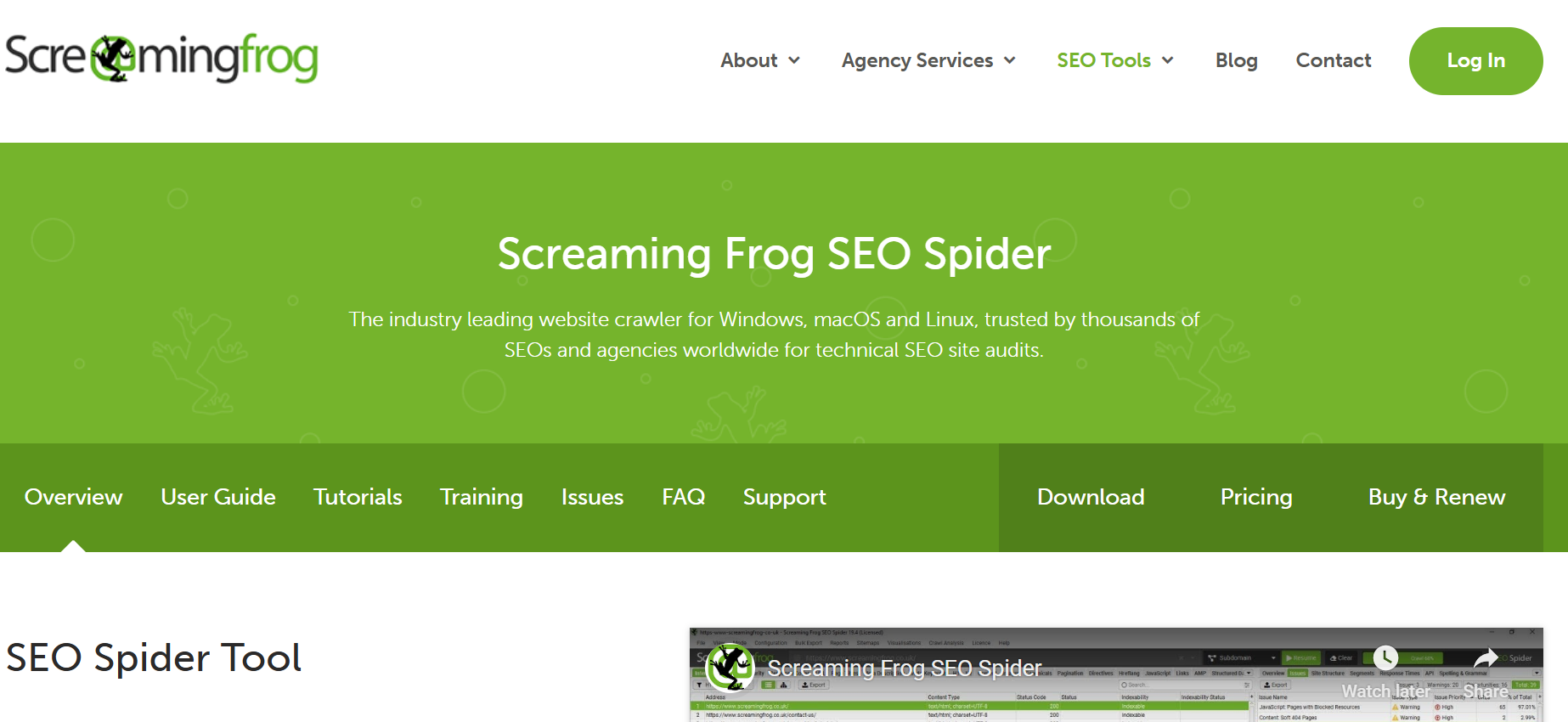
A desktop crawler that replicates how a search engine navigates your site. It handles custom rules, log file analysis, and JavaScript rendering—making it ideal for technical deep dives.
➡️ Why it matters for SaaS: For migrations, rebrands, or feature rollouts, Screaming Frog is indispensable. It makes sure redirects work, canonical tags are correct, and no pages disappear during deploys.
How to use:
- Run Screaming Frog on staging and production before every major release.
- Validate meta data, structured data, and redirects post-launch.
Instrumentation: Growth engineer or technical SEO lead. License ~£199/year.
Risk: Not beginner-friendly; requires technical literacy. Limited scalability for teams needing automated, cloud-based audits.
Micro-checklist:
- Crawl staging before pushing live
- Validate redirects post-migration
- Spot-check canonical tags quarterly
4. Seobility Website Audit: Guided Crawl Audits With Clear Fix Instructions
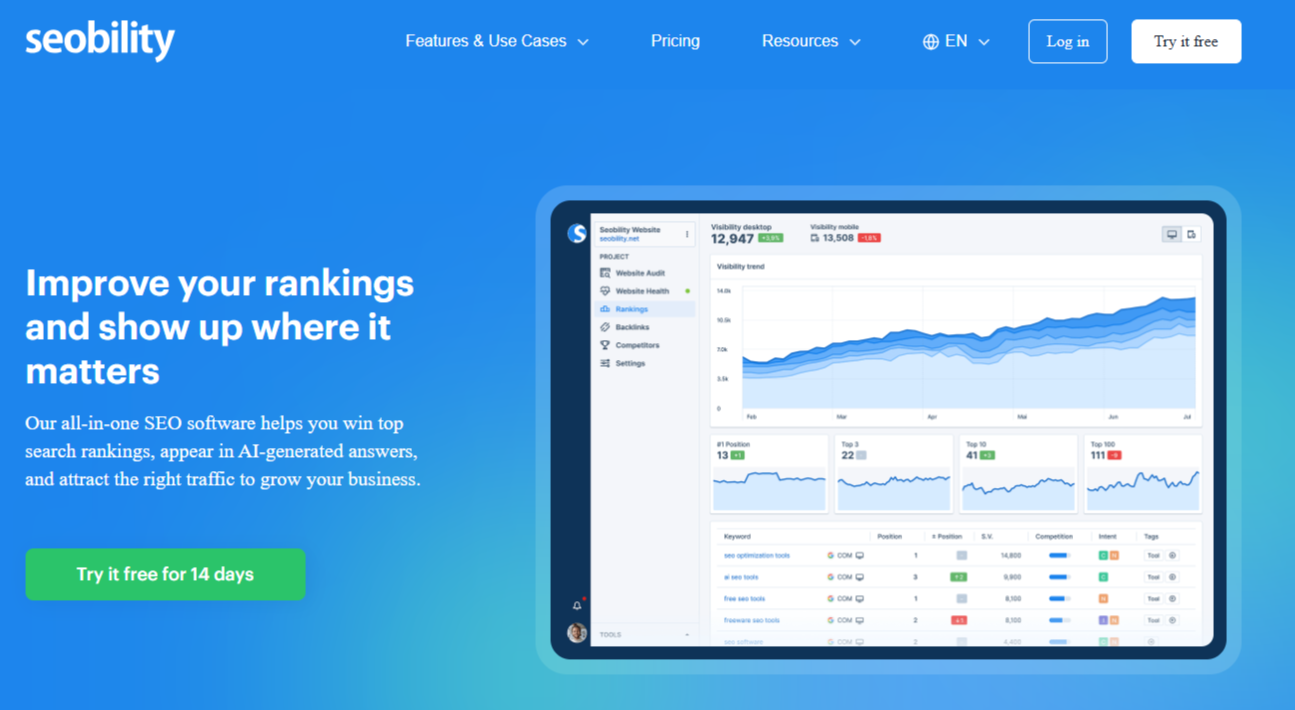
A browser-based all-in-one SEO suite that crawls your website and turns findings into 50+ SEO reports (checking 300+ factors per page). It flags crawl errors, duplicate/thin pages, slow-loading pages, and on-page issues, then prioritizes them by importance with clear, actionable fix guidance. On paid plans, you can automate audits (daily/weekly/monthly) and receive email alerts when critical issues appear.
Why it matters for SaaS: As your content engine (blog, docs, landing pages) scales, small technical regressions like broken links, canonical mistakes, and accidental indexation issues quietly reduce sign-ups and demo flow. Seobility gives lean growth teams a repeatable auditing cadence that’s easy to execute without a dedicated technical SEO.
How to use:
- Run weekly crawls focused on funnel-critical pages (pricing, signup/trial, docs) and fix “high severity” issues first.
- Schedule automated crawls and route email alerts to whoever owns web QA; export reports to create sprint tickets.
Instrumentation: Owned by a growth marketer or SEO lead. Basic is free; Premium is $50.00/month after a 14-day trial.
Risk: Some users report that large audits can feel overwhelming and that exporting/report detail could be better in specific workflows, so you still need a quick prioritization pass before handing tasks to engineering.
Micro-checklist:
- Weekly crawl of money pages + top issues backlog
- Monthly full-site crawl + export/archive reports
- Quarterly internal linking + duplicate/thin content cleanup
5. Lumar (DeepCrawl): Enterprise-Grade Automation for Scaling SaaS SEO

Cloud-based, enterprise-grade crawler with advanced automation. Integrates with data warehouses, BI tools, and CI/CD pipelines.
➡️ Why it matters for SaaS: At scale, manual QA breaks down. For SaaS companies with 5k+ URLs, global presence, or complex PLG stacks, Lumar automates regression testing—catching SEO issues before they hit production.
How to use:
- Automate crawls in staging to prevent regressions.
- Pipe outputs into Snowflake or Looker for performance dashboards.
Instrumentation: SEO + engineering collaboration; custom pricing.
Risk: High cost; ROI only realized if integrated into engineering workflows.
Micro-checklist:
- Connect crawler to data warehouse
- Automate regression alerts in CI/CD
- Deliver executive-level health report monthly
6. SE Ranking Website Audit: Budget-Friendly Tool With Built-In Rank Tracking
Cost-effective audit tool with rank tracking baked in. Offers crawl analysis, on-page checks, and visibility reporting.
➡️ Why it matters for SaaS: Perfect for early-stage SaaS (Seed–Series A) where the budget is tight, but teams still need technical visibility + rank tracking to prove ROI.
How to use:
- Focus crawls on funnel-critical pages (pricing, trial, integrations).
- Tie technical fixes to ranking lifts for measurable impact.
Instrumentation: SEO lead or demand gen manager; $55+/month.
Risk: Limited scale for SaaS companies with large, complex sites.
Micro-checklist:
- Weekly crawl of top 200 pages
- Cross-check fixes against ranking movement
- Share quick wins in retros to secure buy-in
7. Google Search Console: Free Insights Directly From Googlebot
Google’s native audit platform. Surfaces indexing issues, coverage errors, and Core Web Vitals, straight from Google’s perspective.
➡️ Why it matters for SaaS: GSC is your direct feedback loop from Googlebot. It tells you if your content is being indexed, how your pages perform on CWV, and whether sitemaps are valid.
How to use:
- Review Coverage + Page Experience reports weekly.
- Validate fixes on critical flows like sign-up, pricing, or docs.
Instrumentation: SEO manager; free.
Risk: Shallow depth compared to paid tools. Needs to be paired with another platform for scale and granularity.
Micro-checklist:
- Weekly review of coverage + CWV reports
- Validate fixes on sign-up and trial flows
- Resubmit XML sitemaps quarterly
8. Keywords Everywhere Website Health Checker: Free Authority, Traffic + On-Page Report in One Run
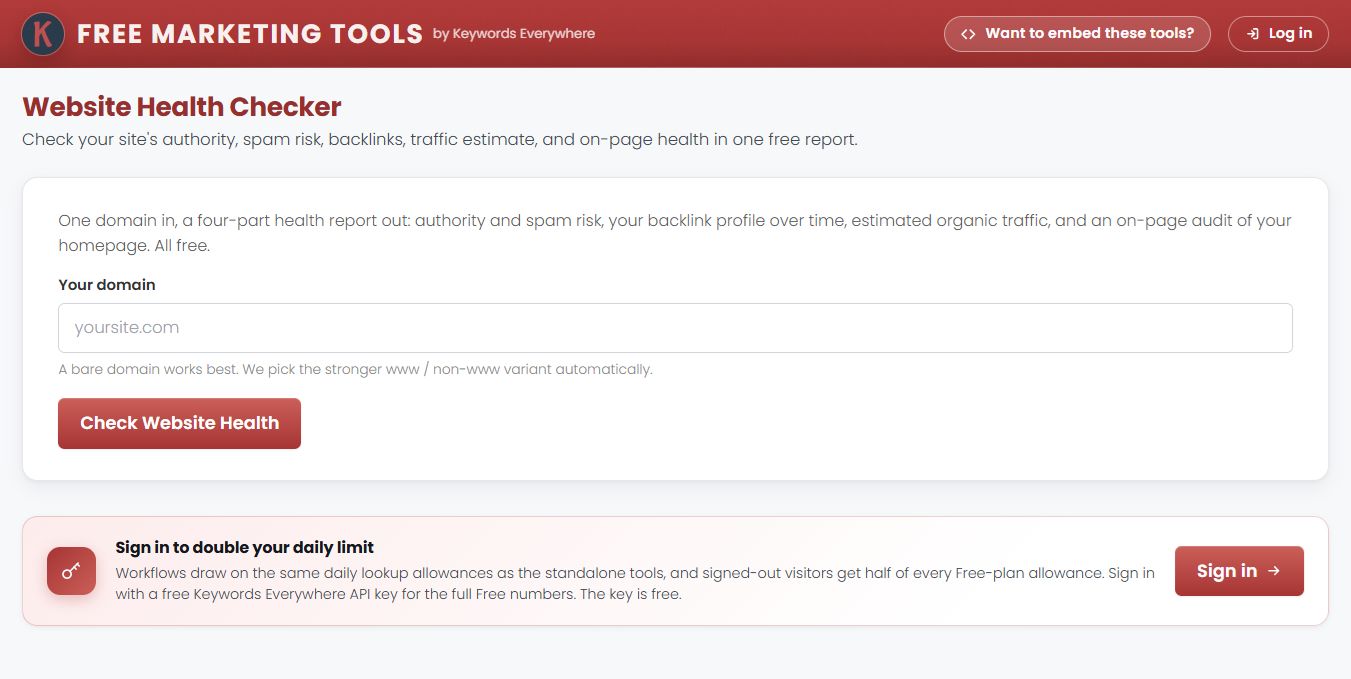
Keywords Everywhere offers a free website health checker that runs four checks from a single domain entry. You get Moz's Domain Authority, spam score, and followed backlink counts, plus a Page Rank score and a trend line of your monthly DA over the past several years. It also estimates your organic Google traffic and ranking keyword count, then scores your homepage from 0 to 100 across content, technical, performance, mobile, social, and off-page checks, with fixes sorted by severity.
➡️ Why it matters for SaaS: Seed-stage SaaS teams often run lean, without the budget for a paid crawler. Keywords Everywhere shows whether authority is climbing, whether spam signals are building up, and roughly how much search traffic you earn, all without signing up or entering a card. Since the homepage is usually a buyer's first stop, clearing its issues helps protect demo requests and trial sign-ups.
How to use:
- Check your site alongside 2–3 competitors each month and compare DA trends.
- Share the report link (live for 30 days) or export sections to CSV, Excel, or Google Sheets for sprint planning.
Instrumentation: Founder or growth marketer. Free with daily limits; a free API key doubles them, and paid plans raise the caps.
Risk: The on-page audit covers only one page, so sitewide issues still need a full crawler. DA and spam score are third-party metrics, not Google ranking factors.
Micro-checklist:
- Monthly check against top competitors
- Clear high-severity fixes first
- Log authority + traffic movement in a shared sheet
What Does a Site Audit Tool Actually Do for SaaS Growth?
For a SaaS operator, think of a site audit tool as your growth engine’s diagnostic scanner. Just like RevOps tracks funnel leakage, modern AI content audit software plugs into your site’s architecture and reveals where technical friction is quietly suppressing demo requests, trial activations, and SQL flow.
👉 If you want a practical framework to translate findings into action, start with how to do a content audit, it shows how to structure issues into a fix-first roadmap your team can actually execute.
Here’s what they surface most often in SaaS environments:
- Broken links & server errors → Leak trust with both users and Googlebot, leading to abandoned trial paths.
- Page speed + Core Web Vitals issues → Every extra second of load time drops trial completion rates; CWV is now a ranking and UX multiplier.
- Mobile usability gaps → Critical for PLG funnels, where first-touch sign-ups often happen on mobile.
- Duplicate or thin content → Cannibalizes your own rankings, especially across product pages or integration directories.
- Indexing & crawlability problems → Content that isn’t discoverable won’t generate traffic—no matter how good it is.
💡 Why this matters for SaaS growth: Without these tools, you’re essentially running your content and PLG motion blind. With them, you shift from reactive fire drills to data-driven prioritization: which fixes unlock conversions, what engineering cycles to allocate, and how to prove ROI at the SQL and ARR level.
How to Choose the Right Site Audit Tool for Your SaaS Team’s Stage and Scale
Choosing a site audit tool isn’t about chasing the flashiest features—it’s about matching the tool to your growth stage, complexity, and resource model. For SaaS teams, this comes down to balancing technical depth vs. team bandwidth vs. impact on SQLs and trials.
To shortlist fast, skim our SaaS SEO software recommendations for stack fits by stage and use case.
▶️ Startup / Seed stage → At this stage, your priority is simply visibility: making sure Google can crawl and index your content, landing pages, and product sign-up flow. Free or lightweight tools like Google Search Console or Moz Pro give you clear, actionable insights without overwhelming your lean team. If you also need simple reporting to show progress without bloat, compare options in best SEO reporting software. Think of these as “early warning systems” for indexing or UX problems.
▶️ Growth-stage SaaS (Series A–C) → Once content velocity increases and your PLG funnel scales, you need deeper diagnostics. Tools like Semrush, Ahrefs, or Sitebulb provide the breadth (crawl health, backlinks, Core Web Vitals) and usability that growth PMs and SEOs can align with engineering sprints. To protect bandwidth and catch regressions before they ship, layer automated SEO platforms for SaaS alongside your primary crawler so issues trigger tickets, not fire drills.
▶️ Enterprise or fast-scaling SaaS → For large SaaS sites with thousands of URLs, marketing automation stacks, and international expansion, it’s no longer enough to spot-check. Tools like Lumar (DeepCrawl) integrate with data warehouses and CI/CD pipelines, allowing technical SEO to run like an engineering discipline. If in-house bandwidth is tight, partnering with SaaS SEO specialists makes sure crawl findings translate into prioritized sprints and revenue outcomes.
👉 Operator’s note: The right tool is the one that surfaces issues you can actually act on within your team’s workflows. A tool that drowns you in vanity metrics but doesn’t tie back to SQLs, trials, or ARR isn’t a growth lever, it’s shelfware.
When to Rely on Site Audit Tools vs. Bringing in an SEO Expert
Site audit tools are diagnostic engines. They scan, crawl, and flag issues at scale, especially with AI-powered content auditing tools that surface problems faster across large SaaS sites.
👉 But they don’t build a prioritization framework or connect fixes back to business outcomes. That’s where expertise comes in, and why choosing a content audit consultant matters when you need business-aligned decisions, not just issue lists.
Tools = Data. They give you the “what”: duplicate content, broken links, slow LCP scores, orphaned pages.
Experts = Strategy + Execution. They provide the “so what” and “now what” the kind you get with SaaS SEO consulting that routes fixes into sprint planning and ties outcomes to SQLs, trials, and ARR.
For SaaS teams, the winning formula is usually both:
- Tools for continuous monitoring and technical visibility.
- Experts translate outputs into revenue-driving actions, often via a focused SaaS content optimization sprint that captures the lift quickly.
👉 If your team is plateauing or juggling disconnected tools, this is where The Rank Masters steps in. We run operator-grade SEO audits that cut through noise, prioritize fixes tied to SQL and ARR, and deliver a roadmap your growth and engineering teams can execute on.
▶️ Request a SEO Content Audit
SaaS Growth Playbook: How to Turn Site Audits Into a Repeatable Growth Motion
Most SaaS teams know they should be running audits, but few operationalize them.
The difference between “we ran a crawl once” and “audits embedded into our growth OS” is the difference between SEO as a hygiene task and SEO as a pipeline lever.
Here’s how to move from reactive fixes to a repeatable motion.
1. Establish Your Baseline
Start by running a full-site crawl with Semrush (for breadth) and Google Search Console (for Google’s own signals).
This is your technical health scorecard, the foundation for everything else. Without it, you can’t prove that shaving seconds off signup page load times or fixing redirect chains actually lifted trial conversions or demo requests.
Use our Step-by-step content audit guide to structure the crawl, triage, and team handoffs so findings become a prioritized backlog fast. Expect to spend a few hours running and synthesizing results. The SEO lead or demand gen manager typically owns this step.
💡 The catch? If you present this as “SEO housekeeping,” it won’t land. Translate audit results into SQL risk language (“our pricing page has a CLS issue that’s suppressing demo form fills”) to win buy-in from growth and product leaders.
2. Prioritize by Business Impact
Once the crawl is done, resist the urge to fix everything. Growth-stage SaaS teams don’t have the bandwidth for vanity fixes “200 missing meta descriptions won’t move the pipeline, but a mobile rendering bug on your signup page might be costing 10% of trials”.
Use a business-impact scoring model: tie every issue back to SQLs, trial activations, or ARR contribution. This shifts the conversation from “why aren’t we fixing these warnings?” to “we’re fixing the top 10 blockers to revenue.”
👉 To scale repetitive checks and reduce busywork, fold in SEO automation tools that auto-flag regressions before they hit production. Typically, the growth PM partners with SEO to drive this step.
3. Bake Fixes Into Sprints
The biggest failure mode for audits is when findings die in a Google Doc or Notion page. To avoid creating SEO debt, turn prioritized issues into Jira tickets and slot them into engineering sprints alongside feature work.
Aim for at least two audit fixes per sprint, QA’d just like any release.
👉 This is where framing matters: engineers will deprioritize “SEO tickets” unless you tie them directly to funnel performance. Position tasks as growth levers (“resolving LCP on signup flow to reduce trial abandonment”), not just technical cleanups.
Post-release, validate with Screaming Frog or Sitebulb to make sure fixes are stuck, and route page-level insights to product-led content CRO services so the conversion lift gets captured, not wasted.
4. Measure and Attribute
Finally, attribution is where audits earn their seat at the growth table. Board decks and growth reviews don’t care about crawl error counts, they care about SQL throughput, trial-to-paid conversion rates, and CAC efficiency.
Annotate audit fixes in GA4, HubSpot, or Amplitude so downstream metrics can be tied back. Compare conversion rates before vs. after fixes, and visualize the impact using SEO analytics dashboards for SaaS.
▶️ Package wins in growth reviews: “reducing signup LCP from 4s → 2s increased trial completions by 12%, improving CAC efficiency.” This is how you secure more budget, more engineering cycles, and more trust.
💡 The Bigger Picture: When you operationalize audits like this, you shift them from one-off technical cleanups to a recurring growth motion. Audits become part of sprint planning, their outcomes tracked in RevOps dashboards, and their impact tied directly to SQLs and ARR. That’s how technical SEO moves from background noise to a board-level growth lever in 2026.


