

If you only track “position” you’re missing the real SERP now. In 2026, the best teams track classic rankings + SERP features + AI Overviews in one monitoring workflow (with alerts and reporting). Based on a commercial-investigation buyer intent, the five strongest picks to evaluate are seoMonitor, Keyword.com, SE Ranking, STAT, and AccuRanker, covering everything from agency reporting to enterprise-scale SERP parsing, plus AI Overview visibility.
📋 Get Listed / Advertisement
We update this guide monthly. Want your tool featured? Contact: [email protected].
Best 5 AI Rank Tracking & SERP Monitoring Tools (Quick Comparison)
| Tool | Best for | Standout strengths | Starting point (indicative) |
|---|---|---|---|
| SEOMonitor | Agencies + teams that want unified SEO + AI visibility views | Share of voice, competitor overlays, and “Google + AI” positioning in one workflow | 14-day free trial; pricing varies |
| Keyword.com | Simple, reliable rank tracking + client reporting | Low-cost scaling, accuracy emphasis, reports + exports | From $3/mo; 14-day trial includes 200 keywords daily |
| SE Ranking | Agencies + in-house teams tracking Google ranks, plus AI-answer visibility via SE Visible | 35+ SERP features (incl. AI Overviews), competitor overlays, API + MCP in every plan; SE Visible for ChatGPT/Gemini/Perplexity/AI Mode | Core from $129/mo; 14-day free trial |
| STAT (Moz STAT) | Enterprise SERP monitoring at scale | Deep SERP feature parsing, segmentation, share-of-voice workflows | Third-party sources cite ~$720/mo for 6,000 keywords |
| AccuRanker | Fast, scalable rank tracking + AI Overview monitoring | Speed, integrations, and AI Overview / LLM tracking via AccuLLM | Pricing varies by keyword volume |
📋 Get Listed / Advertisement
We update this guide monthly. Want your tool featured? Contact: [email protected].
▶️ Explore
1. SEOMonitor
What it does
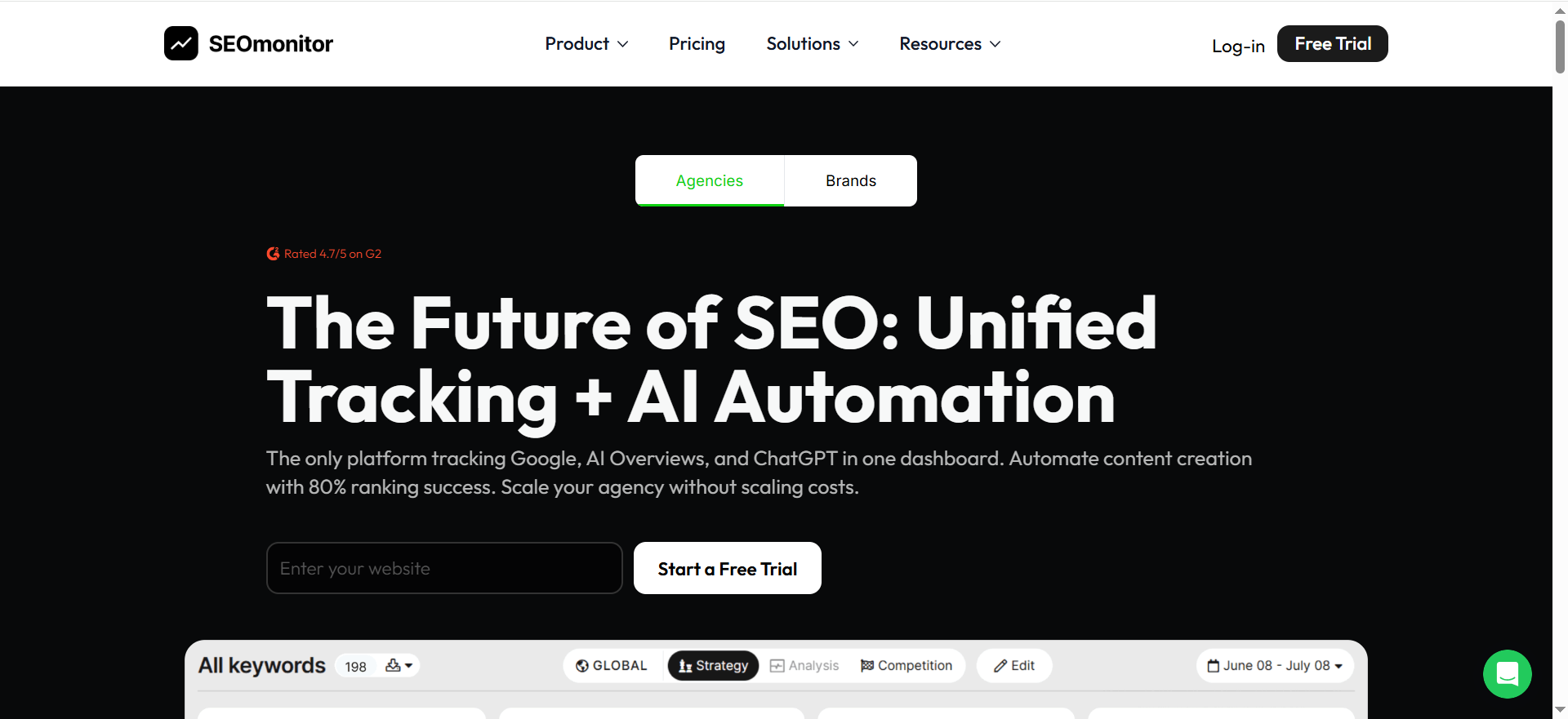
SEOMonitor is built around rank tracking + visibility metrics + forecasting workflows, and positions itself as a unified view across traditional and AI search channels. Its Rank Tracker messaging emphasizes comparing visibility across Google and AI surfaces in one platform.
Why teams use it
Teams use seoMonitor when they need:
- a measurement layer that’s executive-friendly (visibility/share-of-voice style metrics),
- competitive overlays without manual competitor setup,
- and increasingly, a place to talk about “Google + AI visibility” together.
What it’s good for
- Agency reporting and portfolio visibility tracking
- Share-of-voice style reporting becomes useful once you track enough keywords per segment.
- Competitive monitoring without tons of manual competitor configuration
When it’s a good fit
Choose seoMonitor if you:
- manage multiple sites/clients and need consistent visibility reporting,
- want to align SEO reporting with the “AI search visibility” conversation,
- care about structured reporting more than UI simplicity.
When it’s not a good fit
Skip it if you:
- only need a lightweight rank checker with minimal reporting,
- want the cheapest possible tracker and don’t need forecasting/visibility layers.
How to use it
- Import keyword sets by page type (money pages, blog clusters, branded terms).
- Tag keywords by funnel stage and intent.
- Set competitor sets per category (direct competitors often differ by topic cluster).
- Build a weekly “visibility + winners/losers + SERP change report.
- Add a separate trendline for AI visibility so you can answer: “Did we gain presence in AI surfaces while clicks changed?
Key capabilities
- Daily rank tracking and visibility trends
- Competitor overlays and share-of-voice style reporting
- Integrations and reporting exports
- “Google + AI” visibility comparisons
Pricing
SEOMonitor’s pricing starts at €99/month (Starter).
Free tier?
SEOMonitor doesn’t offer a free tier, but it does offer a 14-day free trial (no credit card required).
Downsides / limitations
- You’ll still need to validate that the AI visibility layer matches your definition (AIO vs LLM prompts vs citations).
- Pricing and packaging can be harder to compare than simpler trackers (because it’s more platform-like).
2. Keyword.com
What it does
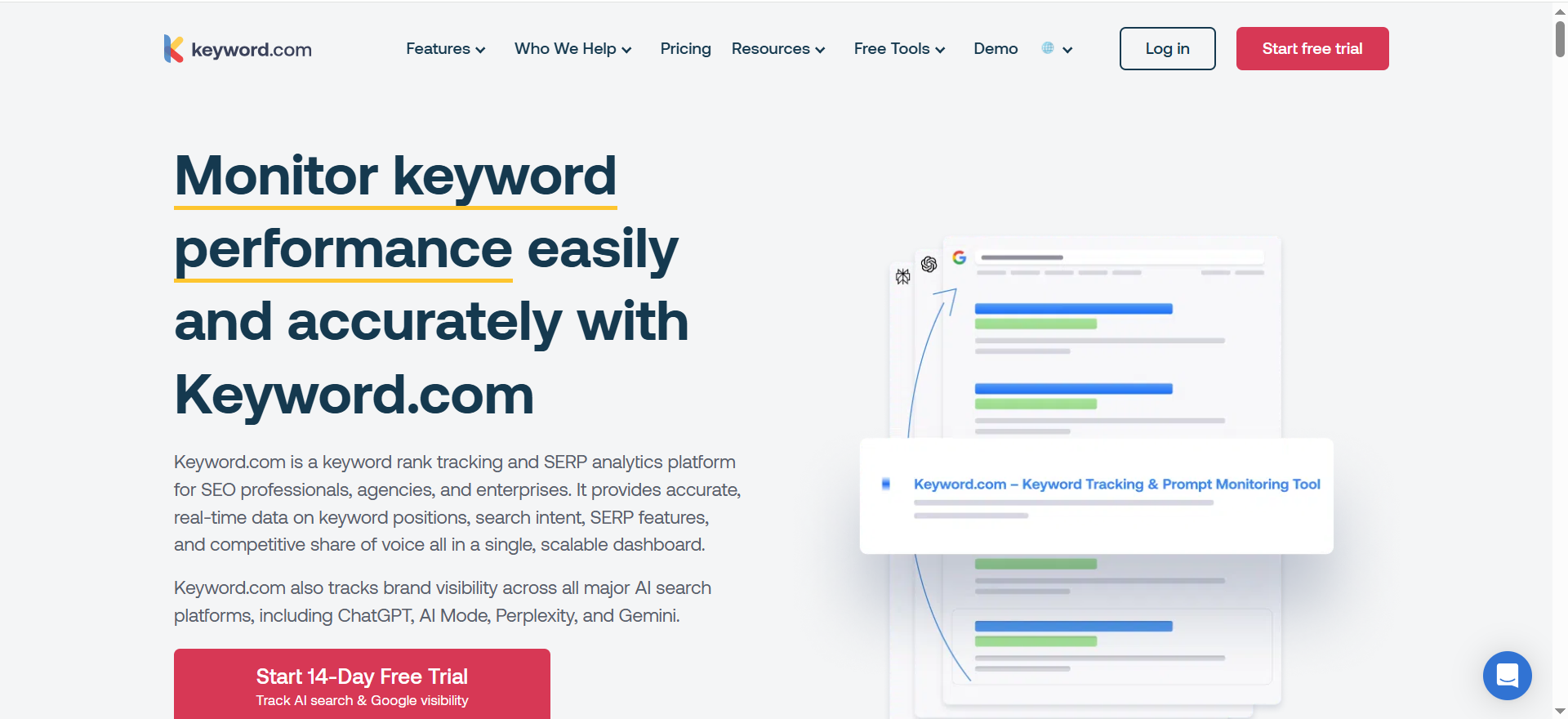
Keyword.com is a focused rank tracking + SERP monitoring solution that leans into reliability, reporting, and cost-effective scaling. Its rank tracker page highlights entry pricing and a trial that supports daily keyword tracking.
Why teams use it
- You want rank tracking that’s easy to operationalize.
- You care about sending client/stakeholder reports and exporting data.
- You want to pay for exactly what you track, without buying an all-in-one suite.
Keyword.com also promotes scheduled email reports, exports, and white-label options for stakeholder delivery.
What it’s good for
- Agencies that need clean reporting + white-label outputs
- In-house SEO teams that want dependable rank monitoring without bloat
- Teams that want a low barrier to scaling keyword volume
When it’s a good fit
Pick Keyword.com if you:
- primarily need rank tracking + reporting,
- want budget flexibility (from very small to large via API tiers),
- want to get reporting out the door fast.
When it’s not a good fit
It may not be ideal if you:
- want heavy “all-in-one” research tooling (backlinks/content/technical) inside the same platform,
- need deep enterprise SERP parsing and custom views at massive scale (STAT tends to win there).
How to use it
- Start with three keyword groups: core revenue, adjacent opportunities, defensive branded.
- Turn on daily tracking for core revenue + defensive branded; weekly for long-tail (if your plan supports mixed frequencies).
- Create automated exports (CSV/PDF) for your BI dashboard and/or client report.
- Set alerts for:
- sudden drops across a cluster,
- loss of SERP features (snippet/local),
- competitor surges.
Key capabilities
- Entry pricing from $3/month (plan-dependent)
- 14-day trial with daily tracking (example: 200 keywords daily during trial)
- Exports (PDF/CSV) and scheduled reporting options
- API options for large keyword sets
Pricing
Keyword.com’s paid plans start at $3/month, and enterprise pricing is custom/quote-based.
Free tier?
Keyword.com offers a free tier ($0/month for 50 keywords with weekly updates) and a 14-day free trial.
Downsides / limitations
- If you’re looking for a “single platform does everything” SEO suite, you may still need additional tools.
- For enterprise SERP analytics (mass segmentation, SERP HTML parsing), STAT may outperform.
3. SE Ranking (plus SE Visible for AI answer tracking)
What it does
SE Ranking is an SEO platform whose Rank Tracker monitors classic positions and SERP features (including AI Overviews) in one view. It checks daily positions across the top 100 results on Google, Bing, Yahoo, and YouTube (desktop and mobile tracked separately), in any country, city, region, or ZIP, and flags 35+ SERP features per keyword. For the AI-answer layer beyond Google, the SE Ranking team built SE Visible, a standalone AI visibility platform that tracks visibility, brand mentions, competitors, citations, and sentiment across ChatGPT, Gemini, Perplexity, AI Mode, and AI Overviews. Run together, SE Ranking and SE Visible give you a fuller picture of your brand in both Google and AI.
Why teams use it
- You track classic ranks, SERP-feature ownership, and AI Overview presence
- You want competitor data overlays without manual setup
- You need insights that turn tracked data into prioritized actions.
What it's good for
- Agency reporting and portfolio visibility (white-label, guest links, scheduled reports, XLS/CSV exports)
- In-house SEO teams monitoring pages and clusters with SERP-feature and AI Overview context
- Teams that want the "Google + AI" story as two dedicated layers: SE Ranking for search, SE Visible for AI answers
When it's a good fit
Choose SE Ranking if you:
- manage multiple sites/clients and need consistent visibility reporting,
- want AI Overview presence tracked alongside classic ranks and SERP features,
- want a dedicated AI-answer visibility layer (SE Visible),
- Want tracking built into automated workflows via API, MCP, and no-code integrations.
When it's not a good fit
Skip it if you:
- want a lightweight position checker and nothing else; this is a platform, and the depth costs setup time,
- track a few hundred keywords occasionally rather than running a systematic program.
How to use it
- Set up your project: a whole domain, an exact URL, a directory, or domain plus subdomains.
- Import keyword sets by page type, then set target URLs so the cannibalization flags do their job.
- Add up to 20 competitor sites and let the day-by-day comparison flag newly arrived competitors.
- Use Insights to surface easy-to-improve positions and competitors entering the Top 10.
- For the AI-answer layer, run SE Visible on your priority prompts to analyze your visibility, citations, and sentiment across AI engines.
- Report on classic rank + SERP-feature movement (SE Ranking) and AI answer presence (SE Visible).
Key capabilities
- Daily positions across Google, Bing, Yahoo, and YouTube, any country/city/region/ZIP, with on-demand rechecks
- API and MCP included in every plan; integrations with GA4, GSC, Data Studio; no-code automation via n8n, Make, and Zapier
- SE Visible (standalone AI visibility platform): brand mentions, citations, and sentiment across ChatGPT, Gemini, Perplexity, AI Mode, and AI Overviews, with competitor benchmarking across engines and countries
Pricing
SE Ranking's Core plan starts at $129/month. API and MCP access are included in every plan.
Free tier?
SE Ranking doesn't offer a free tier, but it does offer a 14-day free trial with full functionality.
Downsides / limitations
- The platform's depth rewards systematic, multi-client optimization more than occasional solo checks.
- Deleting a search engine or region permanently removes its ranking history. It can't be recovered, so set projects up deliberately.
4. STAT (Moz STAT)
What it does
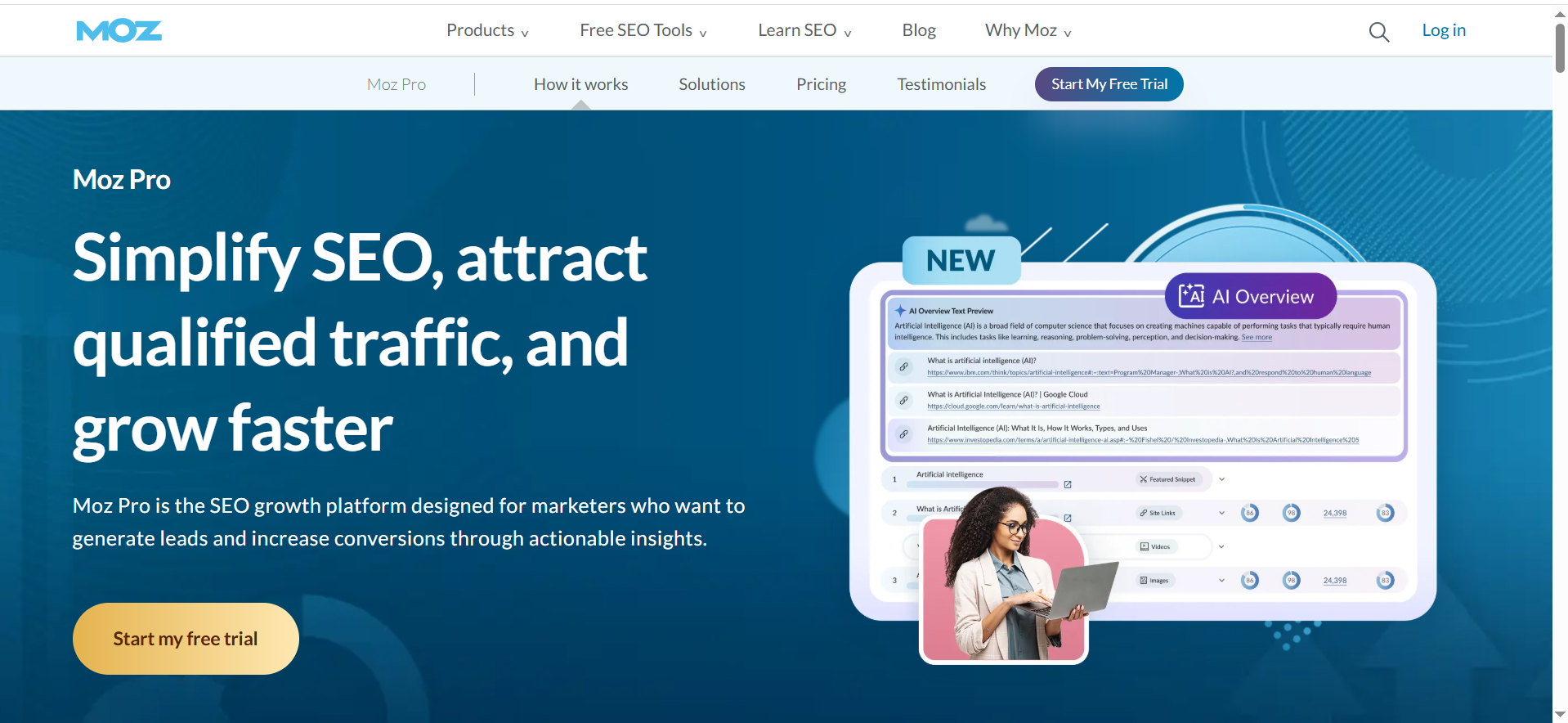
STAT is an enterprise-grade SERP analytics platform known for large-scale keyword tracking, deep SERP feature analysis, and segmentation. Third-party sources cite pricing that starts around $720/month for 6,000 keywords (treated as directional, enterprise pricing often depends on scale and configuration).
Why teams use it
- You track tens of thousands to millions of keyword observations and need structure.
- You need SERP feature parsing, custom views, and share-of-voice style competitive reporting.
- Your org requires workflow rigor: segmentation, dashboards, and repeatable reporting.
What it’s good for
- Enterprise SEO programs
- Large agencies with big portfolios
- Teams that need granular SERP feature intelligence at scale
When it’s a good fit
STAT is a strong choice when:
- you’re beyond “rank checking” and into SERP intelligence,
- you need deep competitive views across markets/devices,
- you have analysts/SEOs who will actually use segmentation and custom reporting.
When it’s not a good fit
Avoid STAT if:
- you’re a small team with a few hundred keywords,
- you want the simplest UI and low monthly spend.
How to use it
- Build keyword segments that match your business: product lines, industries, features, funnel stages.
- Track SERP features that impact CTR (snippets, local packs, shopping modules).
- Create “opportunity segments”:
- keywords where you rank 4–10 and a snippet exists,
- keywords where competitors own PAA,
- keywords where SERP volatility is high.
- Set weekly exec summaries: visibility/share-of-voice movement by segment, not by single keywords.
Key capabilities
- Large-scale rank tracking
- SERP feature parsing and customizable reporting views
- Competitive share-of-voice style workflows
Pricing
STAT Search Analytics big-data SERP tracking starts at $720/month, and it doesn’t list self-serve pricing plans publicly.
Free tier?
STAT Search Analytics doesn’t offer a free tier, and no free trial is listed.
Downsides / limitations
- Overkill unless you truly need scale + SERP analytics depth.
- Setup and segmentation work is meaningful, you need process maturity to get ROI.
5. AccuRanker (plus AccuLLM / AI Overview tracking)
What it does
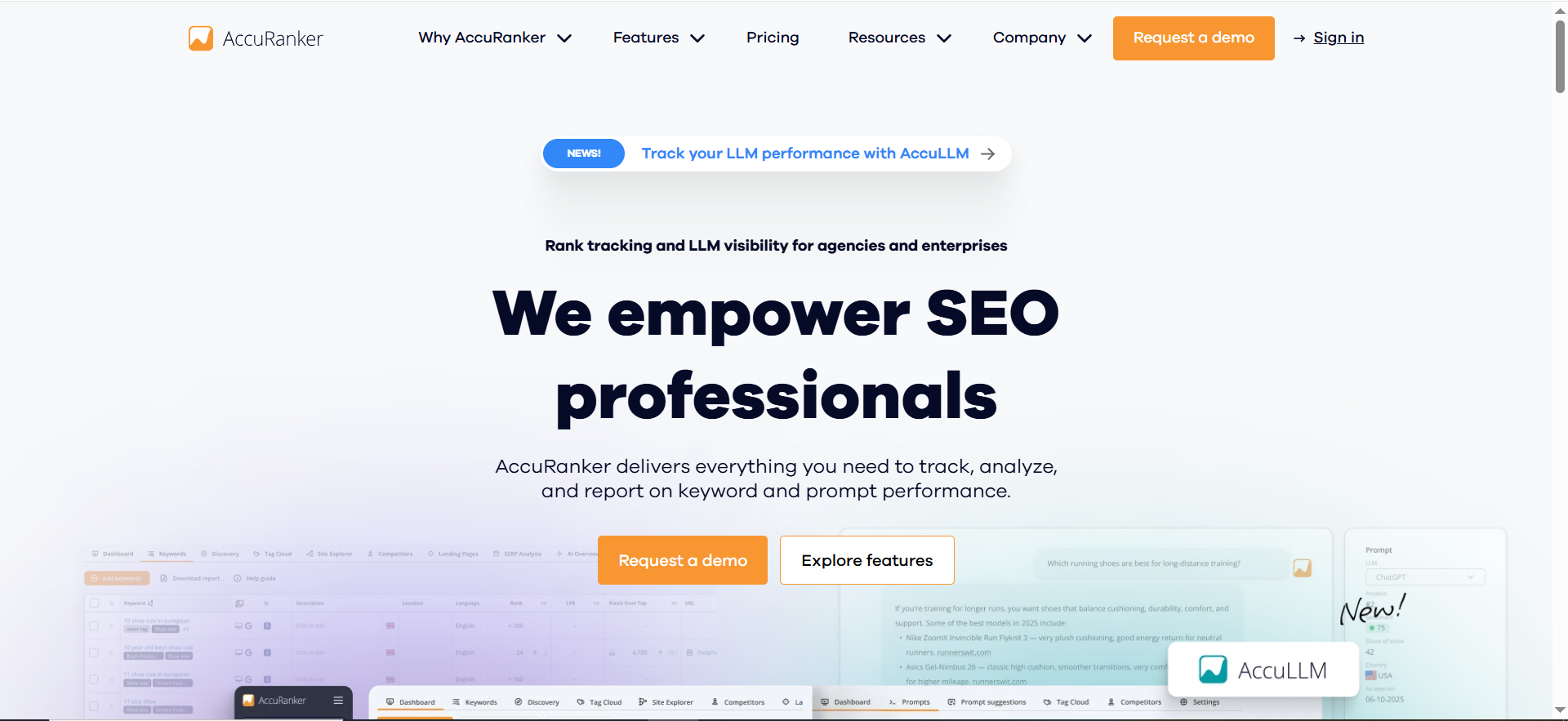
AccuRanker is a high-speed rank tracker built for scale, and it has expanded into AI visibility via AccuLLM and AI Overview monitoring capabilities.
Why teams use it
- You need fast, reliable rank updates at a meaningful scale.
- You want a platform that’s evolving with AI discovery (AI Overviews + LLM prompt tracking).
- You care about operational workflows: unlimited users/domains/API are highlighted in their positioning.
What it’s good for
- Agencies and in-house teams that want speed + reliability
- Teams that want to report on AI Overviews presence alongside classic rankings
- Teams building modern AI visibility dashboards (prompt tracking / mention tracking)
When it’s a good fit
AccuRanker is a great fit if:
- you track many keywords across multiple clients or properties,
- you want “classic rank tracking” plus a credible AI monitoring path,
- you want clean stakeholder-ready reporting and scalable usage.
When it’s not a good fit
It may not be ideal if:
- you’re on a tight budget and only need occasional rank checks,
- you want one tool to do content research, backlinks, technical audits, and ranks all together (that’s more suite territory).
How to use it
- Import keywords and map them to landing pages (or clusters).
- Segment by intent: branded vs non-branded, BOFU vs TOFU, feature pages vs blog.
- Turn on AI Overview monitoring for priority clusters (where AI Overviews appear often).
- Add AccuLLM prompts to track:
- category queries (“best X for Y”),
- comparison queries (“X vs Y”),
- pain-point queries (“how to fix Z”).
- Monthly: report classic rank movement + AI Overview presence trendline.
Key capabilities
- Scalable rank tracking positioning (unlimited users/domains/API highlighted)
- AI Overview page for monitoring AI Overviews
- AccuLLM: track prompt visibility across ChatGPT, Perplexity, AI Overviews, and AI Mode
Pricing
AccuRanker’s pricing starts at $224/month.
Free tier?
AccuRanker doesn’t offer a free tier, but it does offer a 14-day free trial.
Downsides / limitations
- Like most best-in-class trackers, it’s purpose-built, so you may still need separate tools for technical audits/backlinks/content research.
- AI visibility metrics are new territory: define success (mentions, citations, presence) before you rely on a single score.
What “AI Rank Tracking” Means in 2026 (Classic + AI Overviews)
For years, “rank tracking” meant: choose keywords → check position daily/weekly → report trends.
Now the SERP is stacked with tion (and clicks) even if your blue-link rank stays stable: featured snippets, “People Also Ask,” local packs, shopping blocks, video carousels… and increasingly, AI Overviews.
So when we say AI rank tracking, we mean a monitoring system that covers:
- Classic rankings (position by keyword, location, device)
- SERP features (what appears above/around organic results)
- SERP monitoring (alerts when layouts/features change)
- AI Overviews visibility (do you appear/cited in the AI layer, and for which topics?)
Some platforms now position themselves as unified “Google + AI search” visibility layers, for example, seoMonitor describes comparing visibility across Google and AI channels in one view.AccuRanker also provides AI Overview monitoring and prompt-based visibility tracking via AccuLLM.
Rank tracking vs SERP monitoring vs SERP feature tracking
These get mixed up, so here’s the clean distinction:
- Rank tracking: position changes over time.
- SERP feature tracking: whether a keyword triggers features (snippet/PAA/local/etc.) and whether you’re present in them.
- SERP monitoring: change detection, alerts when rankings, features, or SERP layouts shift in ways that signal risk or opportunity.
The new layer: AI Overviews (and why you should measure them)
AI Overviews can summarize answers at the top of results. If your brand/site is cited or used as a source, that can be valuable visibility even when clicks drop. Tools like AccuRanker explicitly treat AI Overviews as a first-class entity to monitor.
What to Track Weekly (A Practical Monitoring Checklist)
If you want SERP monitoring that’s actually useful (not noise), track at three levels:
1) Keyword sets + tagging
Minimum sets:
- Revenue keywords (product pages, demo pages, pricing pages)
- Problem/solution keywords (high-intent pain point queries)
- Category keywords (“best”, “top”, “software”, “tools” queries)
- Defensive branded keywords (brand + category, brand vs competitor)
Tag by:
- funnel stage (TOFU/MOFU/BOFU),
- product line,
- region,
- page type,
- owner (who fixes it).
2) SERP features + “attention stealers”
For every priority cluster, note:
- featured snippet presence,
- PAA dominance,
- local pack triggers,
- shopping/video/image modules.
Even if rank stays “#3,” a new feature above you can tank clicks.
3) AI Overview presence + citations
Weekly questions:
- Did AI Overviews appear more often on our priority clusters?
- Are we cited? Are competitors cited?
- Did citations shift after content updates?
AccuRanker provides an AI Overview monitoring hub, and AccuLLM supports prompt-based tracking across multiple AI surfaces.
4) Competitors + share of voice
Share-of-voice style reporting becomes useful once you track enough keywords per segment. Some guidance suggests that very small sets can be tracked manually, but beyond a modest threshold you’ll want tooling for accuracy and speed.
Common Mistakes (and how to avoid them)
- Tracking too many keywords too earlyStart with what drives revenue and decisions. Expand once the workflow is stable.
- Reporting averages instead of segmentsAn average rank can hide a disaster in your money pages.
- Ignoring SERP feature changesSERP features can change CTR without rank movement.
- Treating AI Overviews as “just another feature”AI Overviews can reshape discovery. Track presence and citations so you can explain traffic shifts.
- No clear definition of successBefore you adopt AI visibility metrics, define what counts: mention, citation, top placement, or category dominance.
Best AI rank tracking tools for agencies
Agencies don’t just need “accurate ranks.” They need repeatable workflows, client-ready reporting, and change detection that prevents awkward monthly calls (“traffic dropped but we didn’t see it coming”). The best AI-first rank tracking setups for agencies combine:
- Daily rank tracking for priority keyword sets
- SERP feature monitoring (snippets, PAA, local pack, etc.)
- AI Overviews visibility (presence + citations)
- Automated reporting (white-label exports, scheduled emails)
- Segmentation/tagging (by client, service line, funnel stage, location)
Agency picks from the list
1) SEOMonitor (SEOmonitor), best for agency visibility reporting + forecasting
If your agency lives and dies by monthly reporting, seoMonitor’s strength is turning keyword movements into visibility narratives (share-of-voice style segments, competitor context, and forecasting-style reporting). It also positions itself as unifying visibility across Google and AI surfaces, which helps when clients ask “how do we show up in AI now?”
2) AccuRanker, best for fast tracking + AI Overview monitoring
AccuRanker is strong when you have multiple clients, need speed, and want modern AI visibility support (AI Overview monitoring + AccuLLM prompt tracking). It’s a good fit for agencies that want a “rank tracking engine” plus an AI layer to sell and report.
3) Keyword.com, best budget-friendly agency reporting
If you want straightforward rank tracking with reporting/exports and a lighter price profile, Keyword.com is a solid agency-friendly option. It emphasizes reporting options and scalable tiers (including API options).
Agency workflow that actually works
- Create one dashboard per client (not per keyword list).
- Segment keywords into:
- “Revenue pages” (pricing, demo, category pages)
- “Opportunity” (positions 4–10)
- “Defensive” (branded + competitor comparisons)
- Set alerts for:
- sudden drops across a segment
- SERP feature loss (snippet/local)
- competitor gains across a cluster
- Report monthly using:
- visibility/share-of-voice movement by segment
- top movers (but only ones tied to business pages)
- AI Overview presence trendline (where applicable)
Best SERP monitoring tools for SaaS teams
SaaS teams have a different pain point than agencies: you’re accountable to pipeline/revenue, and your SERPs are often crowded with:
- review sites
- comparisons (“X vs Y”)
- templates
- affiliates
- “best software” listicles
- increasingly, AI Overviews
So your SERP monitoring needs to cover:
- category head terms
- comparison keywords
- integration keywords
- use-case keywords
- problem/solution keywords
Best fits from the list
AccuRanker, strong for SaaS teams tracking classic + AI visibility
AccuRanker’s AI Overview monitoring and prompt tracking (AccuLLM) map well to SaaS discovery queries like “best [category] software,” “alternatives to [competitor],” and “how to [pain point].”
STAT, best for larger SaaS organizations that need deep SERP intelligence
If you’re tracking thousands of keywords across multiple product lines or markets, STAT’s strength is scale and SERP feature parsing/segmentation.
SEOMonitor, great for SaaS teams that want forecasting + visibility narratives
When leadership wants “where are we headed” rather than “what moved,” seoMonitor’s reporting posture is a fit.
SaaS monitoring KPIs to track weekly
- Share of voice for category segments (by product line)
- Top 20 keyword cluster winners/losers
- SERP feature ownership (snippets, PAA, local features if relevant)
- AI Overview triggers and whether you’re cited
- Competitor surges across comparisons (“X vs Y” queries)
How accurate are rank trackers (daily vs weekly updates)?
Rank tracking accuracy depends on what you mean by accuracy. The tool might be accurate in the moment it checks, but rankings can still fluctuate:
- by location
- by device
- by personalization / history
- by SERP feature layout
- by time of day
So it’s better to think in terms of useful accuracy: does the tracker reliably detect changes that matter enough to take action?
Daily vs weekly: what changes practically?
Daily tracking is better when:
- you operate in competitive SERPs (SaaS, finance, health, high CPC)
- you ship content/technical changes frequently
- you need fast alerts for sudden drops
- you’re monitoring AI Overviews (SERP shifts can be rapid)
Weekly tracking can be acceptable when:
- you’re a small site or niche
- keywords are less volatile
- you mostly need trend reporting, not rapid response
- budget is the main constraint
The hidden truth: frequency impacts what you see
- Daily gives you more data points, which helps:
- spot patterns
- separate “blips” from actual shifts
- catch SERP feature changes early
- Weekly can hide short-term volatility and turn drops into “surprises.”
Keyword.com explicitly offers daily-tracking trials and emphasizes accuracy, which makes it a good starting point to validate how stable your SERPs are.
What SERP features should I monitor (snippets, PAA, local pack, etc.)?
If you want SERP monitoring that explains clicks (not just ranks), track SERP features that either:
- steal attention (appear above organic)
- change intent (push users into different actions)
- change the layout (reduce organic real estate)
Priority SERP features to monitor
- Featured Snippet (often steals the first click)
- People Also Ask (PAA) (can dominate the first screen)
- Local Pack (for local intent, even “near me” variants)
- Shopping results (ecomm/commercial queries)
- Video carousel
- Top stories / news box (for timely topics)
- Image pack
- Sitelinks (brand defense and CTR)
- Knowledge panel (brand/entity SERPs)
- Reviews / ratings (CTR influence)
How to decide what matters for your site
Make a list of your top 50–200 money keywords and ask:
- Does a SERP feature appear above organic results?
- Does it show up consistently or only sometimes?
- Do competitors own it more than we do?
Then set tracking rules:
- Track “feature ownership” for top revenue clusters.
- Track “feature appearance” for newly-triggered features (when Google changes the layout).
STAT is widely used for SERP feature parsing and segmentation, especially at scale.
How to set up rank tracking by location and device
Location/device segmentation is how you prevent false conclusions.
A keyword can be:
- #3 on desktop in one city
- #11 on mobile nationally
- and “unranked” in another country…all at the same time.
Step-by-step setup
- Choose your markets
- Countries (US, UK, CA, etc.)
- Regions (state/province)
- Cities (if local matters)
- Choose devices
- Mobile first (most categories)
- Desktop for B2B/SaaS (still important)
- Optional: tablet (rarely needed)
- Assign keyword sets to the right segmentation
- Local intent keywords → city-based tracking
- Non-local keywords → national tracking
- High-value categories → both mobile and desktop
- Avoid over-segmentation early
- Start with 1–2 core markets and 2 devices
- Expand once workflows are stable
Reporting tip
Never report “overall average rank” without showing:
- mobile vs desktop
- primary market vs secondary market
AccuRanker and similar trackers support segmentation views, and STAT is strong for enterprise segmentation depth.
Rank tracking vs SERP monitoring: what’s the difference?
Think of it like this:
- Rank tracking answers: “Where do we rank?”
- SERP monitoring answers: “What changed, and why?”
Rank tracking includes
- keyword position history
- landing page association (optional)
- basic competitor comparisons (optional)
SERP monitoring adds
- SERP feature tracking:(snippet/PAA/local, etc.)
- layout change detection
- volatility/alerts (“this moved beyond normal noise”)
- competitor surges and feature ownership changes
- increasingly: AI Overviews presence + citations
In practice: if you only do rank tracking, you’ll miss the “why” behind CTR drops and surprise traffic losses.
Best rank tracker with API access for dashboards
If you’re serious about reporting, you’ll eventually want your rank tracking in:
- Looker Studio / Power BI
- internal BI dashboards
- client portals
- automated monthly reporting pipelines
What to look for in an API-ready tracker
- API access at a reasonable tier (not enterprise-only)
- stable endpoints for:
- keyword ranks by date
- segmentation filters (device/location/tags)
- SERP feature presence
- competitors/share-of-voice outputs
- sane rate limits and documentation
Keyword.com offers an API rank tracker product and positions it for scalable tracking and programmatic access.
AccuRanker also highlights API availability in its positioning (commonly used for integrating rank data into reporting stacks).
Practical dashboard design (what execs will read)
Create 3 views:
- Outcomes: visibility/share-of-voice trendline by segment
- Risk alerts: sudden drops + feature losses + competitor gains
- Opportunities: “rank 4–10 + snippet exists” clusters
How to connect rank tracking to revenue / forecasting
Leadership doesn’t care about “we moved from #7 to #5” unless it connects to:
- pipeline
- revenue
- CAC efficiency
- market share
To bridge rankings → revenue, track three layers:
Layer 1: Visibility metrics (leading indicator)
- share of voice by segment
- weighted rank scores (higher weight for top positions)
- AI Overview presence trendline (visibility even when clicks shift)
seoMonitor positions itself strongly around forecasting and visibility-style reporting, which aligns with this model.
Layer 2: Traffic + CTR (translation layer)
- Search Console clicks/impressions by query cluster
- CTR changes when SERP features appear
- Page-level organic sessions for priority landing pages
Layer 3: Revenue attribution (lagging indicator)
- conversions by landing page (demo, signup, trial)
- assisted conversions (multi-touch)
- pipeline sourced from organic (B2B)
A simple forecasting model you can implement
- For each keyword cluster, map:
- average CTR by position (use your own GSC baseline)
- Estimate incremental clicks from rank change:
- (new CTR − old CTR) × impressions
- Convert clicks → conversions:
- clicks × conversion rate (per landing page)
- Convert conversions → revenue:
- conversions × close rate × ACV (B2B), or ARPA (PLG)
This won’t be perfect, but it gives leadership a “directional” ROI model that’s far better than raw rank deltas.
Best budget rank tracker for small teams
If you’re a small team, you need:
- clean rank tracking
- simple reports
- enough segmentation to avoid misleading averages
From the shortlist, Keyword.com is the most clearly budget-oriented, advertising entry pricing from $3/month and offering a free trial.
Budget workflow
- Track 50–200 keywords total at first:
- 30% revenue pages
- 50% category/opportunity
- 20% defensive branded
- Use weekly tracking for long tail, daily for money pages (if your plan supports it)
- Export a monthly report:
- top segment movements
- top competitor gains/losses
- SERP feature ownership changes
If you also want broader “easy-mode SEO,” Morningscore is a simplified all-in-one option with plans starting at $49/month.
Enterprise SERP monitoring at scale (100k+ keywords)
At 100k+ keywords, you’re not buying a rank tracker, you’re buying an SEO data platform.
Your problems change:
- segment design becomes critical
- data freshness matters (and costs)
- reporting needs role-specific dashboards
- you must prevent alert fatigue
What enterprises should prioritize
- SERP parsing depth (features + layouts)
- segmentation at scale (tags, keyword groups, markets)
- stability + support
- export pipelines (API/warehouse integrations)
- governance (who changes keyword sets, who owns what)
STAT is commonly used for enterprise SERP analytics and segmentation at scale, and third-party listings reflect enterprise pricing levels consistent with this positioning.
Enterprise operating model
- Central SEO team owns:
- taxonomy (tags/segments)
- tracking standards
- reporting definitions
- Business units own:
- keyword priorities
- content execution
- competitive response actions
What’s the best workflow to track classic ranks + AI Overviews together?
The best workflow is one where classic SEO metrics and AI visibility metrics live side-by-side, with a single weekly monitoring ritual.
The “3-layer” tracking system
Layer A: Classic ranks (core)
- daily ranks for priority clusters
- mobile + desktop split
- primary market(s)
Layer B: SERP features (context)
- snippet/PAA/local ownership
- new feature appearances
- competitor feature gains
Layer C: AI layer (new)
- AI Overview triggers by keyword cluster
- whether you’re cited
- competitor citations
- prompt-based visibility for key discovery queries
For teams looking for a dedicated two-layer approach, running SE Ranking alongside its standalone counterpart, SE Visible, is a highly effective workflow. This setup allows you to monitor classic positions and traditional SERP features natively within SE Ranking, while routing your AI-specific queries through SE Visible to track brand mentions, citations, and sentiment across AI Overviews and engines like ChatGPT and Perplexity. It cleanly separates traditional search data from generative AI performance without losing the full picture.
Weekly ritual
- Review “segment health” (visibility trendline)
- Identify unusual drops (alerts)
- Check SERP feature changes (explain CTR shifts)
- Review AI Overviews: new triggers + citation wins/losses
- Decide actions:
- content updates
- internal links
- snippet optimization
- competitor page analysis
- technical fixes
Monthly reporting
- visibility/share-of-voice by segment
- revenue-page performance trends
- AI Overview presence trendline (visibility narrative)
- top 3 risks + top 3 opportunities
This is how you turn rank tracking into a modern SERP monitoring system that’s useful in 2026, not just a “positions spreadsheet.”
FAQs
What’s the difference between rank tracking and SERP monitoring?
How often should I update rankings, daily or weekly?
Can I track Google AI Overviews with these tools?
Keyword.com advertises entry pricing from $3/month and offers a free trial that includes daily tracking for a limited keyword set.
Which tool is best for enterprise SEO teams tracking huge keyword sets?
How many keywords should I track for meaningful insights?
Yes if you sell into multiple regions, have local intent keywords, or see market-by-market competition differences. Location and device splits often explain “mysterious” performance changes.
📋 Get Listed / Advertisement
We update this guide monthly. Want your tool featured? Contact: [email protected].


