

The Semrush AI Visibility Toolkit is worth paying for if your team already runs Semrush and tracks a few dozen to low hundreds of prompts. It is poor value if AI visibility is your main reported number or you track thousands of prompts. Buy it as an add-on to existing SEO work, not as a standalone tracker.
That holds when you want visibility reporting and competitor benchmarking inside the Semrush account you already pay for, and when AI visibility is one KPI among several.
Prices and engine coverage for the toolkit differ between Semrush's own pages and third-party reviews, so confirm both on Semrush's pages before you buy.
If you would rather have someone act on AI visibility numbers than only collect them, our AI search visibility service covers the tracking and the fixes. Have a look at what it includes.
📋 Get Listed / Advertise
We update this guide monthly. Want your tool featured? Contact: [email protected].
Semrush AI Visibility Toolkit At A Glance
The limits below were read from Semrush's help pages in 2026. Most reviews of this toolkit are feature tours. A buyer needs the numbers first, so here are the four products this review covers, side by side, with each figure marked as published by the vendor or only reported.
| Product | Entry Price | Prompts | Domains | Source Type |
|---|---|---|---|---|
| Semrush AI Visibility Toolkit | 99 USD per month per domain | 25 on the base plan, 60 USD per extra 50 | 1 Brand Performance domain on the base plan | Price reported by a third party, limits from the Semrush help page |
| SE Visible | 79 USD per month on annual billing | 200 | 3 | Reported, not vendor-verified |
| Profound | Free trial, Enterprise Pricing on request | 50 unique prompts run daily for 7 days on the trial | Not stated | Vendor pricing page |
| Dageno AI | Starter at 49 USD per month (monthly view) | 50 on Starter, 250 on Growth, 600 on Scale | Not stated | Vendor pricing page |
Exploding Topics reports the toolkit at 99 USD per month per domain with 25 prompts, and SE Visible at 79 USD per month on annual billing with 200 prompts across three domains. The article is undated, and Exploding Topics states that it is owned by Semrush. Read those two figures as reported numbers, not as Semrush or SE Visible price lists.
If you want the whole field rather than a verdict on one product, our page on Semrush AI Toolkit alternatives is the right place. This page is a review, so it stays with the toolkit and three comparison points.
1. Semrush AI Visibility Toolkit: Best For Teams Already Running Semrush
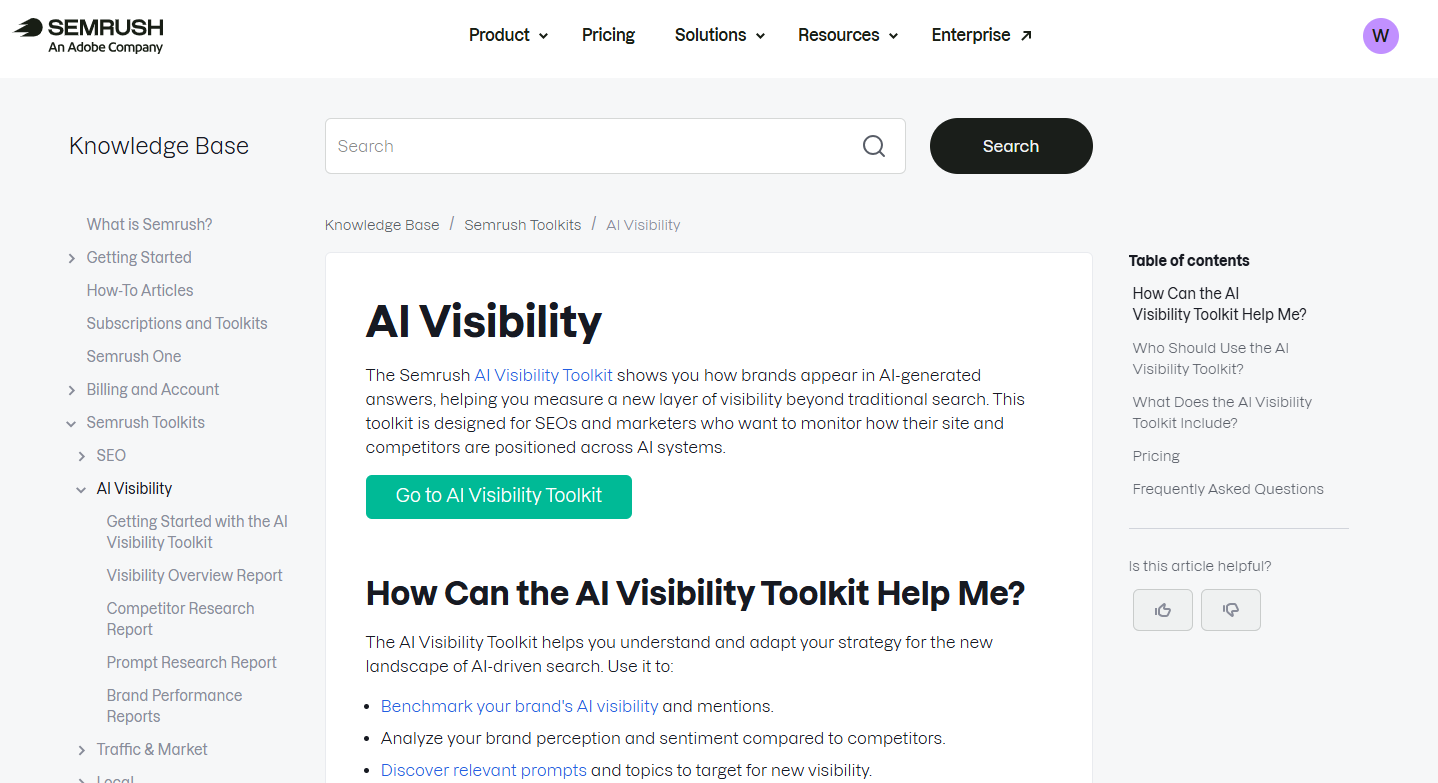
The Semrush AI Visibility Toolkit is an add-on to a Semrush account that shows how your brand appears in AI answers. Semrush's toolkit help page lists six reports. They are Visibility Overview, Competitor Research, Prompt Research, Brand Performance, Prompt Tracking and AI Search Site Audit. The base plan gives you one project, one Brand Performance domain and 25 tracked prompts.
Who it is for: Marketing leads who already pay for Semrush and want AI visibility reporting next to their SEO data, without adding a second login or a second invoice. It suits a team whose prompt list is in the dozens to low hundreds.
The pricing page for the toolkit could not be read for this review, so the entry price below rests on a third-party report. Everything else in the table comes from Semrush's own help page.
| Plan | Price | Billing Basis | What It Includes |
|---|---|---|---|
| Base toolkit | 99 USD (reported) | Per month, per domain | 25 tracked prompts, 1 project, 1 Brand Performance domain |
| Extra prompts | 60 USD | Per month, per 50 prompts | 50 additional Prompt Tracking prompts |
| Semrush One Starter | Plan price not verified | Not verified | 50 tracked prompts |
| Semrush One Pro+ | Plan price not verified | Not verified | 100 tracked prompts |
| Semrush One Advanced | Plan price not verified | Not verified | 200 tracked prompts |
The 99 USD figure is explained with its source in the cost section further down. The add-on price and the Semrush One allowances are listed on the same Semrush help page.
Key capabilities:
- Visibility Overview: Refreshes daily.
- Competitor Research: Refreshes daily. Our guide to competitor benchmarking in AI visibility tools shows what a useful benchmark looks like.
- Prompt Research: Refreshes daily, with up to 1,000 daily queries on the base plan.
- Brand Performance: Refreshes weekly, with 68,000+ region options.
- Prompt Tracking: Refreshes daily, across 220+ countries and territories.
- AI Search Site Audit: An on-demand crawl check for up to 100 pages.
Strengths:
- One account: Visibility reporting sits inside the Semrush account you already pay for, so there is no new vendor to approve.
- Daily data where it counts: Visibility Overview, Competitor Research, Prompt Research and Prompt Tracking all refresh daily.
- Wide location choice: Prompt Tracking covers 220+ countries and territories.
- Simple add-on maths: Extra prompts cost 60 USD per month per block of 50, so the bill is easy to forecast.
Trade-offs:
- Tight base limits: One project and one Brand Performance domain on the base plan rules out multi-client work without extra spend.
- Weekly Brand Performance: The report refreshes weekly, which is slow if you report on a daily or fast-moving cadence.
- Contested engine list: Two Semrush pages name different engines for prompt tracking, so you must check your engines before paying.
- Unconfirmed entry price: The base price rests on a third-party report, not a readable Semrush page.
- Reports, not fixes: The site audit finds problems and leaves the repair work to you.
Good fit:
- Existing Semrush teams: You already run SEO in Semrush and want AI visibility as one more KPI.
- Modest prompt lists: You track a few dozen to low hundreds of prompts.
- One brand: You report on a single domain.
Not a fit:
- Prompt-heavy programmes: You track thousands of prompts.
- AI visibility as the headline number: You report it as the primary KPI, to leadership or to clients.
- Multi-domain agencies: You manage several client domains on a tight budget.
The limitation that matters most is the base allowance of one project and one Brand Performance domain, because it turns every extra client into a separate cost.
2. SE Visible: Best For Agencies Tracking Several Domains On A Budget
SE Visible is the lower-priced option in this comparison, and the reason to look at it is the domain count. On the figures Exploding Topics reports, it covers three domains and 200 prompts for 79 USD per month on annual billing. The toolkit's reported base is 99 USD for one domain and 25 prompts. The source is undated and its publisher is owned by Semrush, so weigh the comparison with that in mind. The link to that source sits in the At A Glance section above.
SE Visible's own pricing page was blocked to the research behind this review, so none of these figures are vendor-verified. That is why the table says so plainly, and why this profile claims nothing about SE Visible features beyond price, prompts and domains.
Who it is for: Agencies and consultants who manage several domains and need a prompt allowance large enough to cover all of them. A team in that position hits the toolkit's one-domain base limit almost immediately.
| Plan | Price | Billing Basis | What It Includes |
|---|---|---|---|
| SE Visible (reported) | 79 USD per month | Annual billing | 200 prompts, 3 domains |
| Vendor-verified price | Reported, not vendor-verified | Not applicable | Not applicable |
Strengths:
- Domain count: Three domains in one plan, against one on the toolkit's base plan.
- Prompt allowance: 200 prompts, which is eight times the toolkit's 25-prompt base.
- Lower cost per prompt: About 0.40 USD per prompt per month on the reported figures, against 3.96 USD per prompt on the toolkit's reported base.
Trade-offs:
- No verified price: The 79 USD figure comes from one third-party article, so confirm it on the vendor site before you plan around it.
- Annual billing: The reported price assumes a yearly commitment, which is a bigger decision than a monthly add-on.
- Separate product: It sits outside your Semrush account, so reporting lives in a second place.
Key capabilities:
- Prompts: 200 on the reported plan.
- Domains: 3 on the reported plan.
- Billing: Annual, at the reported price.
Good fit:
- Small agencies: You run two or three client domains and want one prompt pool for all of them.
- Cost-led buyers: The monthly bill matters more to you than keeping every report inside one account.
Not a fit:
- Teams that need a confirmed price today: The figure has not been checked against the vendor page.
- Teams wanting everything in Semrush: A second tool means a second set of reports to maintain.
The limitation that matters most is that nobody can state SE Visible's price from the vendor's own page, so treat every figure here as a lead to check, not a quote.
3. Profound: Best For Teams That Outgrow A Prompt Cap
Profound is a dedicated AI visibility tracker, and the reason to consider it is headroom. The toolkit prices prompts in blocks of 50 on top of a 25-prompt base. Profound's plan structure points the other way, towards a tailored plan sized to your prompt inventory.
Profound's pricing page shows a free trial that runs 50 unique prompts daily for 7 days with unlimited seats. The same page lists an Enterprise plan that is custom-priced, with a tailored prompt tracking plan.
Who it is for: Teams whose prompt list has grown beyond what a block-priced add-on handles comfortably, and teams that treat AI visibility as a core reported number rather than a side metric. Those are the buyers who benefit from a plan built around their prompt volume.
| Plan | Price | Billing Basis | What It Includes |
|---|---|---|---|
| Free trial | Free | 7 days | 50 unique prompts run daily, unlimited seats |
| Enterprise | Pricing on request | Custom | Tailored prompt tracking plan |
Strengths:
- Unlimited seats on the trial: The whole team can look at the same data during the 7 days.
- Daily prompt runs: The trial runs its 50 prompts every day, which shows how daily tracking behaves on your own list.
- Plan sized to you: The Enterprise plan is built around your prompt tracking needs, not a fixed block.
Trade-offs:
- No public price: Enterprise is Pricing on request, so you cannot budget before a sales conversation.
- Short trial: Seven days is enough to test a prompt set, but not to watch trends form.
- Smaller published detail: The pricing page gives less to compare than a table of plans would.
Key capabilities:
- Trial: 50 unique prompts run daily for 7 days.
- Seats: Unlimited on the trial.
- Enterprise: A custom-priced plan with a tailored prompt tracking plan.
Good fit:
- Large prompt inventories: You track far more prompts than the toolkit's block pricing makes sensible.
- AI visibility as a headline KPI: The number is central to your reporting, so a dedicated tool earns its cost.
- Teams that want to test first: The free trial lets you run your own prompts before talking to sales.
Not a fit:
- Fixed-budget buyers: Without a published price, a firm budget ceiling is hard to hold.
- Teams with a small prompt list: A few dozen prompts rarely justify a custom plan.
The limitation that matters most is the missing published price, which makes Profound the hardest of the four to compare on cost.
4. Dageno AI: Best For Small Teams Wanting Low-Cost Prompt Tracking
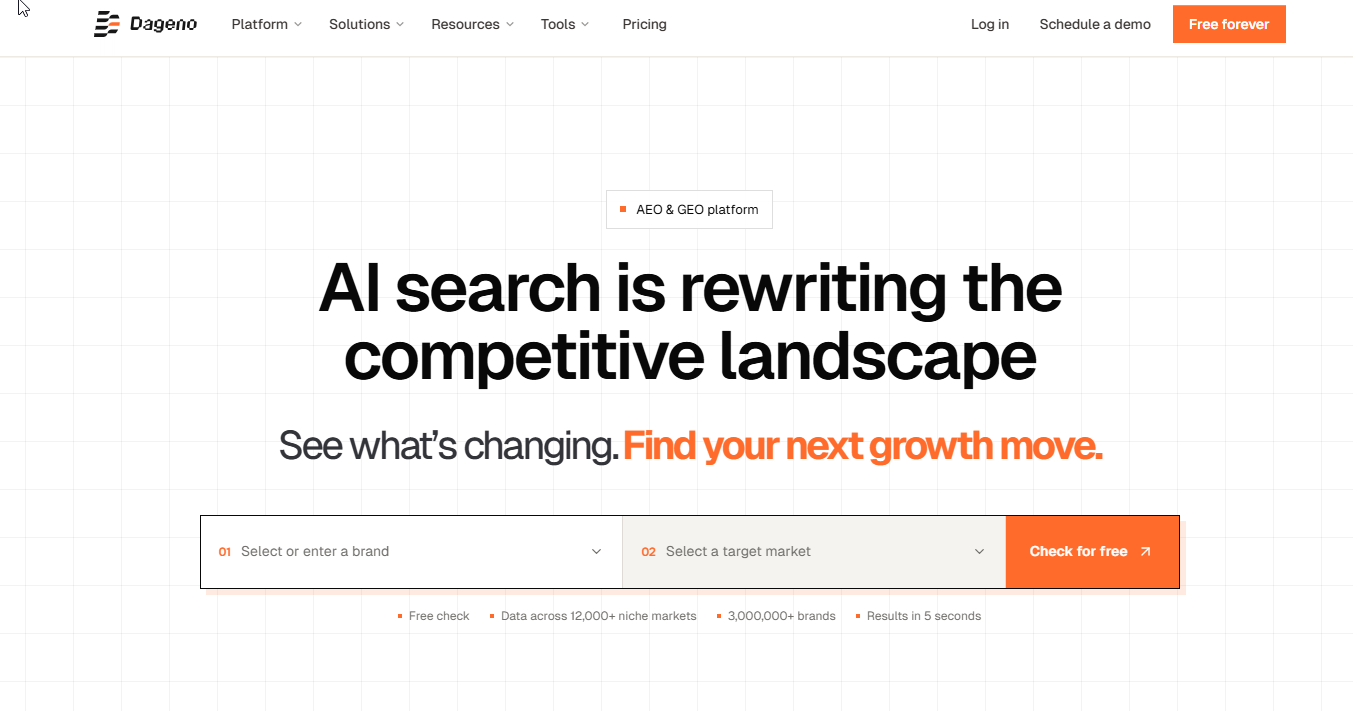
Dageno AI is the low-cost dedicated option in this comparison. Dageno's pricing page, in its monthly view, lists four plans. Starter costs 49 USD with 50 prompts and a 7-day free trial. Growth costs 199 USD with 250 prompts. Scale costs 410 USD with 600 prompts. Custom is quoted. The non-custom plans cover 9 standard AI platforms and 86+ countries.
Who it is for: Small teams that want a dedicated tracker with a published ladder of prices, and that expect their prompt list to grow in steps. The published plans make it easy to see where the next jump in cost lands.
| Plan | Price | Billing Basis | What It Includes |
|---|---|---|---|
| Starter | 49 USD | Per month (monthly view) | 50 prompts, 7-day free trial |
| Growth | 199 USD | Per month (monthly view) | 250 prompts |
| Scale | 410 USD | Per month (monthly view) | 600 prompts |
| Custom | Quoted | Custom | Set by quote |
Strengths:
- Published ladder: Three priced plans and a custom tier, so you can see the cost of growth in advance.
- Free trial on Starter: Seven days to test before you pay.
- Coverage on every standard plan: 9 standard AI platforms and 86+ countries on the non-custom plans.
Trade-offs:
- Jumps between plans: Moving from Starter to Growth adds 150 USD per month, so a team at 60 prompts pays for 250.
- Standard platforms only: The platform count applies to non-custom plans, so unusual engines need a conversation.
- Another tool to run: It sits outside your Semrush account.
Key capabilities:
- Starter: 49 USD, 50 prompts.
- Growth: 199 USD, 250 prompts.
- Scale: 410 USD, 600 prompts.
- Coverage: 9 standard AI platforms and 86+ countries.
Good fit:
- Teams starting small: You want a dedicated tracker at a low entry price.
- Teams planning for growth: You expect to move up to 250 or 600 prompts and want the price known.
Not a fit:
- Teams already living in Semrush: The toolkit keeps the work in one place.
- Teams with thousands of prompts: The largest published plan stops at 600, so you would be pushed to a custom quote.
The limitation that matters most is that the largest published plan stops at 600 prompts, so a very large prompt inventory ends in a custom quote.
📋 Get Listed / Advertise
We update this guide monthly. Want your tool featured? Contact: [email protected].
Prompt Research And Prompt Tracking: What The Limits Mean
The toolkit has two prompt features, and mixing them up is the fastest way to misjudge it. Going by the report names, Prompt Research is for discovering prompts and Prompt Tracking is for monitoring a fixed list of prompts you choose.
The limits differ for each. Semrush's toolkit help page gives the base plan 1,000 daily Prompt Research queries and 25 Prompt Tracking prompts. Discovery is generous. Monitoring is the part that runs out.
| Plan Or Add-On | Prompts Tracked | Notes |
|---|---|---|
| Base toolkit | 25 | 300 daily AI Analysis queries, 1,000 daily Prompt Research queries |
| Semrush One Starter | 50 | Allowance listed by Semrush |
| Semrush One Pro+ | 100 | Allowance listed by Semrush |
| Semrush One Advanced | 200 | Allowance listed by Semrush |
| Extra block | 50 more | 60 USD per month per block |
On the size of the research side, Semrush's AI Visibility data page says the prompt database holds about 317 million prompts across 117 regional databases. That is a lot of material to browse, but you will only ever track a small slice of it.
What does that mean for a real team? A one-person team with a focused brand can run on 25 prompts for a while. A team that covers three product lines, two regions and a handful of competitors will want 100 or more, and at 100 prompts you are already past the base plan and into add-on blocks or a higher Semrush One tier. If your list is larger than that, work out the monthly cost before you commit, which is what the cost section below does.
Choosing which prompts to track matters more than how many. Start from the keywords you already rank for and turn them into the questions buyers ask. Our guide on how to map SEO keywords to prompts covers the method, and it is worth doing before you spend a single prompt slot.
Brand Performance Reports: What They Show And How Often They Update
The Brand Performance report is the toolkit's reporting layer. It is also the slowest report in the set to refresh.
Semrush's help page lists Brand Performance as refreshing weekly, while Prompt Tracking refreshes daily. Semrush's AI Visibility data page documents the same split. Region options for Brand Performance run to 68,000+.
That split has a practical effect. If you change a page on Monday and want to see the effect on Tuesday, Prompt Tracking can show you a daily movement. Brand Performance will not catch up until its weekly refresh. A weekly report is too slow if you report to a client every day, or if you run a launch and want to watch the first days closely. It is fine for a monthly review, where the weekly rhythm gives you four or five data points.
If brand mention tracking is your main goal, read our overview of brand mention tracking tools to see what else is on the market and what a mention report should contain.
On the AI Visibility Score, the method is not something this review has verified, so it does not explain the calculation. Semrush's data page is the place to read how the score is built before you put it in a report.
AI Search Site Audit: A Crawlability Check For AI Bots
The AI Search Site Audit is the technical report in the set. It is an on-demand audit. On the base plan, Semrush's help page lists AI Search Checks for 100 pages, and the audit refreshes on demand rather than on a schedule.
That makes it a point-in-time check. You run it, read the results and run it again after changes. A 100-page allowance covers a small site or the key pages of a larger one, but a site with thousands of pages will only see a slice.
The audit reports problems. It does not fix them, so the repair work sits outside the toolkit with a developer or a content owner. If you do not have that person in-house, our work on technical SEO and AI readiness is where those findings turn into changes on the site.
Engines And Regions: Where Coverage Is Contested
Which engines the toolkit covers is the question with the least settled answer. Semrush's two documentation pages name different lists for prompt tracking.
| Source | Engines Named |
|---|---|
| Semrush AI Visibility data page | Google AI Mode, AI Overviews, Gemini and ChatGPT Search |
| Semrush AI Visibility Toolkit help page | Google AI Mode and ChatGPT |
Semrush's data page lists Google AI Mode, AI Overviews, Gemini and ChatGPT Search. The main toolkit page names Google AI Mode and ChatGPT. The two Semrush pages differ, and third-party reviews also disagree on Perplexity and Gemini.
So the engine list cannot be stated with confidence from the documentation alone. If a specific engine matters to your business, name it before you buy, check the live Semrush page, and test that engine on a trial or a short first month.
Regions are better documented. Semrush's toolkit help page gives 42 locations for Visibility Overview, Competitor Research and Prompt Research, with a worldwide scale for Visibility Overview. Brand Performance offers 68,000+ options and Prompt Tracking covers 220+ countries and territories.
Here is a one-line test you can run on a trial. Pick five prompts, run each directly in the engines you care about, and confirm the toolkit reports on the same engines and the same country. If an engine is missing, you have your answer before paying for a full month.
How Reliable Are The Numbers?
Any AI visibility number deserves a check before you act on it. AI answers vary from run to run, tools sample them differently, and two reasonable tools can report different figures for the same brand. Reviewers advise checking an AI visibility tool's numbers against another source before acting on them, and the toolkit is no exception.
A simple check fits into one week.
- Fix the prompt set. Choose 10 to 20 prompts and keep them unchanged for the week, so movement in the numbers reflects the engines and not your edits.
- Run the same prompts by hand. Ask each prompt directly in the engines you care about and note whether your brand appears, then compare that with what the toolkit reports.
- Cross-check against a second source. Compare the toolkit's cited pages with an independent view of the same prompts, and note where the two disagree.
For the third step, our guide to citation gap analysis tools shows what an independent source-level view looks like. Growth Tribune has a walkthrough on how to measure AI visibility without double counting if you are reconciling figures from two tools.
If the toolkit and your manual runs agree on most prompts, the toolkit is giving you a usable signal. If they disagree on most, find out why before the number reaches a report.
What The Toolkit Costs At 25, 75 And 200 Prompts
The cost question has a clean answer once you accept two inputs. The first is the base price. The Semrush pricing page could not be read for this review, so the 99 USD per month per domain figure rests on Exploding Topics' report, which states that it is owned by Semrush and is undated. Treat 99 USD as a reported base, and confirm it on Semrush's pages. The second input is the add-on. Semrush's toolkit help page lists 50 additional Prompt Tracking prompts at 60 USD per month.
The formula is the base price plus 60 USD for each block of 50 prompts above the 25 included. All three examples assume one domain.
| Prompts Tracked | Extra Blocks Needed | Monthly Cost | Cost Per Tracked Prompt |
|---|---|---|---|
| 25 | 0 | 99 USD | 3.96 USD |
| 75 | 1 | 159 USD | 2.12 USD |
| 200 | 4 | 339 USD | 1.70 USD |
The arithmetic is below.
- 25 prompts: The base alone, 99 USD.
- 75 prompts: The base plus one block, 99 + 60 = 159 USD.
- 200 prompts: The base plus four blocks, 99 + (4 x 60) = 339 USD. Three blocks would give 175 prompts, so the fourth is needed, and capacity rises to 225.
The cost per tracked prompt falls from 3.96 USD at 25 prompts to 1.70 USD at 200, because the base fee is spread over more prompts. Filling the 225-prompt capacity would bring it to about 1.51 USD.
Set that against the Semrush One allowances of 50, 100 and 200 prompts on Starter, Pro+ and Advanced. If your team is already on one of those plans, part of your prompt list may be covered already. The Semrush One plan prices were not verified for this review, so compare them on Semrush's pricing page before you decide whether the add-on or the higher tier is cheaper.
Exports are the last cost to plan for. The same help page limits CSV exports to 1,000 rows per export and 10 exports per user per day. For most reporting that is enough. For a full dump of a large prompt set, it is not, and you would need to export in slices across more than one day.
Who Should Buy The Toolkit And Who Should Pick A Dedicated Tracker
The decision comes down to four tests. Apply them in order, and stop at the first one that points away from the toolkit.
| Test | Threshold | Recommendation |
|---|---|---|
| Prompt count | Dozens to low hundreds of prompts | The toolkit works. Thousands of prompts need a dedicated tracker. |
| Number of domains | One domain | The toolkit works. Several domains push cost up and favour a multi-domain plan. |
| Reporting need | AI visibility is one KPI among several | The toolkit works. If it is the primary reported KPI or goes to clients, choose a dedicated tracker. |
| Engine coverage | Every engine you must track is on the live Semrush list | The toolkit works. If any engine is missing, choose a tool that lists it. |
The reasoning behind each threshold is short. A prompt list in the dozens to low hundreds is a good fit for an add-on, because the add-on is priced in blocks of 50 and the cost stays manageable. Past that, the block pricing adds up and a plan sized to your volume wins. More than one domain raises the cost, because the base plan covers one project and one Brand Performance domain. A headline KPI needs a tool built to report it, with exports you can hand to a client. And an engine you cannot track makes the whole report incomplete, whatever it costs.
If your answer points to a dedicated tracker, our guide to AI visibility tools for large-scale monitoring covers the case where prompt volume is the problem. Where you need to know which exact page an engine cited, read about URL-level citation attribution. And if the issue is how the numbers reach your board, our piece on reporting AI visibility to leadership covers the dashboards.
Three scenarios show how this plays out.
- Already on Semrush, one brand: Buy the toolkit. You get AI visibility reporting in the account you already use, and 25 to 100 prompts cover most single-brand work.
- Agency with several clients: Start with a multi-domain plan such as SE Visible's, then check the price on the vendor page. The toolkit's one-domain base turns each client into a separate cost, and agencies where AI visibility is the main reported KPI are better served by a dedicated tracker.
- In-house team of one: Run a 25-prompt toolkit trial if you are on Semrush, or Dageno's Starter plan if you are not. Either costs little, and the prompt list is small enough to check by hand.
Corporate accounts and sharing need a note. Semrush's own pages conflict on whether Brand Performance reports are shared across a corporate account, so confirm that with Semrush before you promise teammates or clients access. The CSV export gives you a safe fallback for sending data out.
Once you have picked the tracker, the harder part is turning what it shows into pages that get cited. The GEO + SEO Growth Programme is where we run that work month after month, so the reports end up as published content.
Verdict: Is It Worth Paying For?
Yes, for one kind of buyer. The Semrush AI Visibility Toolkit is worth paying for if you already run Semrush, report on one domain and track fewer than a few hundred prompts. It is not worth it if AI visibility is your headline KPI or your prompt list runs to the thousands. The deciding number is prompt count.
The reasoning is simple. The toolkit's value is that it lives where your SEO data already lives, and that value shrinks as soon as you need more domains or more prompts than one account handles cheaply. The 99 USD base, 60 USD blocks and one-domain limit make it good value at 25 to 100 prompts, and an awkward fit beyond that.
Skip the toolkit if you manage several client domains and need a firm monthly price today. Buy it today if you are on Semrush, track a small prompt list and need a benchmark against competitors this month. Either way, check the engine list on the live page first.
How To Start And What To Check In The First Week
The toolkit attaches to a Semrush account, and its Visibility Overview report gives a quick benchmark against competitors before you commit to a prompt list, so start in Semrush and run that report first.
- Open the Visibility Overview report. Pick your region and your top competitors, then look for a benchmark that shows where you stand against them. If it is working, the report shows your brand next to the competitors you picked.
- Build a fixed prompt set. Choose 10 to 25 prompts that match how buyers ask about your category, and keep them unchanged for the week. If it is working, Prompt Tracking starts showing a daily result for each one.
- Compare against the engines directly. Run the same prompts by hand in the engines you care about, and note any engine the toolkit does not report. If it is working, the two views agree on most prompts.
- Read the site audit once. Run the AI Search Site Audit on your key pages and write down the problems it reports. If it is working, you get a list of the problems it reports.
If the tracking shows gaps and you want the fixing done, our generative engine optimization service turns those gaps into content and page changes.
FAQs
Is There A Free Trial For The Semrush AI Visibility Toolkit?
Which Regions Does The AI Visibility Toolkit Cover?
How Often Is The AI Visibility Toolkit Data Updated?
How Is The AI Visibility Score Calculated?
What Are The Limits For Exporting To CSV?
Is The Toolkit Included For All Users In A Corporate Account?
Can I Share AI Visibility Toolkit Data With Teammates Or Clients?
How Much Does Each Extra Block Of Prompts Cost?
Does Semrush Provide AI Optimization Recommendations?
Do I Need A Semrush Subscription To Use The Toolkit?
If you are still deciding between the toolkit and a dedicated tracker, book a free thirty-minute call. One of the founders takes it, and you leave knowing which setup fits your prompt count and reporting needs.
📑 Disclosure!
Some links in this article are affiliate links. If you sign up through them, The Rank Masters may earn a commission at no additional cost to you. This does not influence which tools we recommend or what we say about them.