

For most apps, Postmark is the safest SMTP relay when every message must land in the inbox, and Amazon SES is the cheaper pick at very high volume and can run the plumbing yourself. Mailgun, Mailtrap and SendGrid fit narrower cases. Pick by sending pattern first and price second.
This holds for application email such as password resets, receipts and notifications. If most of your volume is newsletters, a relay is the wrong category, and the scenario section says where to look instead.
Prices and plan limits change often, so check the vendor page linked in each section before you commit, and read the one inbox placement test we cite as a single test, not a ranking.
If you make one of these tools and want pages like this to bring in buyers, our SaaS content marketing team builds them. It is built around how your buyers compare products.
📋 Get Listed / Advertise
We update this guide monthly. Want your tool featured? Contact: [email protected].
SMTP Relay Services At A Glance
The table below compares the five providers on best use, entry paid price, free tier or trial, dedicated IP terms and pricing basis. Every price is read from the vendor's own page, and a figure the vendor does not publish is marked as such. If you want an API-first service instead of an SMTP-first one, start with our guide to transactional email services.
| Provider | Best For | Entry Paid Price | Free Tier Or Trial | Dedicated IP | Pricing Basis |
|---|---|---|---|---|---|
| Postmark | Transactional mail that must land | $15.00 per month (Basic) | Free plan, 100 emails per month, no expiry | Add-on from $50 per month per IP, 300,000+ emails a month, Pro or higher | Monthly plan, overage per 1,000 emails |
| Amazon SES | High volume at the lowest cost | $0.10 per 1,000 emails (pay-as-you-go) | AWS credits of up to $200 | $24.95 per month per IP (standard) | Per 1,000 emails sent |
| Mailgun | Growing apps that need dedicated IP pools | $15 per month (Basic) | Free plan, 100 emails a day | Pools on Scale, extra IP $59 per month, confirm per plan on the pricing page | Monthly plan, overage per 1,000 emails |
| Mailtrap | Small teams starting on a free plan | $15 per month (Basic) | Free plan, 4,000 emails a month, 150 a day | Included on Business ($85 per month) | Monthly plan by volume |
| SendGrid | Teams that want a trial before paying | $19.95 per month | 60-day trial, 100 emails a day, no credit card | Not published | Pricing on request beyond the entry plan |
Here is what the volume question looks like in practice. These are the plan steps each vendor publishes, not a quote for your exact traffic.
- At 10,000 emails a month: Postmark's Basic plan is $15.00 per month from 10,000 emails, and Mailgun's Basic plan is from $15 per month for 10,000 emails.
- At 50,000 emails a month: Mailgun's Foundation plan is $35 per month after one free month for 50,000 emails.
- At 100,000 emails a month: Mailgun's Scale plan is $90 per month after one free month, and Mailtrap's Business plan is $85 per month.
- At any volume on Amazon SES: Amazon SES charges $0.10 per 1,000 outbound emails on pay-as-you-go, with no minimum fees.
1. Postmark: Best For Transactional Mail That Must Land
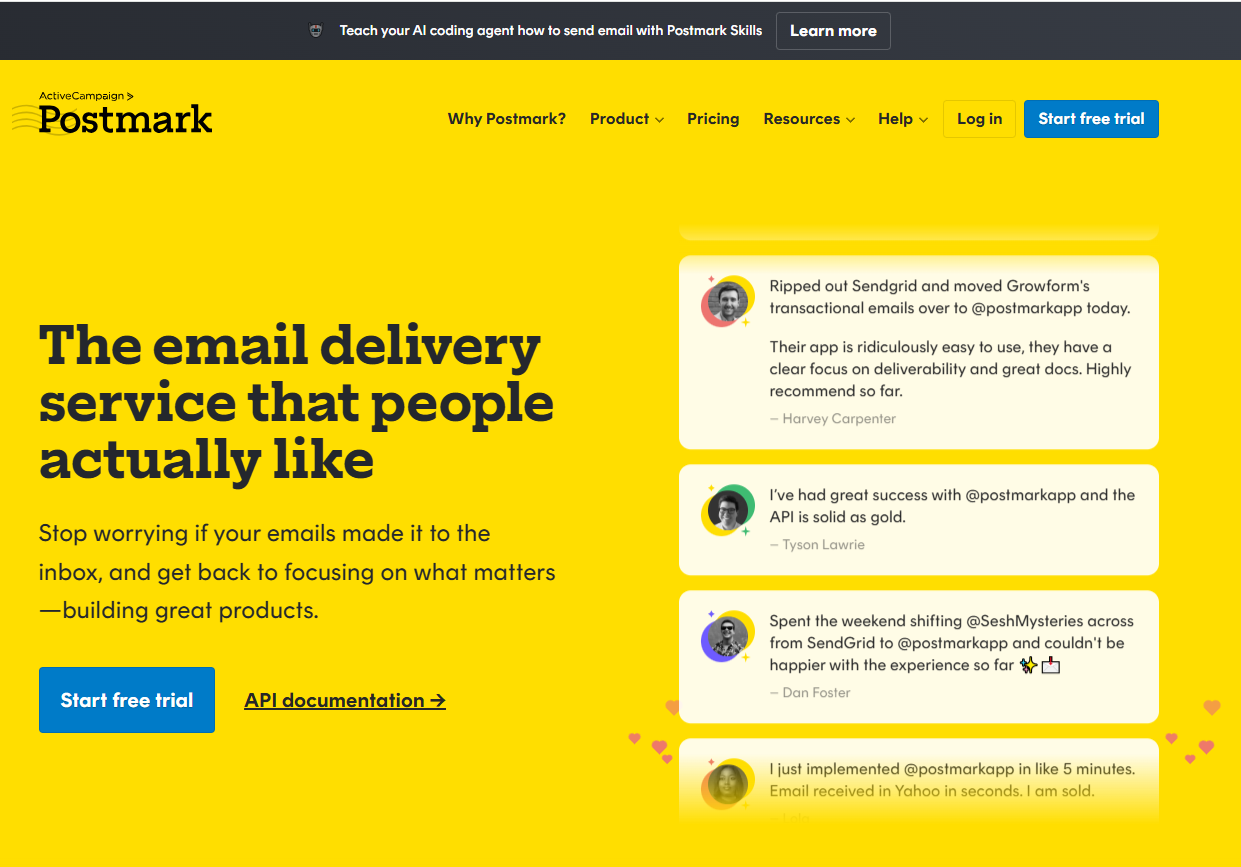
What it does: Postmark is a hosted SMTP relay for application email. Your app hands it a message over SMTP, and Postmark delivers it to the recipient from its own servers rather than from yours.
Who it is for: Postmark is best for teams whose email is the product experience. Think password resets, receipts and sign-in codes, where a message that goes missing becomes a support ticket. Pick it when inbox placement matters more than the lowest unit price.
Pricing: The plans below come from Postmark's pricing page. One correction to a common claim. Postmark does not have a 100-email trial. It has a free plan of 100 emails a month with no expiry.
| Plan | Price | Billing Basis | What It Includes |
|---|---|---|---|
| Free | $0 per month | 100 emails per month | No overages, up to 6 users, no expiry |
| Basic | $15.00 per month | From 10,000 emails a month | $1.80 per 1,000 overage, 45-day retention |
| Pro | $16.50 per month | Monthly plan | $1.30 per 1,000 overage, dedicated IP add-on available |
| Platform | $18.00 per month | Monthly plan | $1.20 per 1,000 overage, unlimited domains |
Postmark is best for transactional mail that must reach the inbox, and its entry paid plan is Basic at $15.00 per month. A dedicated IP is an add-on from $50 per month per IP, and Postmark attaches it only for senders at 300,000+ emails a month on Pro or higher, per the Postmark pricing page.
Strengths:
- The free plan has no expiry and no time-limited trial, so you can run a low-volume app on it indefinitely.
- Overage stops being a surprise because the free plan has no overages and each paid plan states its per-1,000 rate.
- Overage gets cheaper as you move up. It falls from $1.80 per 1,000 on Basic to $1.20 per 1,000 on Platform.
- Platform lifts the domain limit, which suits one account serving several sending domains.
Trade-offs:
- The free plan is small at 100 emails a month, so anything beyond a prototype needs a paid plan.
- The dedicated IP route is built for large senders. A 300,000+ emails a month threshold rules it out for most small apps.
- Longer retention is an extra, and the 45-day Basic window will not suit teams who need to look further back.
Key capabilities:
- Dedicated IP add-on from $50 per month per IP on Pro or higher.
- Custom data retention add-on from $5 per month on Pro or higher, up to 365 days.
- Up to 6 users on the free plan.
- Unlimited domains on Platform.
Good fit:
- Apps that send password resets, receipts and notifications.
- Teams that treat deliverability as a requirement, not a nice-to-have.
- Small products that can live on 100 emails a month while they are finding users.
Not a fit:
- Senders who need millions of emails at the lowest unit cost. See Amazon SES.
- Newsletter-heavy senders who need bulk marketing sends on the same account.
The limitation that matters most is scale economics. Postmark's dedicated IP threshold and per-1,000 overage rates make it a precision tool for transactional mail rather than the cheapest way to send a very large volume.
2. Amazon SES: Best For High Volume At The Lowest Cost
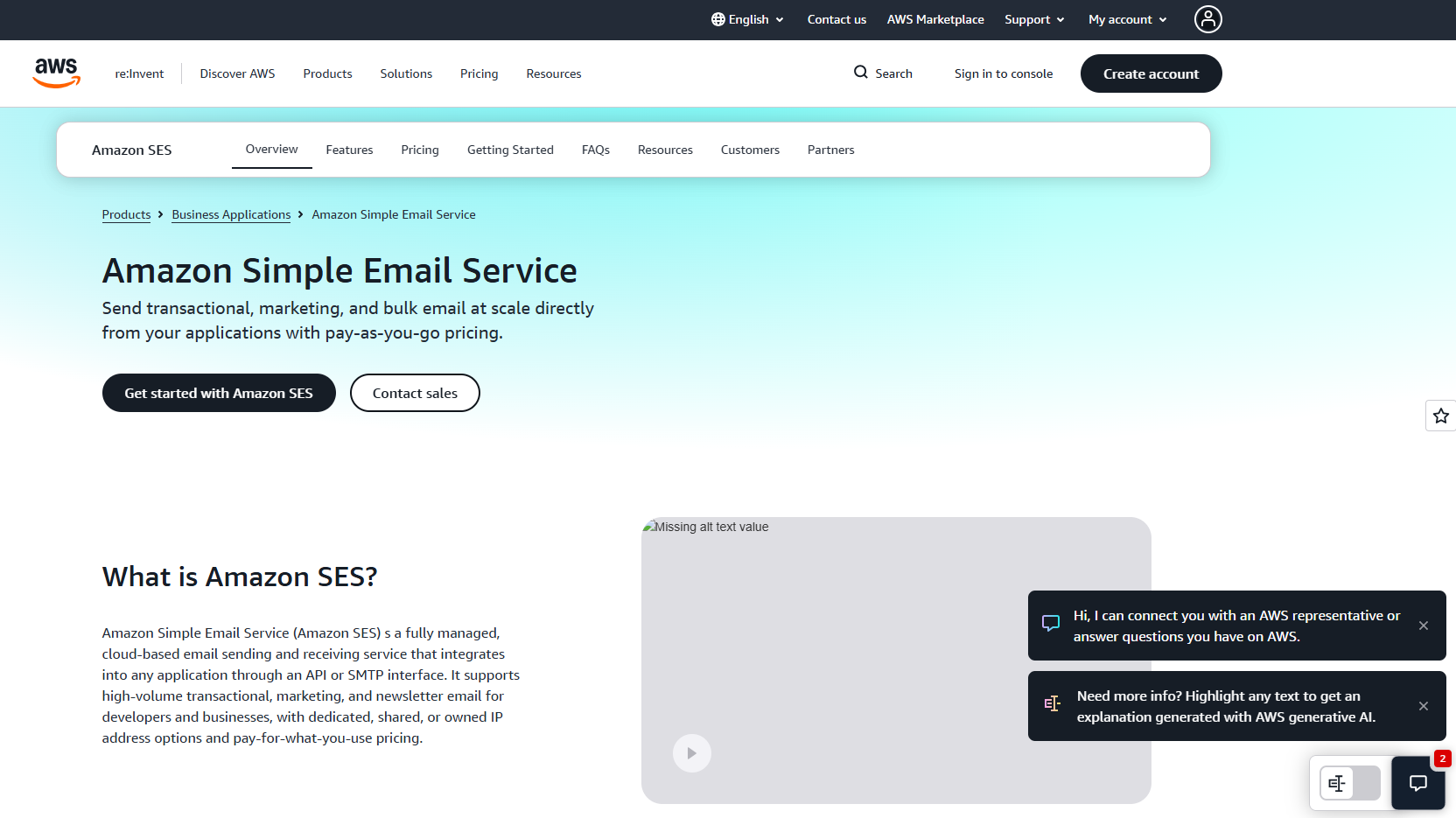
What it does: Amazon SES is the email sending service inside AWS. It accepts mail over SMTP and charges by the thousand emails, with no monthly plan to climb through at the bottom tier.
Who it is for: SES is best for engineering teams that already live in AWS and send in volume. If you can assemble the surrounding pieces yourself, the per-email price is hard to beat.
Pricing: The rates below come from Amazon SES's pricing page. Each of the Essentials, Pro and Enterprise tiers lists three per-1,000 rates across volume tiers.
| Plan | Price Per 1,000 Emails | Billing Basis | What It Includes |
|---|---|---|---|
| Pay-as-you-go | $0.10 | Per 1,000 outbound emails | No minimum fees |
| Essentials | $0.16, $0.14 and $0.11 | Across volume tiers | Tiered per-1,000 rates |
| Pro | $0.22, $0.17 and $0.12 | Across volume tiers | $105 per account per region monthly minimum |
| Enterprise | $0.23, $0.18 and $0.13 | Across volume tiers | $500 per account per region monthly minimum |
Amazon SES charges $0.10 per 1,000 outbound emails on pay-as-you-go, and a standard dedicated IP costs $24.95 per month per IP, both on the AWS SES pricing page. A managed dedicated IP is $15 per month per account plus $0.08 per 1,000 emails for the first 10M. The free allowance is AWS credits of up to $200, not an SES-only email quota.
Strengths:
- The pay-as-you-go rate of $0.10 per 1,000 emails is the lowest unit price in this guide.
- There are no minimum fees on pay-as-you-go, so a quiet month costs close to nothing.
- Dedicated IP options come in two forms, standard at $24.95 per month per IP and managed at $15 per month per account plus $0.08 per 1,000 emails for the first 10M.
- The Pro and Enterprise tiers publish their per-1,000 rates openly, so you can model cost before you migrate.
Trade-offs:
- It is infrastructure you assemble. You wire up the monitoring, bounce handling and reporting that other providers put in the box.
- The free allowance is AWS credits, so the first month is not a clean "free emails" offer.
- Pro and Enterprise carry monthly minimums of $105 and $500 per account per region.
Key capabilities:
- Pay-as-you-go pricing with no minimum fees.
- Essentials, Pro and Enterprise tiers with volume-tiered rates.
- Standard and managed dedicated IP options.
Good fit:
- Teams already running on AWS who want email on the same bill.
- High-volume senders where a fraction of a cent per email adds up.
- Engineers who are comfortable building their own sending dashboards.
Not a fit:
- Small teams that want deliverability tooling and support without building it.
- Anyone who needs a flat, predictable monthly plan.
The limitation that matters most is the assembly work. SES is cheap per email because you carry the operational load yourself. Third-party roundups of SES pricing go stale, so read the AWS page rather than a summary.
3. Mailgun: Best For Growing Apps That Need Dedicated IP Pools
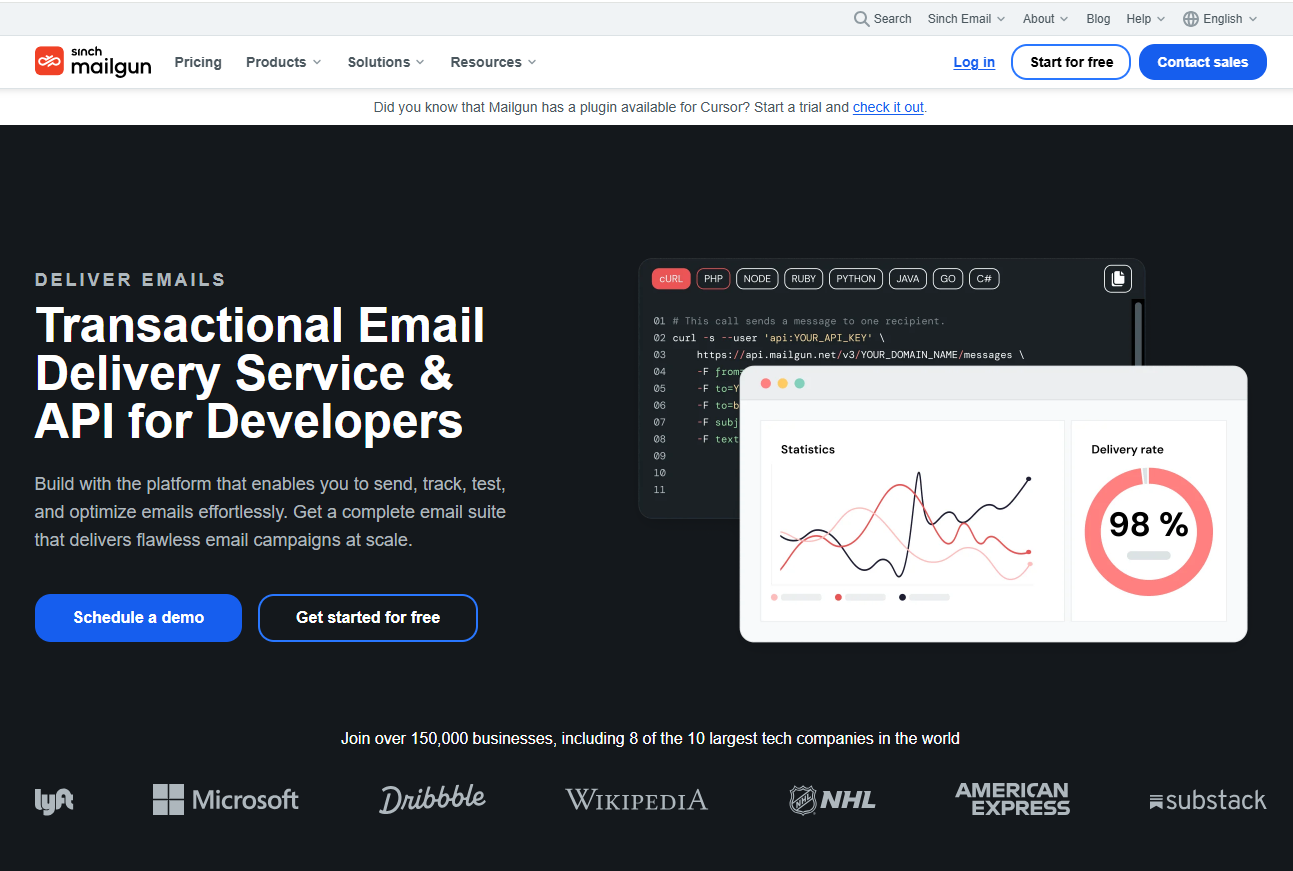
What it does: Mailgun is a hosted SMTP relay with a plan ladder that runs from a free tier up to high-volume plans. Your app authenticates over SMTP and Mailgun handles delivery.
Who it is for: Mailgun is best for apps that expect to grow from thousands to hundreds of thousands of emails a month and will eventually want their own IP pool. The steps between plans are clear on the page, which makes cost forecasting simpler.
Pricing: The plan ladder below is from Mailgun's pricing page.
| Plan | Price | Billing Basis | What It Includes |
|---|---|---|---|
| Free | $0 per month | 100 emails a day | 1 user, 1 custom sending domain |
| Basic | From $15 per month | 10,000 emails a month | $1.80 per 1,000 overage |
| Foundation | $35 per month after 1 free month | 50,000 emails a month | $1.30 per 1,000 overage |
| Scale | $90 per month after 1 free month | 100,000 emails a month | $1.10 per 1,000 overage, dedicated IP pools |
Mailgun's plan ladder runs from Free at 100 emails a day, through Basic at $15 per month for 10,000 emails and Foundation at $35 per month for 50,000 emails, to Scale at $90 per month for 100,000 emails with dedicated IP pools, on the Mailgun pricing page. An additional dedicated IP costs $59 per IP per month.
Strengths:
- The jump from 10,000 to 100,000 emails a month is easy to read, going from $15 to $35 to $90 per month.
- Overage rates fall as you climb, from $1.80 per 1,000 on Basic to $1.10 per 1,000 on Scale.
- Dedicated IP pools arrive on Scale, so the upgrade path is built in.
- Foundation and Scale each start with one free month.
Trade-offs:
- Dedicated IP inclusion per plan is ambiguous on the flattened pricing page, so confirm on the pricing page before you rely on it for a lower tier.
- The free plan is limited to 100 emails a day, 1 user and 1 custom sending domain.
- An extra dedicated IP at $59 per IP per month is more than the $24.95 that Amazon SES charges for a standard one.
Key capabilities:
- Dedicated IP pools on Scale.
- Additional dedicated IPs at $59 per IP per month.
- Four plan levels from Free to Scale.
Good fit:
- Apps that will grow past 10,000 emails a month and want a visible price ladder.
- Teams that plan to split traffic across IP pools.
- Developers who want a free tier to prototype on before paying.
Not a fit:
- Senders at very large volume where per-1,000 cost drives the decision.
- Teams that need certainty about dedicated IP inclusion on a lower plan without checking the page.
The limitation that matters most is the dedicated IP ambiguity. If a dedicated IP is part of your decision, confirm what each plan includes on the pricing page before you sign up.
4. Mailtrap: Best For Small Teams Starting On A Free Plan
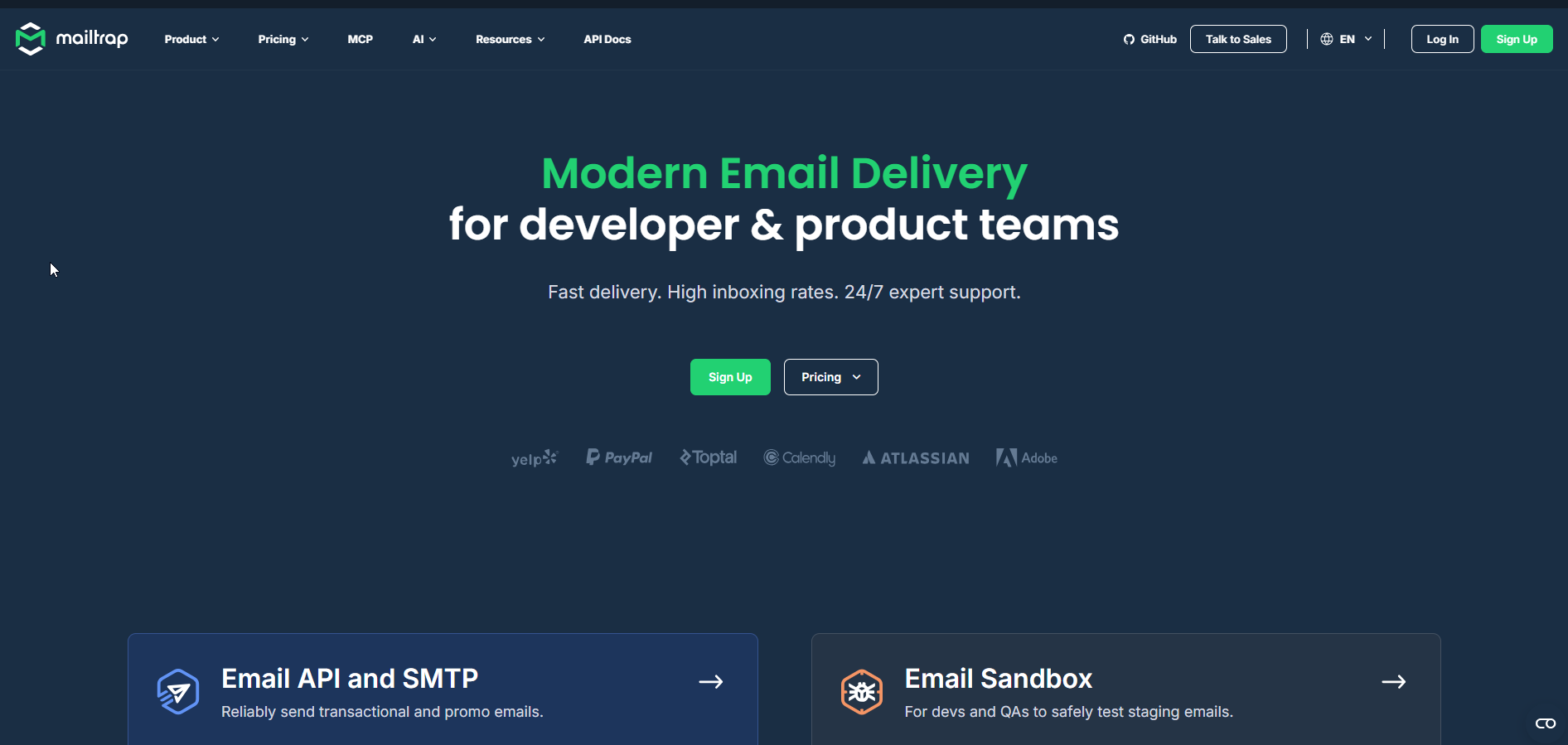
What it does: Mailtrap is a hosted SMTP relay with plans from a free tier to custom enterprise contracts. You point your app at its SMTP settings and send.
Who it is for: Mailtrap is best for small teams that want the largest free monthly allowance of the five providers here, and a clear route to a dedicated IP when they outgrow it.
Pricing: The plans below come from Mailtrap's pricing page.
| Plan | Price | Billing Basis | What It Includes |
|---|---|---|---|
| Free | $0 per month | 4,000 emails a month | 150 a day, 1 user, 1 domain |
| Basic | $15 per month | 10,000 emails | 3 users, 5 domains |
| Business | $85 per month | 100,000 emails | Dedicated IP, 100 users |
| Enterprise | $750 per month | 1,500,000 emails | Custom contracts |
Mailtrap is best for small teams starting on a free plan, and its Free plan allows 4,000 emails a month, 150 a day, 1 user and 1 domain, per the Mailtrap pricing page. The Business plan at $85 per month for 100,000 emails includes a dedicated IP.
Strengths:
- The free plan offers 4,000 emails a month, the biggest monthly free allowance of the five.
- Business adds a dedicated IP at $85 per month for 100,000 emails, which is below Mailgun Scale at $90 per month for the same volume.
- Basic gives 3 users and 5 domains for $15 per month.
- Enterprise scales to 1,500,000 emails a month on custom contracts.
Trade-offs:
- The free plan caps at 150 emails a day, so the 4,000 monthly allowance cannot be sent in a burst.
- The free plan is limited to 1 user and 1 domain.
- Dedicated IP inclusion on the Free and Enterprise cards is ambiguous on the flattened page, so confirm on the pricing page.
Key capabilities:
- 4,000 emails a month on the free plan.
- Dedicated IP on Business.
- Up to 100 users on Business.
- Custom contracts on Enterprise.
Good fit:
- Small teams that need a usable free plan to start.
- Products heading toward 100,000 emails a month that want a dedicated IP at that stage.
- Teams that need several users and domains on a mid-tier plan.
Not a fit:
- Senders who need to push a large batch in a single day on the free plan.
- Teams that need to know dedicated IP terms on every plan without checking.
The limitation that matters most is the daily cap. A 4,000-emails-a-month allowance sounds generous until you read the 150-a-day limit that sits under it.
5. SendGrid: Best For Teams That Want A Trial Before Paying
What it does: SendGrid, part of Twilio, is an SMTP service for sending application and marketing email through a hosted relay.
Who it is for: SendGrid is best for teams that want to test a relay with real traffic before putting a card down. The trial needs no credit card.
Pricing: The facts below come from SendGrid's SMTP service page on Twilio. The official pricing page could not be read for this guide, so beyond the entry plan the answer is pricing on request, and the entry plan's monthly volume is something to check on the pricing page.
| Plan | Price | Billing Basis | What It Includes |
|---|---|---|---|
| Free trial | $0 | 60 days | 100 emails a day, no credit card |
| Entry plan | $19.95 per month | Monthly plan | Check the pricing page for volume |
| Higher plans | Pricing on request | Not published | Not published |
SendGrid offers a free trial of 100 emails per day for 60 days with no credit card, and a paid entry plan at $19.95 per month, according to its SMTP service page.
Strengths:
- The trial runs for 60 days, long enough to test a real integration.
- No credit card is needed to start.
- The $19.95 per month entry price is a single, stated figure.
Trade-offs:
- The trial is capped at 100 emails a day.
- Pricing beyond the entry plan is on request, which makes forecasting harder.
- The trial ends after 60 days, unlike a permanent free plan.
Key capabilities:
- 60-day free trial of 100 emails a day.
- Paid entry plan at $19.95 per month.
- SMTP relay access from the Twilio product.
Good fit:
- Teams that want to test with live traffic before paying.
- Buyers who prefer a trial window over a permanent free tier.
Not a fit:
- Teams that need public pricing at every volume.
- Senders who want a free plan that never expires. Postmark and Mailtrap offer one.
The limitation that matters most is inbox placement in the one test we cite. It placed SendGrid last of five, which we explain in the scenario section below, with its caveat.
📋 Get Listed / Advertise
We update this guide monthly. Want your tool featured? Contact: [email protected].
Which SMTP Relay Fits Your Sending Pattern
There is no single winner here. The right relay depends on what you send, how much, and which control you cannot live without. The table maps five common sending patterns to a pick, the reason in a published price or limit, and the control to watch.
| If You Send | Choose And Why |
|---|---|
| Low-volume transactional mail | Choose Postmark or Mailtrap, because Postmark's free plan gives 100 emails a month with no expiry and Mailtrap's free plan gives 4,000 emails a month at 150 a day. Watch the daily and monthly caps. |
| Transactional mail where deliverability is critical | Choose Postmark, because it placed first of five in the one inbox placement test we cite and its dedicated IP is an add-on from $50 per month per IP. Watch the 300,000+ emails a month threshold for that IP. |
| Very high volume at the lowest unit cost | Choose Amazon SES, because pay-as-you-go is $0.10 per 1,000 emails with no minimum fees. Watch the operational work you take on. |
| A multi-tenant or growing app that needs IP pools | Choose Mailgun on Scale or Mailtrap on Business, because Mailgun Scale is $90 per month with dedicated IP pools and Mailtrap Business is $85 per month with a dedicated IP. Watch what each plan includes. |
| A trial before paying | Choose SendGrid, because it gives a 60-day trial of 100 emails a day with no credit card. Watch the pricing beyond the entry plan. |
If most of your volume is newsletters and campaigns rather than app mail, a relay is the wrong category. Look at email marketing platforms instead.
On inbox placement, the only comparison we found across all five providers is one publisher's own test. In SuperMonitoring's five-provider test, inbox placement was Postmark 83.3 percent, Mailtrap 78.8, Amazon SES 77.1, Mailgun 71.4 and SendGrid 61.0. Read that as one test run by one publisher, not a ranking. No neutral, large-scale deliverability benchmark turned up in our research, so the decision rule above rests on published prices, plan limits and dedicated IP terms.
If you sell a developer or email product and want a plan that covers SEO and AI answers together, the GEO + SEO Growth Programme is where we start. It shows how your product gets found and cited when buyers ask this exact question.
What To Check Before You Choose An SMTP Relay
A price table is only half the decision. Work through these checks in order, and judge each one by what the vendor shows you rather than what it claims.
- Deliverability tooling and reputation handling. Ask how the provider manages sender reputation and what you can see when mail bounces. To measure placement yourself, see our guide to email deliverability tools.
- Authentication on your own domain. A relay needs SPF and DKIM records for your sending domain, and DMARC on top, so receiving servers can verify the mail is yours. If the provider cannot authenticate your domain, walk away. Spoofing protection is the inbound side of the same problem, covered in our guide to business email compromise protection.
- Shared or dedicated IP. Decide whether your volume justifies your own IP. The next paragraph gives the thresholds.
- Suppression and bounce handling. Check that bounced and complained addresses are blocked automatically and that you can see them.
- Sending caps. Check daily and monthly limits. Free plans are the usual trap.
- Region. Check the vendor's own region list. We found no published figures for any of the five, so we make no claim about where any provider sends from.
A dedicated IP is an IP address used only by your account, so no other sender's behaviour affects its reputation. Vendors attach one at different points. Postmark's pricing page lists it as an add-on from $50 per month per IP for 300,000+ emails a month on Pro or higher. Mailtrap's pricing page includes a dedicated IP on Business at $85 per month. Mailgun's pricing page puts dedicated IP pools on Scale at $90 per month, with an additional IP at $59 per IP per month. Amazon SES sells a standard dedicated IP at $24.95 per month per IP.
For most apps under those thresholds, a shared IP is the sensible default. Buy a dedicated IP when your volume is steady enough to build its own reputation, not before.
What Is An SMTP Relay Service And How Does It Work
An SMTP relay service is a provider that sends your email through SMTP servers it runs, so your messages are less likely to be flagged as spam than mail sent from your own server or a basic host account.
The route is short. Your app connects to the relay with a host, port and credentials and hands over the message. The relay then delivers it to the recipient's mail server from its own infrastructure.
The alternative is worse than it looks. Some web hosts and webmail providers cap sending at 300 to 500 emails per day, which a growing app blows through quickly. A self-hosted server also leaves you to manage authentication and IP reputation yourself.
This guide covers application email. Cold outbound sequencing is a different category, and if that is what you need, see our guide to email outreach tools for B2B.
Ports, Authentication And Setup Steps
The setup is the same at every provider. Only the host name and credentials change, and you copy those from the vendor's dashboard.
First, the background. Port 587 with authentication is the usual submission port for apps. Port 25 is for server-to-server relay and is often blocked by hosts. An open relay accepts mail from anyone and is a spam risk, which is why you want an authenticated one.
- Create an account with the relay provider and choose a plan.
- Add the sending domain you want to send from, and verify that you own it.
- Publish the SPF record the provider gives you in your domain's DNS.
- Publish the DKIM record the provider gives you in your domain's DNS.
- Set a DMARC policy for the domain so receiving servers know how to treat unauthenticated mail.
- Copy the SMTP host, port and credentials into your app's mail settings.
- Send a test message to an inbox you control and check where it lands.
- Watch bounces and complaints after launch. Our guide to email tracking tools covers monitoring opens and bounces.
How We Chose And Priced These Providers
We chose these five because their prices could be read from a vendor's own page or product page. Every price in this guide comes from those pages and is linked to the page it came from. SendGrid's official pricing page could not be fetched, so its section uses the product page only and leaves out the entry plan's volume. We left out other providers because we had no price data for them.
We use one third-party test, the SuperMonitoring inbox placement comparison, and only once, labelled as a single test. We hold no placement deal with any of the five providers, so no slot in this guide is sold.
If you make a product like these and want a comparison page that ranks, that is the work behind our revenue content for SaaS vendors. If you want your product to appear in lists like this one, our earned mentions work is built for that.
Common Mistakes When Picking An SMTP Relay
Picking on headline price without checking overage. The entry price is not what you pay when traffic grows. Check the per-1,000 overage rate before you commit, because it ranges from $1.80 on Postmark Basic to $1.10 on Mailgun Scale.
Buying a dedicated IP too early. An IP with too little volume builds no useful reputation and adds a fixed monthly cost. Wait until you meet the vendor's stated threshold, such as Postmark's 300,000+ emails a month.
Skipping DNS authentication. Mail without SPF, DKIM and DMARC on your own domain is easier to reject. Publish all three before your first real send.
Using one stream for transactional and bulk mail. A campaign that draws complaints can drag down the reputation your password resets depend on. Keep them separate, and for the bulk side look at email blast tools.
Trusting an out-of-date roundup. Relay prices change often. Read the vendor page, and if you are outgrowing a relay and need workflows, see our guide to email automation tools.
FAQs
What Is The Difference Between An SMTP Relay And An Email API?
Is SMTP Relay The Same As SMTP Authentication?
Is There A Good Free SMTP Relay?
Which SMTP Port Should I Use?
Can I Use One Relay For Both Transactional And Marketing Email?
Do I Need A Dedicated IP Address?
What Happens If A Provider Has An Outage?
How Do I Stop My Relay Mail Landing In Spam?
Can I Send From My Web Host Or Webmail Account Instead?
If you want to grow a SaaS product's search and AI visibility, book a free thirty-minute call. One of the founders takes it, and you leave knowing what we would fix first.