

If you want the safest “record → transcript → summary → action items” workflow for a B2B SaaS team, start with Otter. If your must-have is routing notes into lots of tools, Fireflies.ai or tl;dv are the strongest integration-first picks. If you need cross-device recording beyond meetings, Notta is the most balanced. If you’re a revenue org and want CRM-first governance and coaching, Avoma is the platform-style choice.
📋 Get Listed / Advertisment
We update this guide monthly. Want your tool featured? Contact: [email protected].
Best AI Voice Recorder Apps (quick comparison)
| Tool | Best for | Big watch-out |
|---|---|---|
| Otter | Meeting notes → action items for most teams | Confirm retention/export controls before scaling |
| Fireflies.ai | Integration-heavy workflows (docs/PM/CRM) | Can be overkill for solo use |
| tl;dv | Multi-meeting reporting + automations | Less ideal for pure in-person voice memos |
| Notta | Cross-device recording + solid summaries | Validate your required export formats |
| Avoma | Revenue orgs (CRM sync, coaching, governance) | Platform decision; higher change management |
📋 Get Listed / Advertisement
We update this guide monthly. Want your tool featured? Contact: [email protected].
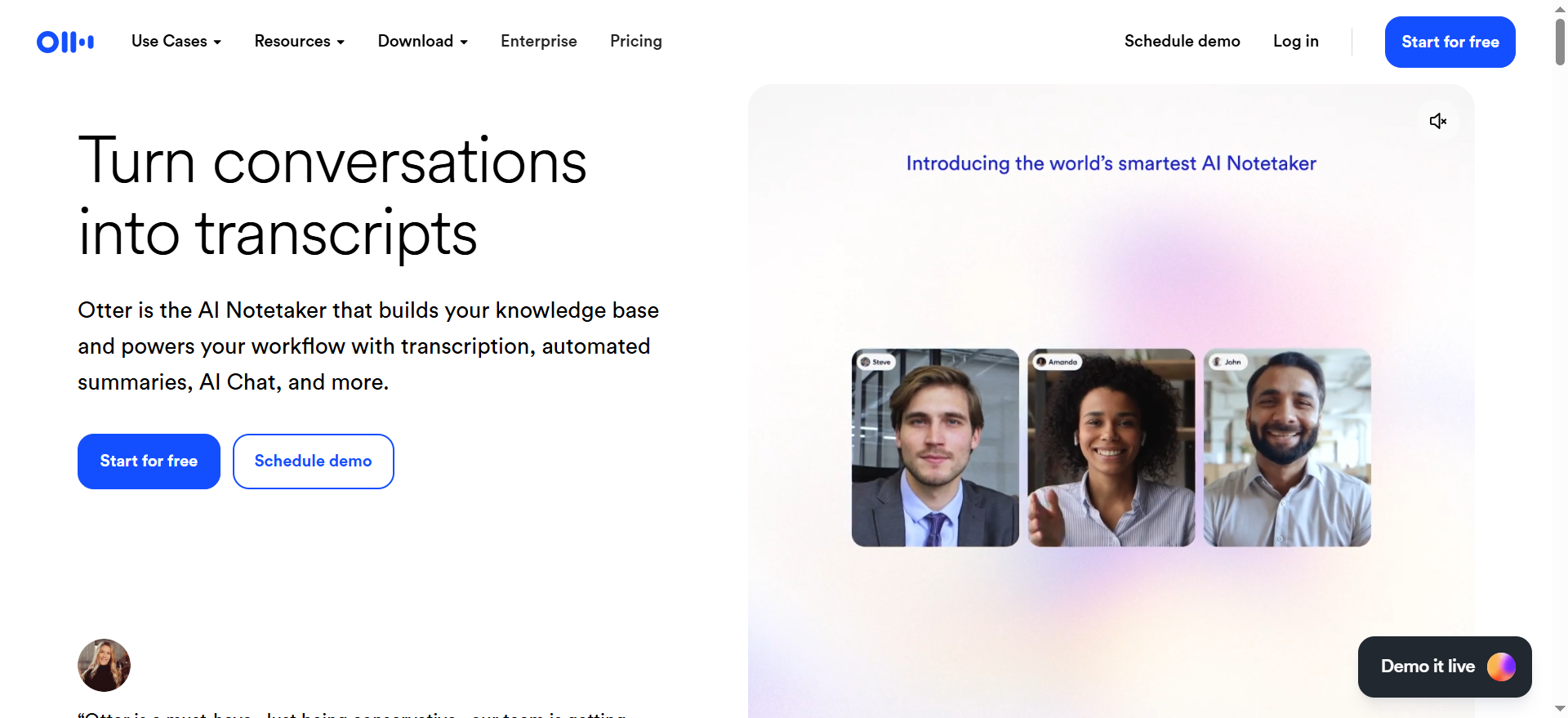
1.Otter
What it does
A meeting-focused recorder that turns calls into transcripts, summaries, and action items that teams can collaborate on.
Best for
Teams that want consistent meeting notes that translate into follow-ups (marketing, CS, product, leadership ops).
Key capabilities
- Live recording + searchable transcripts
- Auto summaries with decisions and next steps
- Collaboration (shared notes, highlights, assignments)
- Export + integrations for routing into your system of record
Pricing notes
Pricing: Otter’s pricing starts at $8.33/user/month (billed annually).
Free tier?: Otter offers a free tier (Basic).
Limitations / watch-outs
- Treat recordings like customer data: define access, retention, and sharing rules first.
- Speaker labeling quality can vary with overlap and noisy audio, QA in the pilot.
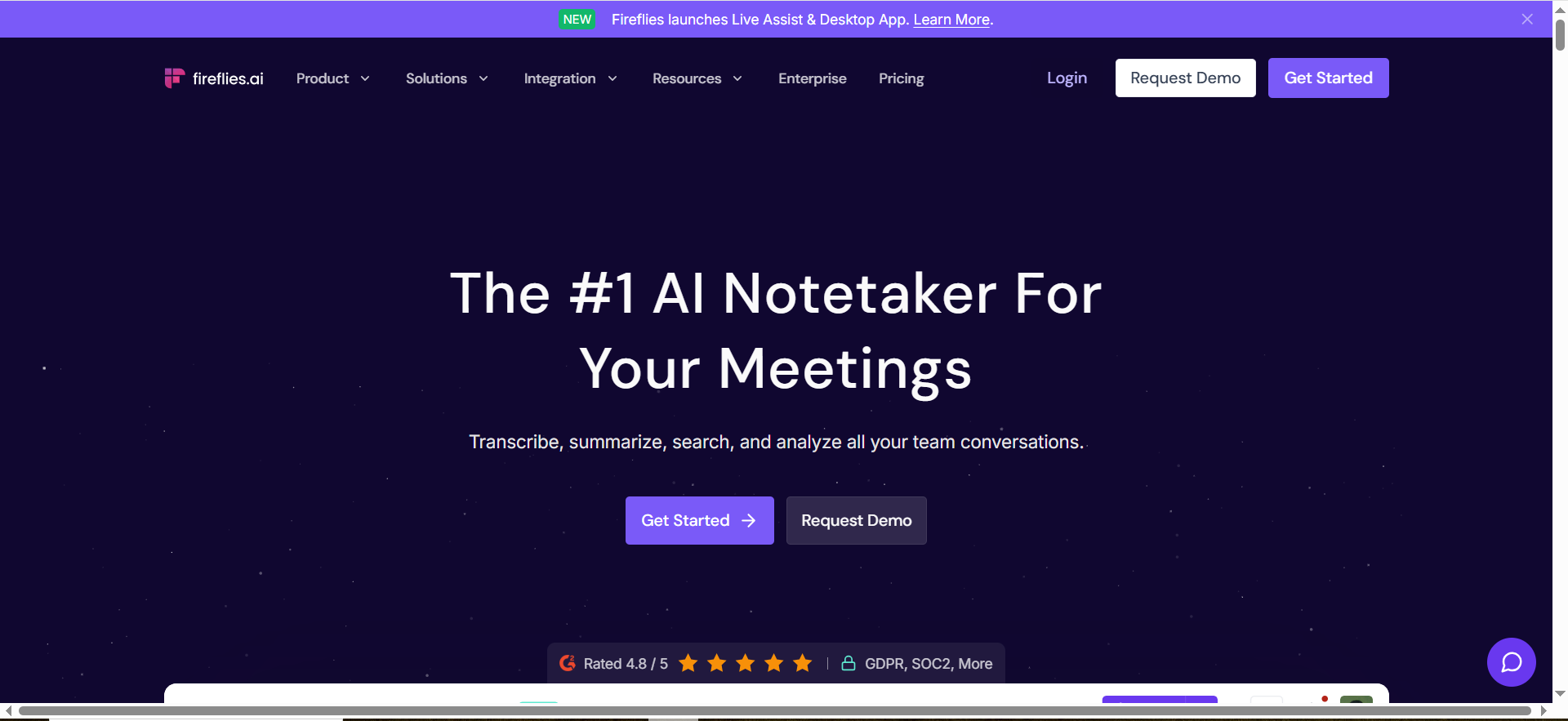
2. Fireflies.ai
What it does
A meeting recorder/note-taker built around capturing calls and pushing outputs into the tools your team already uses.
Best for
Ops-heavy teams that need notes, action items, and summaries to land automatically in Slack/Notion/Jira/CRMs.
Key capabilities
- Meeting capture + searchable transcripts
- Summaries and action items suitable for templating
- Broad integrations for routing notes into systems of record
- Team controls for shared workspaces and rollups
Pricing notes
Pricing: Fireflies.ai’s pricing starts at $10/seat/month (billed annually).
Free tier?: Fireflies.ai offers a free tier (Free, free forever).
Limitations / watch-outs
- Set one destination per workflow (e.g., “sales calls → CRM”) to avoid messy duplication.
- Security review matters because outputs often include deal/customer data.
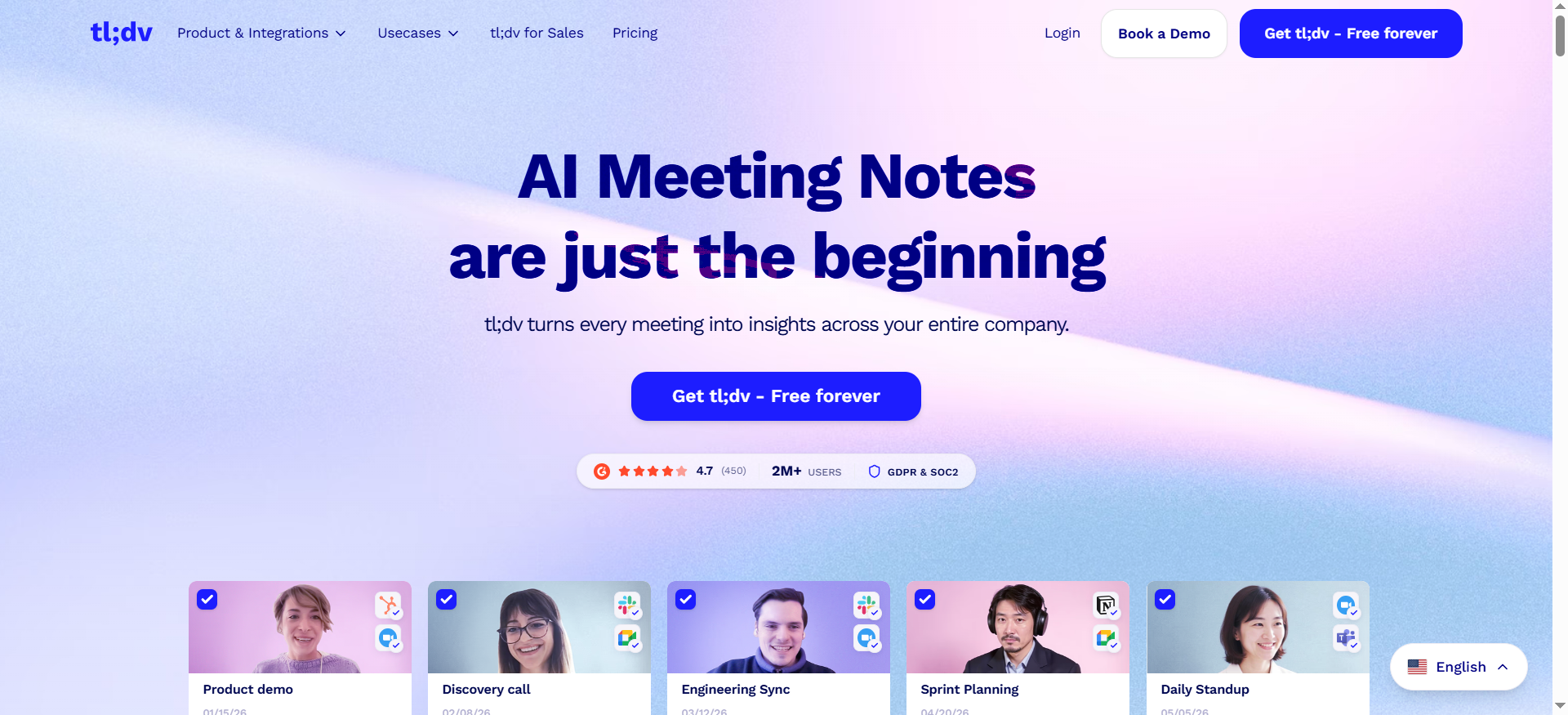
3. tl;dv
What it does
A meeting recording tool optimized for team rollups and automations across lots of recurring meetings.
Best for
Teams that need weekly/ongoing reporting (themes, risks, decisions) across many meetings.
Key capabilities
- Meeting recording + transcripts + summaries
- Reporting/rollups across multiple meetings
- Automation hooks for sharing and workflow routing
- Strong integration posture for distributing outputs
Pricing notes
Pricing: tl;dv’s pricing starts at $18/seat/month (Pro).
Free tier?: tl;dv offers a free tier (Free Forever).
Limitations / watch-outs
- If your main use case is in-person voice memos, a meeting-first tool may feel heavy.
- Standardize a summary template before you automate distribution.
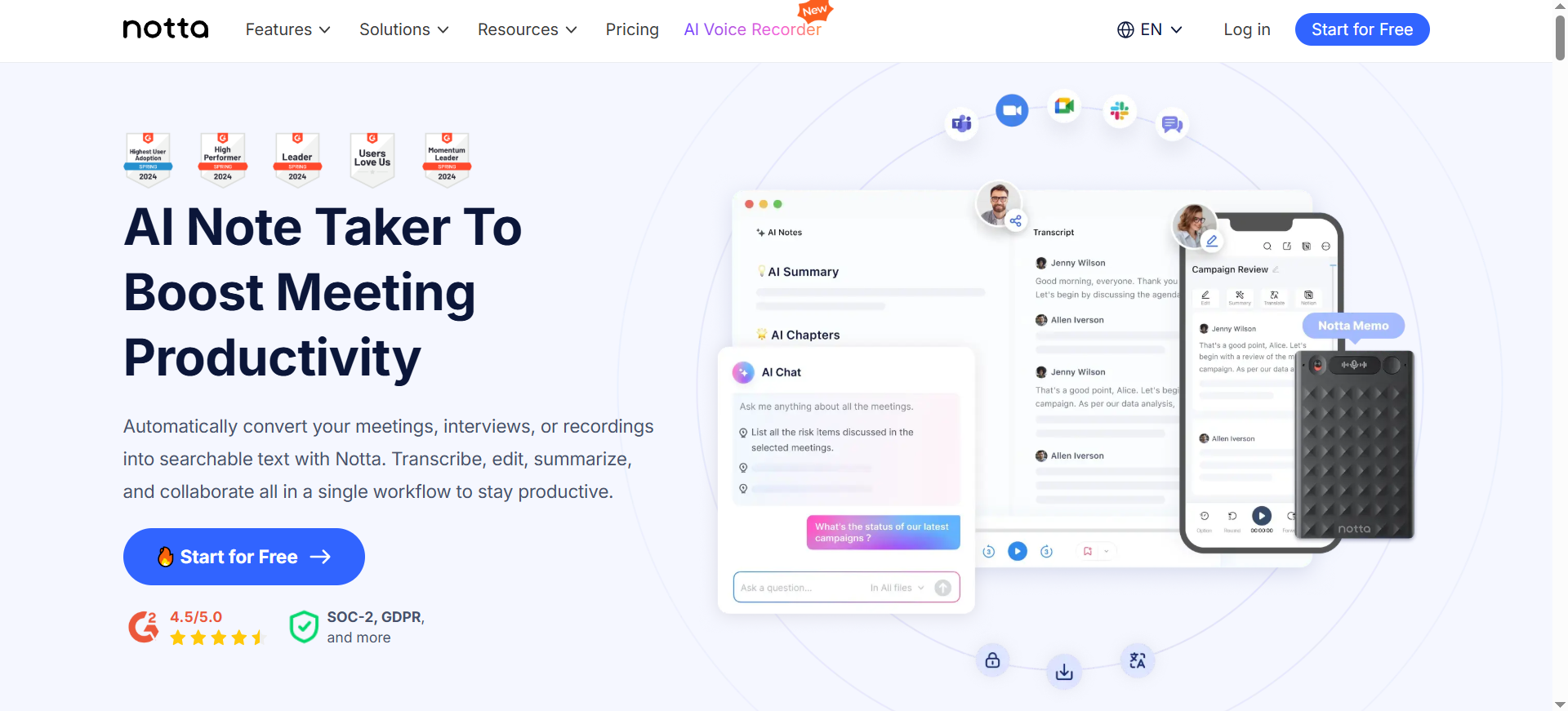
4.Notta
What it does
A cross-device recorder and AI note tool designed for meetings and uploaded recordings, with a straightforward record → transcribe → summarize flow.
Best for
Individuals or small teams that need flexible recording (phone + desktop) with solid speaker labeling and summaries.
Key capabilities
- Recording and transcription for meetings and files
- Speaker identification for multi-speaker sessions
- Summaries/action items that can be standardized via templates
- Exports for sharing and downstream workflows
Pricing notes
Pricing: Notta’s pricing starts at $8.17/month (billed annually).
Free tier?: Notta offers a free tier (Free plan).
Limitations / watch-outs
- Double-check export formats and where transcripts will live long-term.
- Pilot with your hardest audio (accents, jargon, overlap) before rollout.
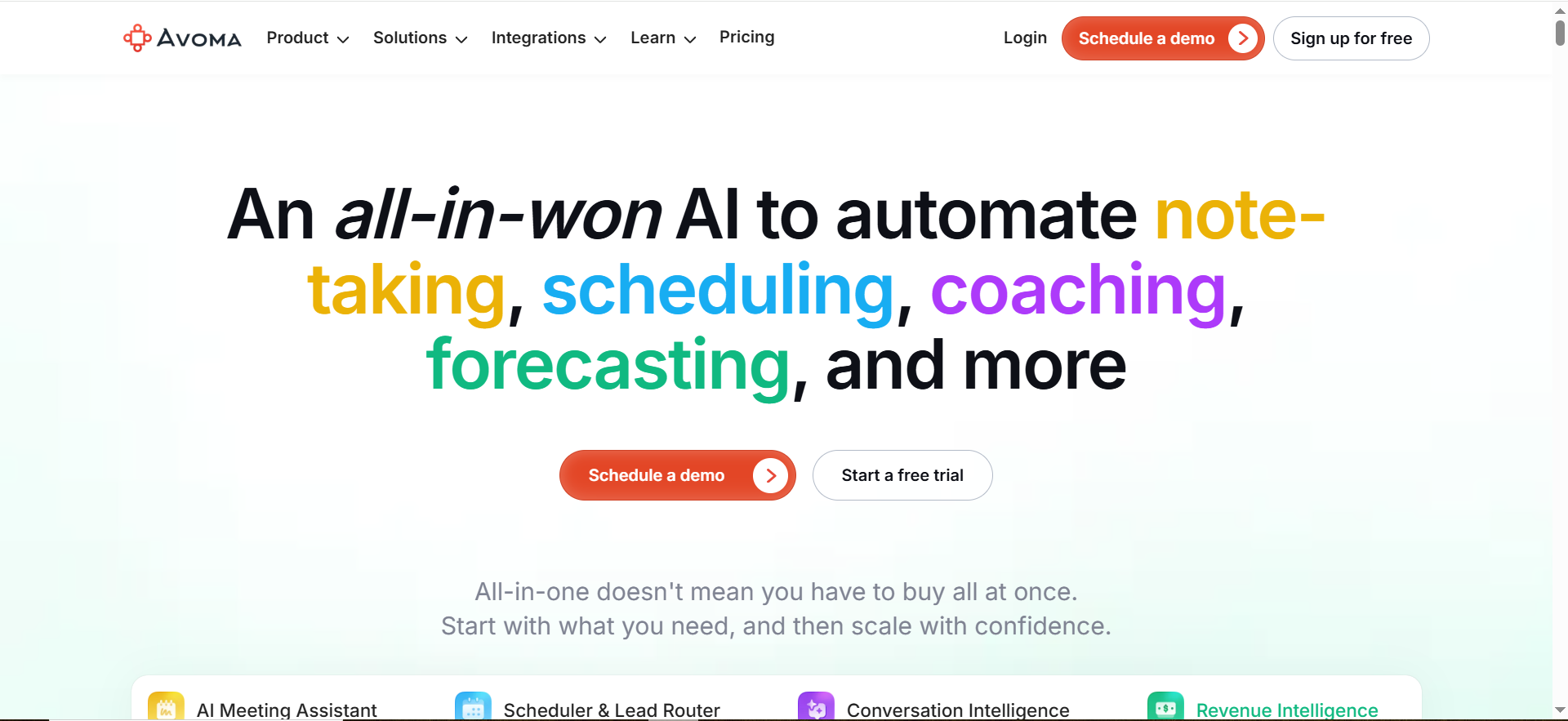
5. Avoma
What it does
A revenue-focused recording and intelligence platform: capture calls, generate structured notes, and sync outcomes into the CRM.
Best for
Best for sales-led orgs that want governance, coaching, and CRM-first workflows (not just transcripts).
Key capabilities
- Call capture + structured summaries for pipeline workflows
- CRM syncing and revenue reporting workflows
- Team governance for scaling across a revenue org
- Coaching/insights features for ongoing enablement
Pricing notes
Pricing: Avoma’s pricing starts at $19 per “recorder” seat per month (billed annually).
Free tier?: Avoma doesn’t offer a free tier for recorder seats, but it does offer free view-only seats and a 14-day free trial.
Limitations / watch-outs
- More change-management than lightweight tools, plan training and admin ownership.
- Make consent + retention policies explicit before turning on broad recording.
How to choose (decision rules + rubric)
Two “shapes” of recorders
Start by picking the shape that matches your job-to-be-done:
- Workflow/meeting assistants (best for teams): optimized for summaries, action items, integrations, and governance.
- Cross-device recorders (best for flexible capture): optimized for recording anywhere, then transcribing/summarizing.
Recommended setups (starter / pro / enterprise)
Starter (solo operator or small team)
Use Notta or Otter and keep the “source of truth” simple (one shared folder or knowledge base).Default workflow: record → transcript → 5-bullet summary → next steps → store in one place.
Pro (cross-functional SaaS team)
Use Otter for consistency, or Fireflies.ai if integrations are the main requirement.
Default workflow: Meeting → summary template → route to Slack + knowledge base; create tasks from action items.
Enterprise (revenue org + governance)
Use Avoma for CRM-first outcomes, and add tl;dv if leadership needs rollups across many meetings.Non-negotiables: SSO, role-based access, retention policy, consent workflow, and export controls.
Implementation checklist (consent, retention, routing)
Treat this as an operational rollout: one workflow, one destination, one template set, then expand.
| Step | Owner | Done? |
|---|---|---|
| Pick the first workflow (e.g., sales calls → CRM notes) | RevOps/Team lead | ☐ |
| Choose the source of truth (CRM / KB / Docs) | Ops lead | ☐ |
| Standardize a summary template (TL;DR, decisions, action items) | Ops + stakeholders | ☐ |
| Consent language + meeting hygiene defined | Legal/Ops | ☐ |
| Retention + access control policy set | Security/Ops | ☐ |
| Run a 2-week pilot (10–20 meetings) and score results | Pilot owner | ☐ |
| Configure routing automation (Slack/KB/CRM) | Ops/IT | ☐ |
FAQs
What is the best AI voice recorder app overall in 2026?
Which option is best for integration-heavy teams?
Which tool is best for revenue teams and CRM-first workflows?
Do these tools work for in-person recordings?
How should we run a pilot so we can decide confidently?
What privacy controls should we require?
📋 Get Listed / Advertisem
We update this guide monthly. Want your tool featured? Contact: [email protected].


