

TL;DR
For regulated industries where email compliance isn't optional, the right signature tool can be the difference between staying compliant and facing fines. Exclaimer leads for enterprises with strict compliance needs and multi-mailbox deployments. CodeTwo offers the most secure, feature-rich option for Microsoft 365 organizations. OpenSense excels at CRM integration with dynamic compliance, while Crossware provides the most affordable enterprise option with Azure-native processing. Xink is ideal for organizations needing cross-platform flexibility without complexity. Each handles HIPAA, FINRA, GDPR, and CASL requirements differently — your choice depends on your email platform, scale, and which compliance frameworks matter most.
Best Email Signature Tools for Compliance in Regulated Industries (Quick Comparison)
| Tool | Best For | Starting Price | Key Compliance Feature |
|---|---|---|---|
| Exclaimer | Enterprise multi-mailbox deployments | $2–$6/user/month | Automatic disclaimers, centralized compliance management |
| CodeTwo | Microsoft 365 security-first organizations | $0.81–$8.76/user/month | ISO/IEC 27001 & 27018, GDPR, CASL compliance |
| OpenSense | CRM-integrated marketing compliance | $1/user/month | CAN-SPAM, GDPR, CASL, CCPA built-in with Salesforce sync |
| Crossware | Cost-conscious enterprises (500+ users) | $0.57–$1/user/month | Azure Datacenters, zero email storage/copying |
| Xink | Multi-platform (Microsoft + Google + Apple) | ~$1/user/month | Central dashboard, campaign-compliant signatures, no contracts |
1. Exclaimer
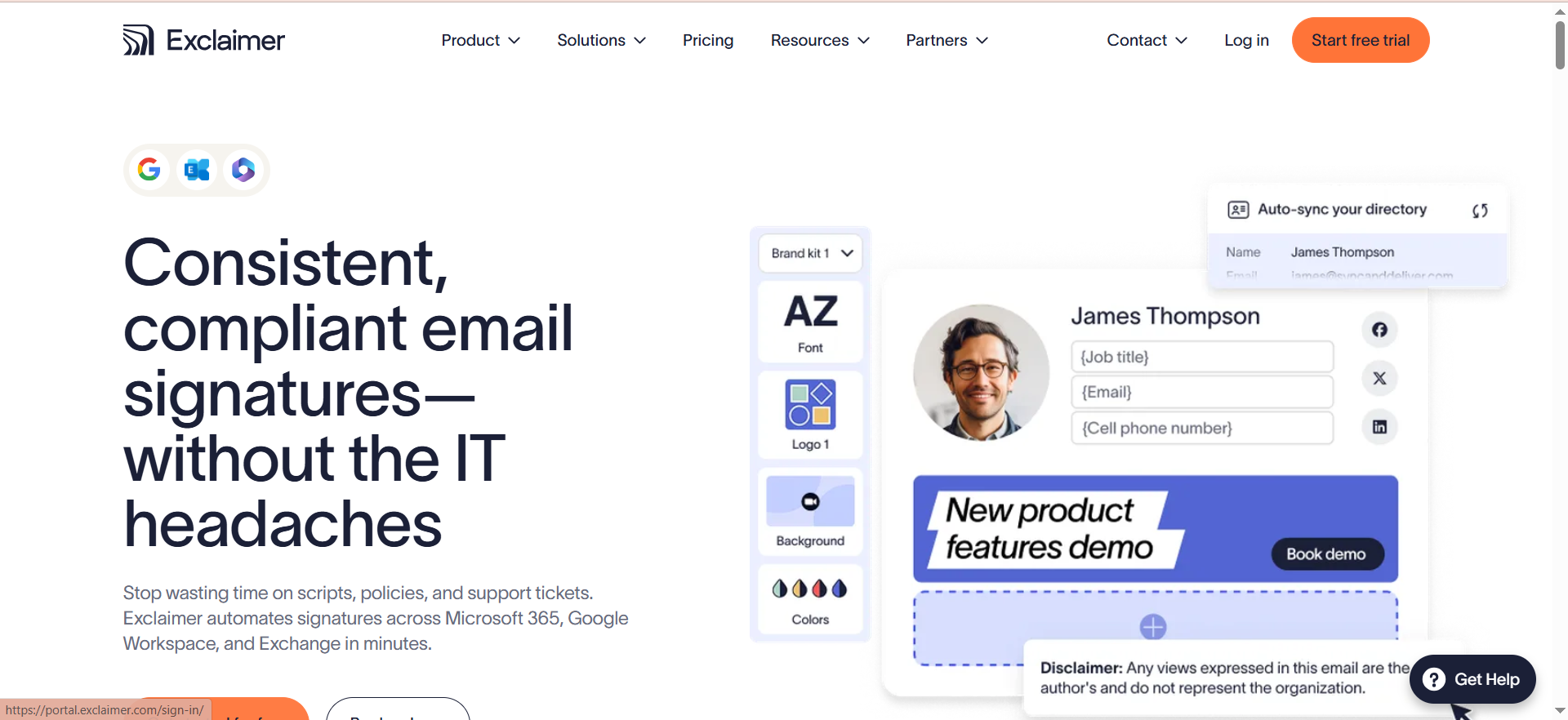
What it does
Exclaimer is an enterprise-grade email signature and disclaimer management platform that automatically applies consistent signatures, legal disclaimers, and compliance notices to every email sent by your organization. It works across Microsoft 365, Google Workspace, and on-premises Microsoft Exchange, centralizing what would otherwise be a manual, error-prone process across hundreds or thousands of employees.
Why teams use it
70,000+ organizations in 150+ countries rely on Exclaimer, including Fortune 500 companies like Sony, Bank of America, and BBC. They choose it because it eliminates the risk of employees sending emails without required compliance language — a critical vulnerability in regulated industries where missing a HIPAA safeguard notice or FINRA disclaimer can result in audit failures or fines.
What it's good for
Exclaimer excels at organizations that need automatic, non-bypassable disclaimers on every email, centralized signature design and management across thousands of mailboxes, multiple signature designs per department or region (up to 10 on higher tiers), campaign scheduling and audience targeting with rotating banners, and compliance auditing and control across distributed teams.
When it's a good fit
Exclaimer is the right choice if you have 500+ mailboxes, operate in multiple jurisdictions, require regulatory compliance (healthcare, finance, legal), and need guaranteed disclaimer enforcement. The 10–25% discounts on multi-year commitments make it cost-effective at scale.
When it's not a good fit
If you have fewer than 10 users, Exclaimer's minimum user requirement and per-user pricing makes it expensive. If you need deep CRM integrations or dynamic signature personalization based on sales data, other tools offer more native integrations.
How to use it
Exclaimer works by intercepting emails at the mail server level (no client-side software needed on most platforms). You create signature templates and compliance rules in the Exclaimer admin console, then define conditions (recipient domain, sender department, time of year) that trigger specific signatures. Employees never see the process — signatures and disclaimers are applied automatically before emails leave your organization.
Key capabilities
Automatic disclaimer injection into every outbound email. Centralized signature management across 150+ countries and multiple platforms. Campaign scheduling for seasonal compliance notices and rotating banners. Audience targeting by department, region, or recipient domain. Support for Microsoft 365, Google Workspace, and Exchange on-premises. Multi-tier design options (basic plan includes 1 design, premium plans up to 10). Audit trail and compliance reporting.
Pricing
Small deployments (25–100 mailboxes): $3–$6 per mailbox per month. Mid-market (100–500 mailboxes): $2.50–$4.50 per mailbox per month. Enterprise (500+ mailboxes): $2–$3.50 per mailbox per month. Minimum 10 users required. Volume discounts available. Multi-year commitments unlock 10–25% additional discounts.
Free tier?
No free tier, but Exclaimer offers a 14-day free trial to evaluate the platform before purchase.
Downsides / limitations
Minimum 10-user requirement makes it inaccessible for very small teams. Per-user pricing can accumulate quickly in large organizations (though per-mailbox pricing helps at scale). Requires some email infrastructure knowledge for on-premises deployments. Limited standalone CRM integration compared to tools designed for marketing teams.
2. CodeTwo
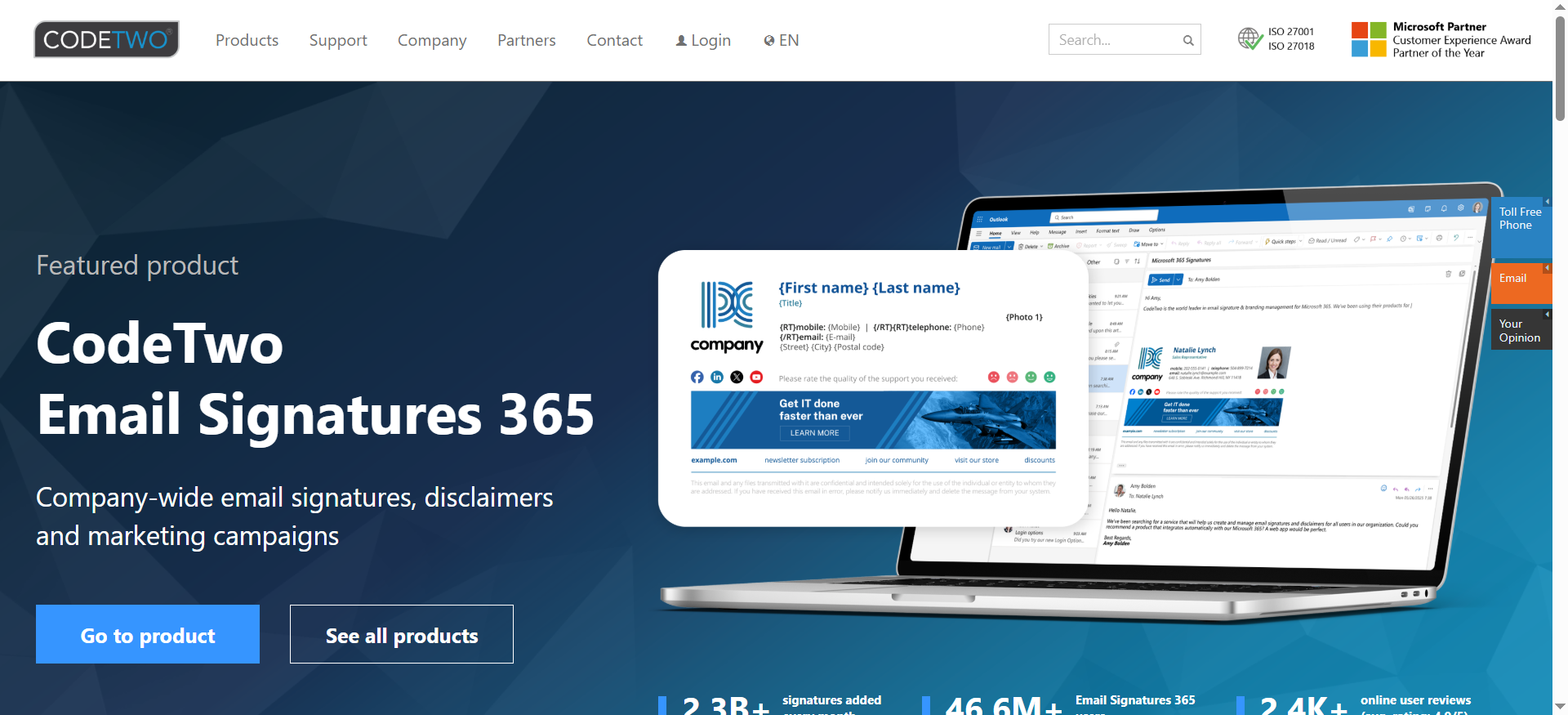
What it does
CodeTwo is a Microsoft 365–native email signature and compliance management platform that embeds signature functionality directly into Outlook and Microsoft 365. It includes a WYSIWYG HTML editor, dozens of templates, and a 4-layer security system that ensures compliance with ISO/IEC 27001, ISO/IEC 27018, GDPR, and CASL standards.
Why teams use it
CodeTwo is built specifically for Microsoft 365 organizations that prioritize security and compliance. Its 4-layer security model (encryption, audit logging, data residency controls, and role-based access) appeals to teams in healthcare, finance, and legal sectors where data protection is non-negotiable. The platform also works seamlessly across all Outlook clients — desktop, web, mobile, and Mac — without requiring users to install separate software.
What it's good for
CodeTwo excels at Microsoft 365-only environments, organizations requiring ISO/IEC compliance certifications, teams needing GDPR, CASL, and email marketing compliance in one tool, drag-and-drop signature creation without coding, centralized management of signatures, disclaimers, auto-replies, and email marketing campaigns, and mobile and Mac email app coverage.
When it's a good fit
Choose CodeTwo if you're an all-Microsoft organization, require ISO/IEC or GDPR certifications, and want a single platform managing signatures, disclaimers, and compliance marketing. The 14-day free trial (extendable to 21 days) lets you validate the fit before committing.
When it's not a good fit
If your organization uses Google Workspace, Exchange on-premises, or a hybrid multi-platform email environment, CodeTwo won't work — it's Microsoft 365–only. If you need deep Salesforce or HubSpot integration, other tools offer more robust CRM connectors.
How to use it
After installing CodeTwo's admin component in your Microsoft 365 tenant, users access the signature editor directly in Outlook (desktop, web, mobile). The WYSIWYG editor allows non-technical users to design professional signatures using built-in templates. Administrators set compliance rules — auto-applied disclaimers, required signature fields, image hosting — and CodeTwo enforces them across all user mailboxes in real-time.
Key capabilities
WYSIWYG HTML editor with dozens of built-in templates. Works across Outlook desktop, Outlook Web Access, mobile, and Mac. 4-layer security system (encryption, audit logging, data residency, RBAC). ISO/IEC 27001 and 27018 compliance certification. GDPR and CASL compliance controls. Centralized management of signatures, legal disclaimers, auto-replies. Email marketing campaign management. 10% discount on yearly plans.
Pricing
$0.81–$8.76/user/month depending on plan and user count. 14-day free trial (extendable to 21 days). 10% discount for annual billing. Scales from startups to enterprise deployments.
Free tier?
Yes — 14-day free trial, extendable to 21 days for evaluation purposes.
Downsides / limitations
Microsoft 365 only; no support for Google Workspace, Exchange on-premises, or hybrid environments. Pricing scale ($0.81–$8.76/user/month) can be confusing; exact cost depends on plan and contract length. Limited CRM integration compared to tools designed for sales teams. Admin setup and signature template configuration requires some email infrastructure knowledge.
3. OpenSense
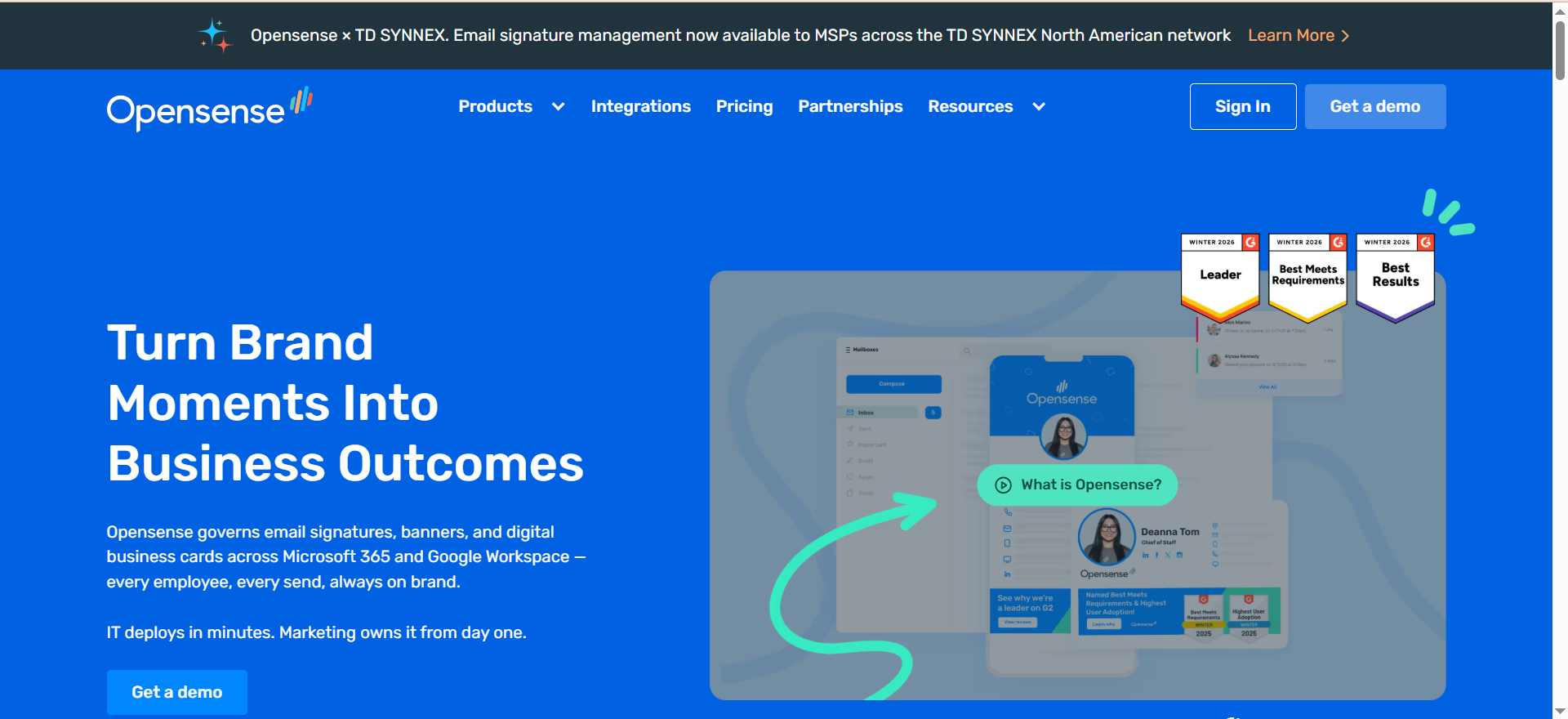
What it does
OpenSense is an email signature and compliance platform designed for organizations that need seamless CRM integration. It automatically applies compliant signatures while syncing with Salesforce, HubSpot, Marketo, Eloqua, Pardot, and Microsoft Dynamics to pull employee and campaign data into email signatures. It supports Microsoft 365, Google Workspace, and Exchange, with built-in compliance for CAN-SPAM, GDPR, CASL, and CCPA.
Why teams use it
OpenSense is the choice for organizations where email signature compliance intersects with marketing and sales operations. By integrating with your CRM, OpenSense enables dynamic signatures (different signatures for different campaigns, regions, or roles) without manual changes. Teams in financial services, healthcare, and tech companies use it to ensure marketing emails comply with CAN-SPAM while legal emails carry HIPAA disclaimers — all automatically.
What it's good for
OpenSense excels at organizations using Salesforce, HubSpot, Marketo, Pardot, Eloqua, or Dynamics. It supports dynamic, role-based or campaign-based signature changes, email analytics (tracking opens, clicks, engagement), multi-platform deployments, CAN-SPAM, GDPR, CASL, and CCPA compliance in a single tool, and targeted banners by region, role, or active campaign.
When it's a good fit
Choose OpenSense if your team relies on Salesforce or HubSpot to drive email campaigns and compliance requirements vary by campaign or customer segment. The $1/user/month starting price is extremely affordable, and GCC High compliance adds only $2/user/month for government organizations.
When it's not a good fit
If you have minimal CRM usage or run an entirely on-premises Exchange environment without cloud services, OpenSense's cloud-first architecture and CRM focus may be overkill. Small teams under 25 users might find the onboarding overhead disproportionate to the benefit.
How to use it
OpenSense connects to your CRM via OAuth or API to pull employee data, campaign information, and regional settings. You create signature templates in the OpenSense dashboard, then define rules (by Salesforce campaign, HubSpot contact property, employee role, or recipient region) that determine which signature each email carries. Compliance rules for CAN-SPAM, GDPR, and CASL are built-in and automatically enforced. Email analytics track opens and clicks for engagement visibility.
Key capabilities
CRM integrations: Salesforce, HubSpot, Marketo, Eloqua, Pardot, Microsoft Dynamics. Dynamic, role-based, or campaign-based signatures. CAN-SPAM, GDPR, CASL, CCPA compliance built-in. Email analytics: opens, clicks, engagement tracking. Multi-platform support: Microsoft 365, Google Workspace, Exchange. Targeted banners by role, region, or campaign. Centralized signature management across distributed teams.
Pricing
Starting at $1/user/month. Additional $2/user/month for GCC High environments. Contact OpenSense for enterprise pricing and volume discounts.
Free tier?
Not explicitly stated; contact OpenSense for trial availability.
Downsides / limitations
Heavy CRM integration focus means less value if your organization doesn't actively use Salesforce, HubSpot, or similar platforms. Pricing model is per-user; cost scales with headcount. Email analytics and dynamic signature features require proper CRM field configuration, which demands initial setup effort. Less suitable for purely on-premises or non-integrated email environments.
4. Crossware
What it does
Crossware is an email signature and compliance management tool for Microsoft 365, Microsoft Exchange, and HCL Domino environments. It operates entirely within Microsoft Azure Datacenters, meaning emails are processed in-transit without being stored, copied, or retained — a critical feature for privacy-sensitive industries. The drag-and-drop editor and rule-based system let you apply different signatures based on Active Directory fields, recipient addresses, or specific dates.
Why teams use it
Crossware is chosen by organizations where data residency and Azure integration are non-negotiable. Healthcare providers, law firms, and financial institutions value the fact that Crossware operates within Azure without exfiltrating email content. The Azure-native architecture also simplifies compliance audits — emails processed within Microsoft's secure datacenters satisfy strict data governance requirements.
What it's good for
Crossware is ideal for Microsoft 365 and Exchange environments (on-premises or hybrid), organizations requiring Azure-only email processing (zero external copies or storage), teams needing rule-based signature application (by Active Directory, recipient domain, date), drag-and-drop signature design without coding, compliance-heavy industries (healthcare, law, finance), and cost-conscious enterprises at scale where 500+ users benefit from volume pricing.
When it's a good fit
Choose Crossware if you operate in Microsoft 365 or Exchange, require strict data residency controls, and have 500+ users (volume pricing becomes very attractive at $0.57/user/month). The 30-day free trial lets you validate the Azure-native approach before committing.
When it's not a good fit
If you use Google Workspace or need multi-platform signature management beyond Microsoft environments, Crossware won't cover your needs. Organizations with fewer than 50 users may find per-user pricing less favorable than flat-fee competitors.
How to use it
Crossware integrates with your Microsoft 365 tenant or on-premises Exchange environment. In the admin console, you define rules using Active Directory fields (department, job title, location), recipient addresses, or date ranges. You create signature templates using the drag-and-drop editor. Crossware automatically applies the correct signature to each email based on the rules you've set — all processing happens within Azure datacenters, and emails are never copied or stored externally.
Key capabilities
Azure Datacenters processing (no external email storage or copying). Drag-and-drop visual signature editor. Rule-based signature application (Active Directory fields, recipient addresses, dates). Support for Microsoft 365, Microsoft Exchange, and HCL Domino. Centralized compliance signature and disclaimer management. Audit-friendly architecture (processing within Microsoft's secure infrastructure). 30-day free trial.
Pricing
$0.57–$1/user/month depending on user count. Volume discounts for 500+ users. 30-day free trial included. One of the most affordable options at enterprise scale.
Free tier?
Yes — 30-day free trial with full access to all features.
Downsides / limitations
Microsoft/Exchange-only; no Google Workspace or other email platform support. Rule-based application is powerful but requires understanding Active Directory structure and compliance requirements. Smaller teams (under 50 users) may find per-user pricing less attractive than flat-fee alternatives. Less suitable for organizations needing deep CRM integration or complex dynamic signatures.
5. Xink
What it does
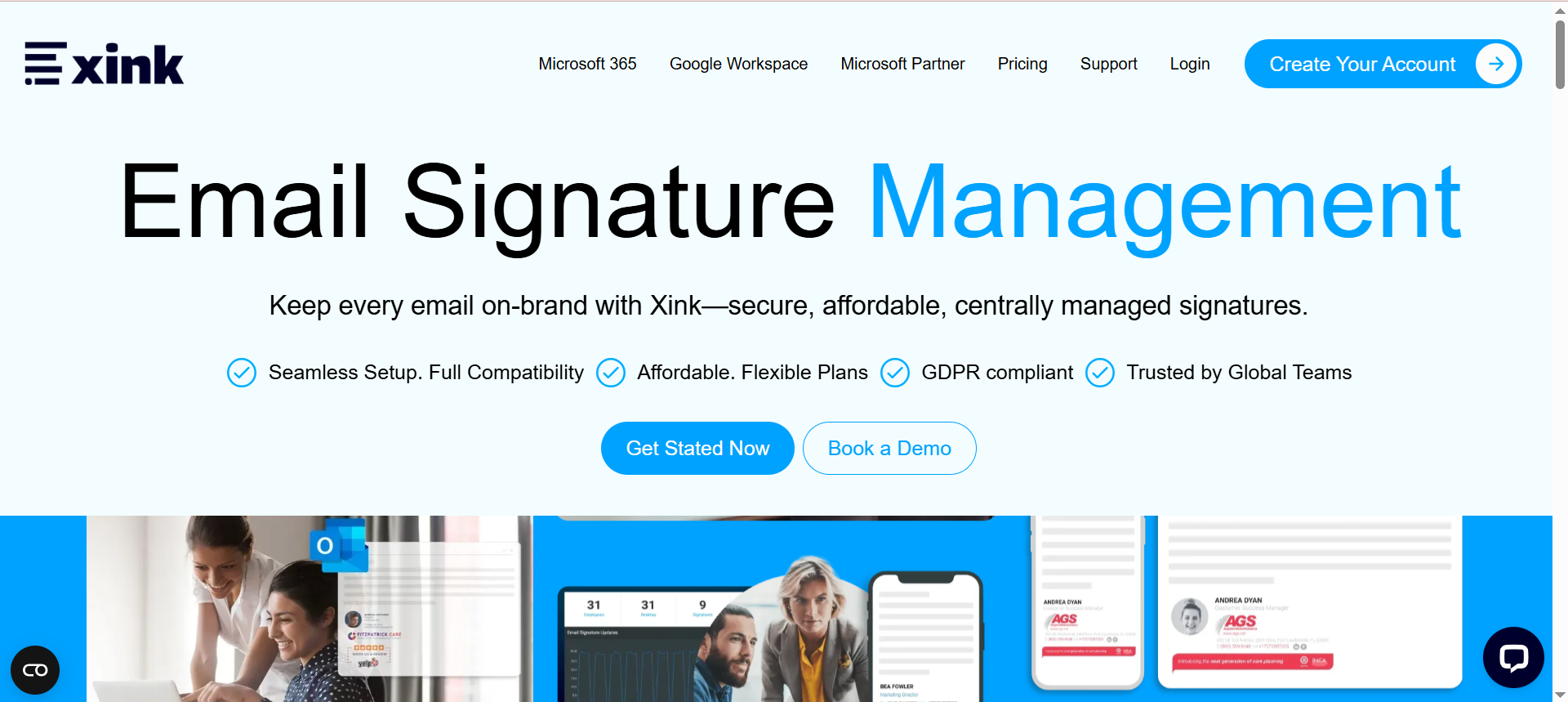
Xink is a cross-platform email signature and brand management tool serving 3.3 million+ users globally. Unlike tools locked into Microsoft 365 or a single platform, Xink works across Microsoft 365, Google Workspace, Outlook (desktop, Mac, web, RDS, Citrix, iOS, Android), Gmail, and Apple Mail. It provides a central dashboard for managing employee signatures, campaign-specific signature banners with clickable calls-to-action, and compliance enforcement across all platforms.
Why teams use it
Xink is chosen by organizations that refuse to compromise on platform flexibility. With 3.3 million users already relying on it, Xink has proven its ability to handle massive, distributed deployments across Windows, Mac, mobile, and web email clients. Teams in tech, healthcare, and professional services value the fact that they can enforce brand consistency and compliance whether employees use Outlook, Gmail, Apple Mail, or Citrix/RDS environments — without forcing users onto a single platform.
What it's good for
Xink excels at multi-platform deployments (Microsoft 365, Google Workspace, Outlook, Gmail, Apple Mail, RDS, Citrix, iOS, Android), organizations that don't enforce a single email client, campaign-specific signature banners with trackable CTAs, brand consistency across distributed teams, compliance enforcement across all email platforms and devices, fast IT setup (45 minutes initial configuration), and no long-term contracts or vendor lock-in.
When it's a good fit
Choose Xink if your organization uses multiple email platforms and needs centralized signature management without forcing standardization. The flexible pricing (~$1/user/month base, plus $11/month brand plan or $20/month campaign plan) and no-contract model appeal to organizations that want the option to change tools annually. The 45-minute setup time means faster time-to-compliance than competitors.
When it's not a good fit
If you have deep CRM integration requirements (Salesforce, HubSpot dynamic signatures), Xink offers less out-of-the-box functionality than OpenSense. If you're a pure Microsoft shop, you might find more specialized Microsoft 365–native tools like CodeTwo more tightly integrated.
How to use it
After a 45-minute initial IT setup, you manage all employee signatures from Xink's central dashboard. You can assign different signatures to users based on department, region, or role, create campaign-specific banners with clickable CTAs (tracked for engagement), and enforce compliance across all email platforms. Xink's architecture works by signature injection at the mail server level for some platforms and client-side plugins for others, ensuring coverage whether employees use Outlook, Gmail, or Apple Mail.
Key capabilities
Multi-platform support: Microsoft 365, Google Workspace, Outlook (Win/Mac/RDS/Citrix/iOS/Android), Gmail, Apple Mail. Central dashboard for all employee signatures. Campaign-specific signature banners with clickable CTAs and tracking. Compliance enforcement across all platforms and devices. 3.3 million+ global users (proven scale). 45-minute initial IT setup. Monthly or annual billing, no long-term contracts. Brand consistency tools.
Pricing
Starting at ~$1/user/month (base plan). Brand plan: $11/month (additional). Campaign plan: $20/month (additional). Monthly or annual billing options. No long-term contracts required.
Free tier?
No free tier, but Xink offers a free trial that does not require credit card details.
Downsides / limitations
Base pricing ($1/user/month) is separate from brand and campaign plans, making total cost of ownership less transparent. Limited native CRM integration compared to OpenSense or tools designed for marketing teams. Multi-platform support, while a strength, can make troubleshooting more complex across different email clients. Less specialized for single-platform environments.
What Email Signature Features Are Required for HIPAA Compliance in Healthcare?
HIPAA compliance demands that healthcare organizations implement email signatures with specific protective features. The primary requirement is the inclusion of standardized disclaimers notifying recipients about protected health information (PHI) handling. These disclaimers must inform recipients that emails may contain confidential patient data and warn against unauthorized disclosure.
Beyond disclaimers, HIPAA-compliant signatures should support encryption indicators, showing when messages are encrypted end-to-end. Many healthcare organizations require digital signatures to authenticate message origin and prevent tampering with sensitive patient records. The signature must also include clear provider credentials — name, title, facility affiliation — to establish accountability.
Data minimization is critical; signatures should never display unnecessary PHI or patient identifiers. Some tools allow conditional logic to prevent certain signature elements from displaying to external recipients. Tools like Exclaimer and CodeTwo provide HIPAA-specific templates pre-configured with required language and formatting.
Additionally, audit trail capabilities are essential. Your signature tool should log when signatures are applied, modified, or accessed, supporting compliance investigations. Organizations should verify that the tool provider maintains HIPAA Business Associate Agreements (BAAs) and demonstrates compliance through SOC 2 Type II certifications. Ensure the solution supports retention policies aligned with HIPAA record-keeping requirements, typically 6 years for healthcare documentation.
How Do FINRA Email Retention Requirements Affect Signature Tool Selection?
FINRA imposes strict email retention requirements — typically 6 years for communications related to securities trading, customer interactions, and compliance matters. This significantly influences signature tool selection because the signature management system must integrate seamlessly with your email retention architecture.
Your chosen tool must support compliance with FINRA's Communication Archives standards. This means the signature solution cannot interfere with email archiving systems or create technical barriers to retention. The tool should be compatible with enterprise archiving platforms like Veritas, Commvault, or Proofpoint that financial firms commonly deploy.
A critical consideration is signature versioning. FINRA requires that historical email signatures remain intact and accessible in archived messages for the full retention period. This prevents complications during regulatory audits when older emails must be produced with their original signatures. Tools like OpenSense and Crossware offer version control features that maintain signature integrity across the retention timeline.
Additionally, FINRA requires clear documentation of all signature elements applied to outgoing communications. Enterprise signature tools should generate detailed logs showing what signature was applied, when, and to whom — supporting FINRA's audit requirements. The tool must also facilitate rapid email discovery and retrieval during regulatory investigations.
Can Email Signature Tools Enforce Attorney-Client Privilege Disclaimers Automatically?
Yes, modern email signature tools can automatically enforce attorney-client privilege disclaimers, though implementation requires careful configuration. Exclaimer, CodeTwo, and similar enterprise solutions support dynamic disclaimer insertion that triggers based on predefined rules — such as when emails originate from specific departments, recipient domains, or contain sensitivity classifications.
The key to enforcing privilege disclaimers effectively is conditional signature logic. Law firms and legal departments can configure rules like "insert privilege disclaimer only for emails from the Corporate Legal department" or "apply enhanced disclaimers to external recipients." Some tools allow deeper logic: disclaimers appear only when emails contain specific keywords, attachments, or sensitivity markers.
However, automatic enforcement has limitations. The privilege disclaimer itself doesn't establish privilege; that depends on proper email handling practices and court recognition. Courts generally don't view boilerplate disclaimers as establishing privilege, so the disclaimer is primarily a protective notification rather than a legal shield. Legal teams must combine signature automation with broader privilege management protocols.
Organizations should work with legal counsel to ensure disclaimer language complies with their jurisdiction's privilege rules. Tools like Xink provide customizable disclaimer templates specifically designed for legal compliance, though professional legal review of the language remains essential before deployment.
What's the Difference Between Cloud-Hosted and On-Premises Email Signature Solutions for Compliance?
Cloud-hosted and on-premises email signature solutions offer distinct compliance trade-offs. Cloud-hosted solutions (SaaS models like Exclaimer Cloud or OpenSense) provide centralized management, automatic updates, and reduced IT overhead. They handle infrastructure security, multi-region redundancy, and compliance certifications at the provider level, which is advantageous for organizations lacking dedicated infrastructure teams.
However, cloud solutions raise data residency concerns critical for compliance. GDPR, HIPAA, and industry-specific regulations often mandate data storage in specific geographic regions. On-premises solutions grant complete control over data location — essential for organizations handling sensitive regulated data that cannot leave specific jurisdictions.
On-premises deployments offer deeper compliance control and audit visibility. Your IT team directly manages encryption, access controls, and backup procedures, potentially satisfying strict regulatory requirements. However, on-premises solutions demand significant IT resources: infrastructure maintenance, security patching, disaster recovery planning, and version upgrades.
The optimal choice depends on your regulatory environment: financial services firms often prefer on-premises solutions for control, while healthcare organizations increasingly accept cloud solutions with HIPAA-compliant guarantees. Consider hybrid approaches — some tools like CodeTwo support both models, allowing flexibility as compliance requirements evolve.
How Do CAN-SPAM Regulations Impact Email Signature Design in Marketing Teams?
CAN-SPAM legislation directly shapes email signature requirements for marketing communications. The regulation mandates that marketing emails include clear, accurate sender identification, physical business address, and unsubscribe mechanisms — elements that integrate into comprehensive email signatures.
The most critical CAN-SPAM requirement is the physical postal address. Every marketing email must include a legitimate business address where the company operates. Email signature tools must support dynamic address insertion, automatically populating the correct address based on the sending department or regional office.
Unsubscribe link integration is equally important. CAN-SPAM requires a clear, functional unsubscribe mechanism in every marketing email. Advanced signature tools like Exclaimer integrate unsubscribe options directly into signature templates, ensuring consistent presentation and compliance. The unsubscribe system must function properly and process requests within 10 business days.
Marketing teams must avoid deceptive subject lines and misleading header information. Many organizations use conditional signatures: marketing campaigns display comprehensive CAN-SPAM-compliant signatures, while transactional emails use simpler signatures. Tools supporting dynamic rules enable marketing teams to maintain compliance while adapting signatures to campaign type.
Which Email Signature Tools Integrate with Active Directory for Role-Based Compliance?
Active Directory integration is essential for role-based compliance management, enabling automatic signature updates when employees change positions. Exclaimer and CodeTwo excel here, offering native Active Directory connectors that pull employee data — title, department, location, manager — and automatically populate corresponding signature elements.
Role-based compliance rules leverage Active Directory data to enforce department-specific requirements. For example, a financial services firm can configure rules where trading desk employees automatically receive signatures including FINRA disclaimers, while human resources staff receive different compliance language. The tool continuously monitors Active Directory for role changes and updates signatures accordingly.
OpenSense and Crossware similarly support Active Directory integration with varying sophistication levels. Some solutions offer basic employee attribute pulling (name, title), while advanced platforms support custom Active Directory schema extensions, enabling storage of compliance-related metadata like data classification level or regulatory jurisdiction.
The integration also supports compliance automation for departing employees. When someone's Active Directory account is disabled, advanced tools can immediately remove or archive their signature, preventing unauthorized communications under the departed employee's name — a critical requirement for regulated industries.
What Compliance Certifications (ISO, SOC 2) Should I Look for in an Email Signature Tool?
Compliance certifications provide independent verification that email signature tool providers maintain appropriate security and operational controls. The most relevant certification is SOC 2 Type II, which audits a provider's security, availability, processing integrity, and confidentiality controls over an extended period. This demonstrates the provider underwent rigorous third-party auditing — essential for regulated industries.
ISO 27001 certification indicates the provider maintains an Information Security Management System meeting international standards. This covers data protection, access control, incident management, and continuous improvement. Both Exclaimer and CodeTwo pursue these certifications, providing documented evidence of security maturity.
HIPAA compliance certification is critical for healthcare organizations. Some tool providers explicitly maintain HIPAA Business Associate Agreements and publish HIPAA compliance documentation. Similarly, GDPR compliance certifications or Data Processing Agreements indicate European readiness.
When selecting tools, create a certification requirements matrix based on your regulatory environment, then request formal compliance documentation from each vendor. Red flags include providers unable to produce certifications, refusing third-party audits, or claiming compliance without documentation.
How Do Email Signature Tools Handle GDPR Data Residency Requirements?
GDPR's Article 32 requires that personal data remain within appropriate geographic boundaries, making data residency a critical consideration when selecting email signature solutions. EU organizations must ensure that employee signature data (names, titles, phone numbers, physical addresses) never transfers to data centers outside the EU.
Leading providers address this through regional infrastructure. Exclaimer offers EU data centers with explicit GDPR commitments, storing all signature data within the European Union. Similarly, CodeTwo provides European deployment options with data residency guarantees. These tools allow organizations to maintain full GDPR compliance while benefiting from cloud-hosted signature management.
Standard contractual clauses (SCCs) become essential for any international data transfers. If your signature tool provider operates globally, they must implement SCCs or similar mechanisms protecting data transferred between regions. Organizations should request the provider's Data Processing Agreement, which should specify data residency, sub-processor management, and data deletion procedures.
On-premises solutions eliminate residency concerns entirely — data never leaves your servers. However, this creates operational complexity for international organizations with geographically distributed teams. Verify that your chosen tool supports geographic policies preventing data residency violations.
Can Email Signature Solutions Track Compliance Audit Trails for Regulatory Inspections?
Comprehensive audit trail capabilities are essential for surviving regulatory inspections. Leading email signature tools like Exclaimer and CodeTwo provide detailed logging showing when signatures were applied, modified, or removed; who performed changes; and what changes occurred. These records become critical when regulators request evidence that compliance controls functioned properly during the audit period.
Audit trails should capture granular information: signature application timestamp, email recipient (for compliance rule validation), signature template version used, and employee role/department (for rule verification). Advanced tools generate audit reports summarizing compliance control effectiveness, demonstrating systemic compliance to regulators.
Integration with centralized logging and SIEM systems strengthens audit capabilities. Organizations should configure signature tools to forward logs to enterprise logging solutions, creating immutable records that satisfy chain-of-custody requirements during regulatory investigations.
OpenSense and Crossware support configurable retention policies for audit logs themselves — typically 3–7 years, matching regulatory requirements. Some tools offer tamper-evident logging that immediately detects unauthorized modifications. Test audit exports and reporting during pilot phases, ensuring your compliance team can generate required documentation within regulatory timeframes.
What's the Typical IT Setup Time and Technical Complexity of Deploying an Enterprise Signature Tool?
Enterprise email signature deployment complexity varies dramatically based on infrastructure choices, organizational size, and regulatory requirements. Cloud-based solutions typically require 2–6 weeks for smaller deployments (under 1,000 users), while on-premises solutions often demand 8–16 weeks due to infrastructure setup, security hardening, and integration testing.
Initial setup involves several phases: planning (2–4 weeks), infrastructure preparation (if on-premises), Active Directory/directory service integration, mail system configuration, policy definition, and pilot testing. Your IT team must integrate the signature tool with email servers, configure authentication and authorization, and test across various client types.
Policy development shouldn't be underestimated. Your IT and compliance teams must collaborate to design signature templates, define conditional rules, establish rollout schedules, and plan change management. Testing becomes critical: organizations should pilot with specific departments before organization-wide rollout.
Cloud solutions like Exclaimer Cloud typically deploy faster (2–3 weeks) because vendors manage infrastructure. Xink claims a 45-minute initial IT setup. Mid-size organizations (500–5,000 users) typically experience 4–8 week deployments, while large enterprises may require 12–24 weeks.
How Do Email Signature Tools Manage Multi-Language Disclaimers Across International Teams?
International organizations require sophisticated multi-language capabilities in email signature tools. Leading platforms like Exclaimer and CodeTwo support dynamic language selection based on employee location, preferred language settings in Active Directory, or email recipient country. This ensures that a French employee receives French disclaimers while a German colleague receives German signatures — critical for legal compliance.
Implementation requires careful planning. Organizations must identify all jurisdictions where operations occur, then map required disclaimers per jurisdiction. The tool must support conditional logic: "if employee location = France, insert French CNIL privacy notice; if location = Germany, insert German data protection statement."
Signature template management becomes complex with multi-language support. Rather than maintaining dozens of separate templates, advanced tools use dynamic content blocks: core signature elements pull from Active Directory, while compliance disclaimers populate from a centralized database based on detected language.
OpenSense provides particularly robust multi-language capabilities with built-in translation workflows. Testing multi-language deployments thoroughly is essential — verify that signatures display correctly in various email clients, that non-Latin scripts render properly, and that special characters don't break formatting.
Do Email Signature Tools Support Conditional Signatures Based on Recipient Location or Data Classification?
Yes, advanced email signature tools increasingly support recipient-location and data-classification-based conditional signatures. Exclaimer and CodeTwo offer sophisticated conditional logic allowing different signatures to display based on where the recipient is located. For example, an organization might suppress specific disclaimers for internal recipients while inserting GDPR warnings for EU-based external recipients.
Data classification integration is equally powerful. When an email is marked "Confidential" or "Restricted," the signature tool can automatically append attorney-client privilege disclaimers, enhanced encryption indicators, or warnings against forwarding. Tools integrate with Azure Information Protection or Office 365 sensitivity labels, reading classification metadata and triggering appropriate signature changes.
Implementation requires email classification systems already in place. Organizations must establish data classification policies (public, internal, confidential, restricted) before deploying conditional signatures. The tool then maps classification levels to signature rules.
Recipient detection uses various methods. Some tools analyze recipient email domains and apply rules accordingly. More sophisticated solutions integrate with CRM systems or geographic databases, identifying recipient country and applying location-specific disclaimers. Edge cases arise with multiple recipients in different locations — advanced tools support rules like "if any recipient is external EU-based, apply GDPR disclaimer."
What Happens to Email Signatures When Employees Change Roles or Departments?
Automatic signature updates triggered by role changes are essential for compliance integrity. When Active Directory reflects that an employee transferred from Sales to Compliance, the signature tool should automatically generate a new signature reflecting the Compliance department — typically within minutes. This prevents outdated signatures from perpetuating compliance violations or creating legal ambiguity.
Leading tools manage this through continuous Active Directory synchronization. The system periodically scans for attribute changes (department, title, manager, location), then regenerates signatures accordingly. Exclaimer and CodeTwo provide robust automatic update mechanisms preventing manual intervention. However, organizations must carefully test this functionality during pilot phases.
The transition period requires careful handling. During the time between when Active Directory updates and when the signature tool processes the change, users might send emails with outdated signatures. Advanced tools minimize this delay, but organizations should accept that brief periods of signature inconsistency occur during role transitions.
For departing employees, signature tools should support immediate revocation. When an employee's Active Directory account is disabled, the tool should immediately prevent signature generation or flag the account as inactive. Archived emails retain their historical signatures — the tool shouldn't retroactively modify past communications. Organizations should document role change procedures and establish monitoring confirming that signature changes align with organizational role transitions.


