

TL;DR
Most B2B sales teams waste hours chasing the wrong contacts. You send emails to generic inboxes, connect with people who have no buying authority, and wonder why reply rates stay flat. The fix is simple in theory and hard in practice: reach the person who can actually say yes.
Decision maker finder tools solve this by surfacing verified contact details, job titles, reporting lines, and buying committee context for the stakeholders who control budget and sign contracts. The right tool saves your team from guessing and gets reps in front of the people who matter.
This guide compares five tools purpose-built for finding decision makers: UpLead, LeadIQ, Wiza, RocketReach, and Leadfeeder (by Dealfront). Each one takes a different approach to the problem. Some pull from proprietary databases. Others scrape LinkedIn in real time. One identifies anonymous website visitors instead of relying on outbound search. Below, you will find a quick comparison table, detailed breakdowns of each tool, and answers to the most common questions teams ask when evaluating this category.
If you are a sales leader, demand gen manager, head of growth, or founder running outbound at a B2B company, this is the shortlist you need to narrow your decision.
Best Tools for Finding Decision Makers (Quick Comparison)
| Tool | Best For | Starting Price | Contact Data |
|---|---|---|---|
| UpLead | Verified emails with 95% accuracy guarantee | $74/mo (annual) | Emails, phones, mobile direct dials |
| LeadIQ | LinkedIn-first prospecting with AI personalization | Free / $200/mo | Emails, phones via Chrome extension |
| Wiza | Real-time LinkedIn data extraction and bulk export | Free / $49/mo | Emails, phones from LinkedIn profiles |
| RocketReach | Hard-to-reach executives and org chart mapping | $33/mo (annual) | Emails, phones, social profiles |
| Leadfeeder (Dealfront) | Identifying anonymous website visitors as leads | Free / €99/mo (annual) | Company-level data, employee contacts |
1. UpLead
What It Does
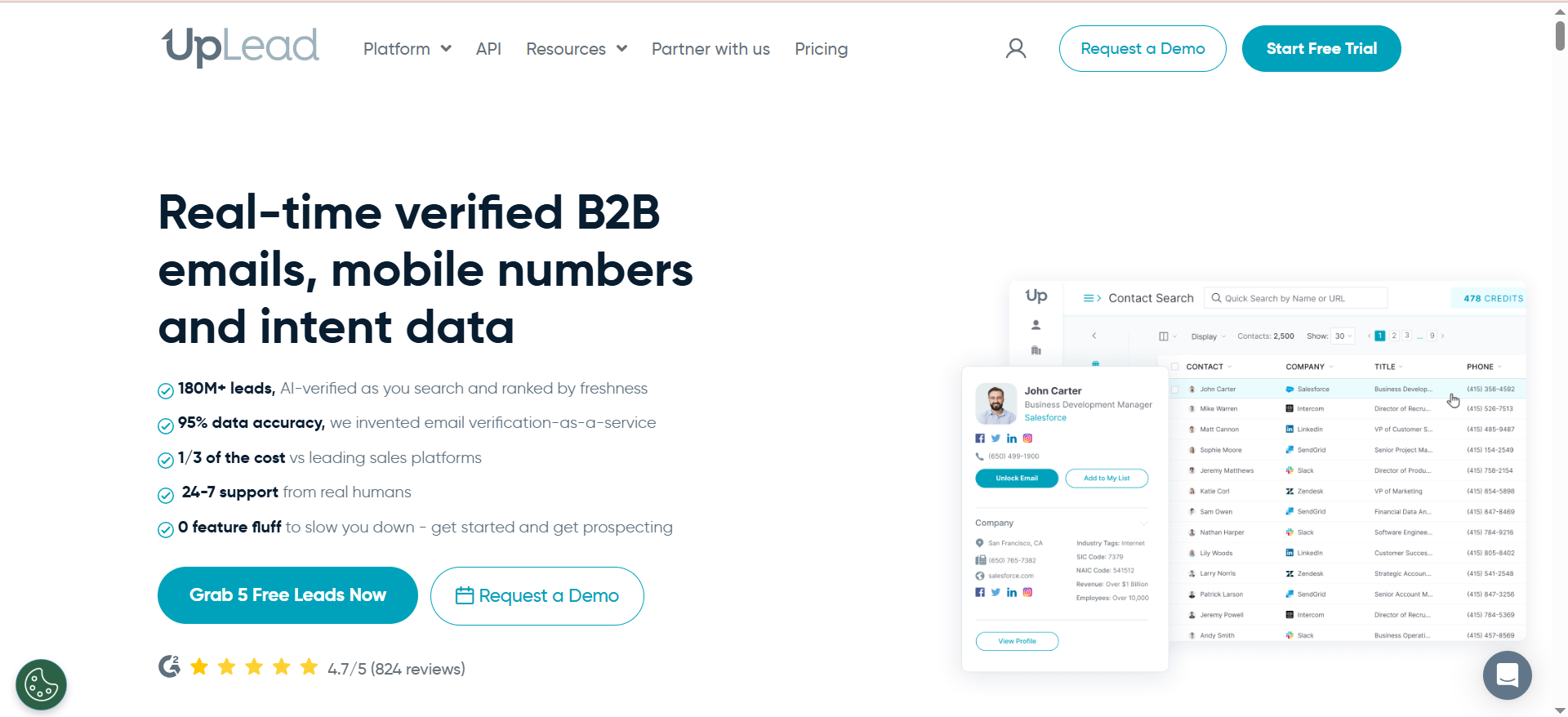
UpLead is a B2B contact database and prospecting platform that gives sales teams access to over 155 million verified business contacts. It focuses on data accuracy, offering a 95% accuracy guarantee on email addresses. Reps can search for decision makers by job title, industry, company size, revenue, technology stack, and dozens of other filters, then export verified contact details directly to their CRM or outreach tool.
Why Teams Use It
Teams choose UpLead because they are tired of bounced emails and bad data. The 95% accuracy guarantee means every email is verified in real time before you export it. If an email bounces, UpLead gives the credit back. This makes it practical for teams that run high-volume outbound and cannot afford deliverability hits from bad addresses.
What It's Good For
UpLead works well for building targeted prospect lists from scratch. If you know you want to reach VPs of Marketing at SaaS companies with 50 to 200 employees using HubSpot, you can filter to that exact audience in seconds. The technographic filters are particularly useful for teams selling software that replaces or integrates with specific tools.
When It's a Good Fit
UpLead fits teams that prioritize data quality over volume. If your sales process depends on clean, verified emails and you run structured outbound campaigns, UpLead delivers. It is also a strong fit for solo founders or small teams who want a self-serve tool without enterprise-level pricing or sales calls.
When It's Not a Good Fit
UpLead is not the right choice if you need real-time LinkedIn prospecting or if your workflow is built around capturing contacts while browsing LinkedIn. It also falls short for teams that need more than 400 contacts per month on a self-serve plan, since the Professional tier requires a custom quote and annual commitment.
How to Use It
Sign up for the 7-day free trial with 5 credits to test data quality. Use the advanced search to filter by job title (e.g., "VP Sales," "Head of Procurement," "Chief Marketing Officer"), industry, company size, and technology stack. Export verified contacts directly to your CRM. Build saved searches for repeatable prospecting workflows.
Key Capabilities
UpLead offers real-time email verification at the point of export, mobile direct dial numbers that bypass company switchboards, buyer intent data that flags accounts actively researching solutions in your category, technographic filtering across 16,000+ technologies, data enrichment to keep existing CRM records current, and bulk search and export for list-building at scale.
Pricing
UpLead's pricing starts at $74/month billed annually ($99/month on monthly billing) for the Essentials plan with 170 monthly credits. The Plus plan is $149/month billed annually ($199/month monthly) with 400 credits. The Professional plan is custom-priced and requires annual billing. A 7-day free trial with 5 credits is available.
Free Tier?
Yes. UpLead offers a 7-day free trial with 5 credits. There is no permanent free plan.
Downsides / Limitations
Monthly credits expire at the end of each billing cycle with no rollover. Team access requires the Professional tier, which is custom-priced and not transparent. The database, while accurate, is smaller than enterprise competitors like ZoomInfo. Phone number coverage can be inconsistent outside North America and Western Europe.
2. LeadIQ
What It Does
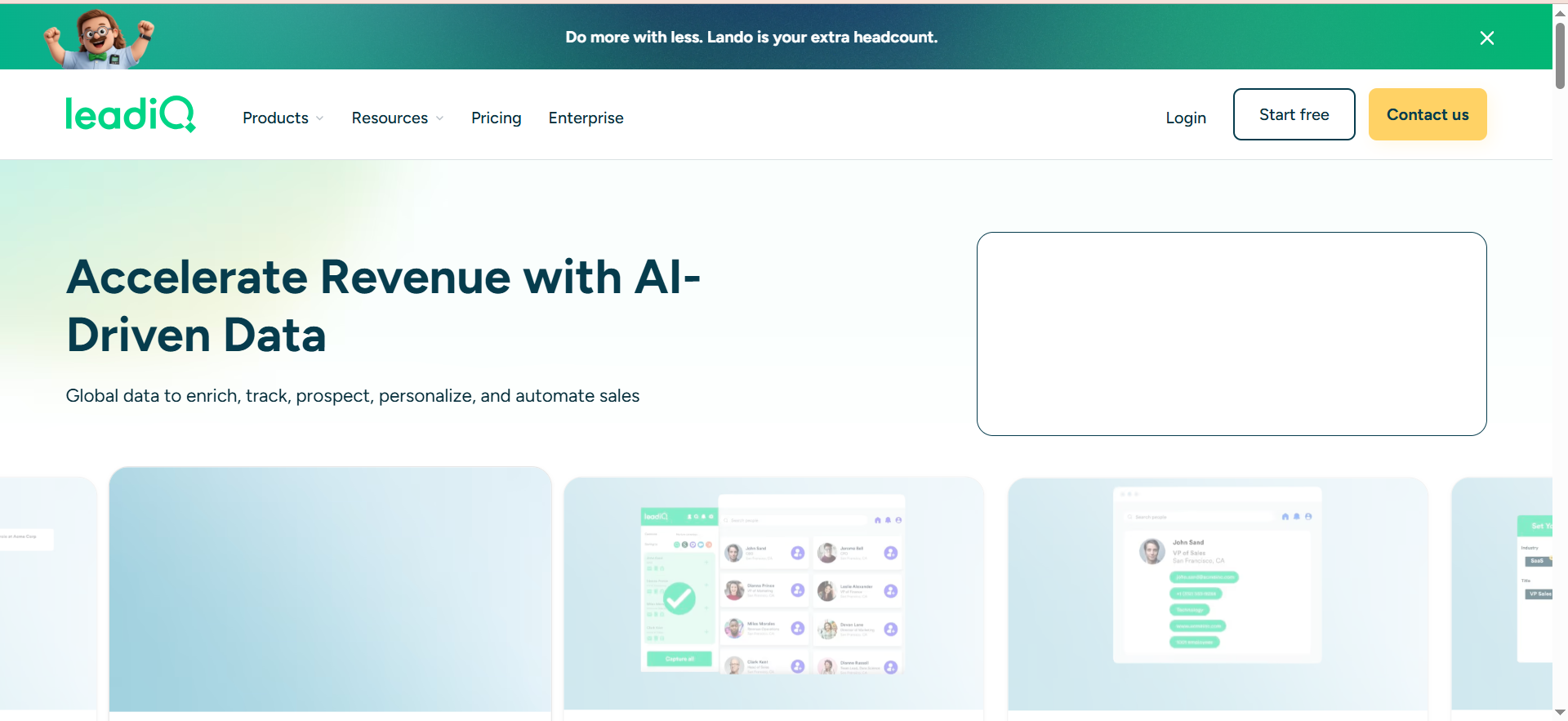
LeadIQ is a prospecting platform built around a Chrome extension that lets sales reps capture verified contact information directly from LinkedIn profiles, Sales Navigator, and company websites. It combines contact discovery with AI-powered email writing (called Scribe) and job change tracking to help reps personalize outreach at scale.
Why Teams Use It
Teams use LeadIQ because it fits into the workflow reps already follow: browsing LinkedIn, identifying prospects, and reaching out. Instead of switching between tabs and tools, reps capture emails and phone numbers with one click while they are already looking at a prospect's profile. The job change alerts add a layer of sales intelligence by flagging when a champion or target buyer moves to a new company.
What It's Good For
LeadIQ excels at LinkedIn-first prospecting. If your team spends most of their prospecting time on LinkedIn or Sales Navigator, LeadIQ makes that workflow faster and more accurate. The Scribe AI feature helps reps write personalized first lines for cold emails without starting from scratch every time.
When It's a Good Fit
LeadIQ is a good fit for SDR and BDR teams that do high-volume LinkedIn prospecting and need to move fast. It works especially well for teams already using Salesforce or HubSpot, since captured contacts sync directly to CRM records. Teams that value personalization at scale will also benefit from the Scribe feature.
When It's Not a Good Fit
LeadIQ is less useful if your team does not prospect on LinkedIn or if you need a standalone contact database for bulk list building. The Universal Credit system can get expensive for large teams since phone lookups cost 10 credits each, and enterprise pricing is not transparent.
How to Use It
Install the Chrome extension and connect it to your CRM. Browse LinkedIn or Sales Navigator and click the LeadIQ icon on any profile to capture verified email and phone data. Use Scribe to generate personalized email drafts. Set up job change alerts for key accounts so you are notified when target buyers move companies.
Key Capabilities
LeadIQ provides one-click contact capture from LinkedIn via Chrome extension, AI-powered email personalization through Scribe, job change alerts and tracking for key accounts, real-time email verification, direct CRM sync to Salesforce, HubSpot, Salesloft, and Outreach, and team-level analytics for prospecting activity.
Pricing
LeadIQ uses a Universal Credit system where 1 credit equals 1 email lookup and 10 credits equal 1 phone number lookup. The Free plan includes 1 user with 50 credits per month. The Pro plan starts at $200/month for 200 credits and supports up to 5 users, with annual billing saving 25% (approximately $150/month). Enterprise pricing is custom and requires an annual commitment.
Free Tier?
Yes. The Free plan includes 50 Universal Credits per month for a single user. Credits can be used for email lookups (1 credit each) or phone number lookups (10 credits each). It is a good way to test the Chrome extension and data quality before upgrading.
Downsides / Limitations
Phone lookups consume 10 Universal Credits each, making phone-heavy workflows expensive relative to email-only use. The free plan is restricted to 1 user with 50 credits. Scribe's AI-generated emails still require editing for quality. Enterprise pricing is opaque, and the credit system can make costs unpredictable for teams with variable prospecting volumes.
3. Wiza
What It Does
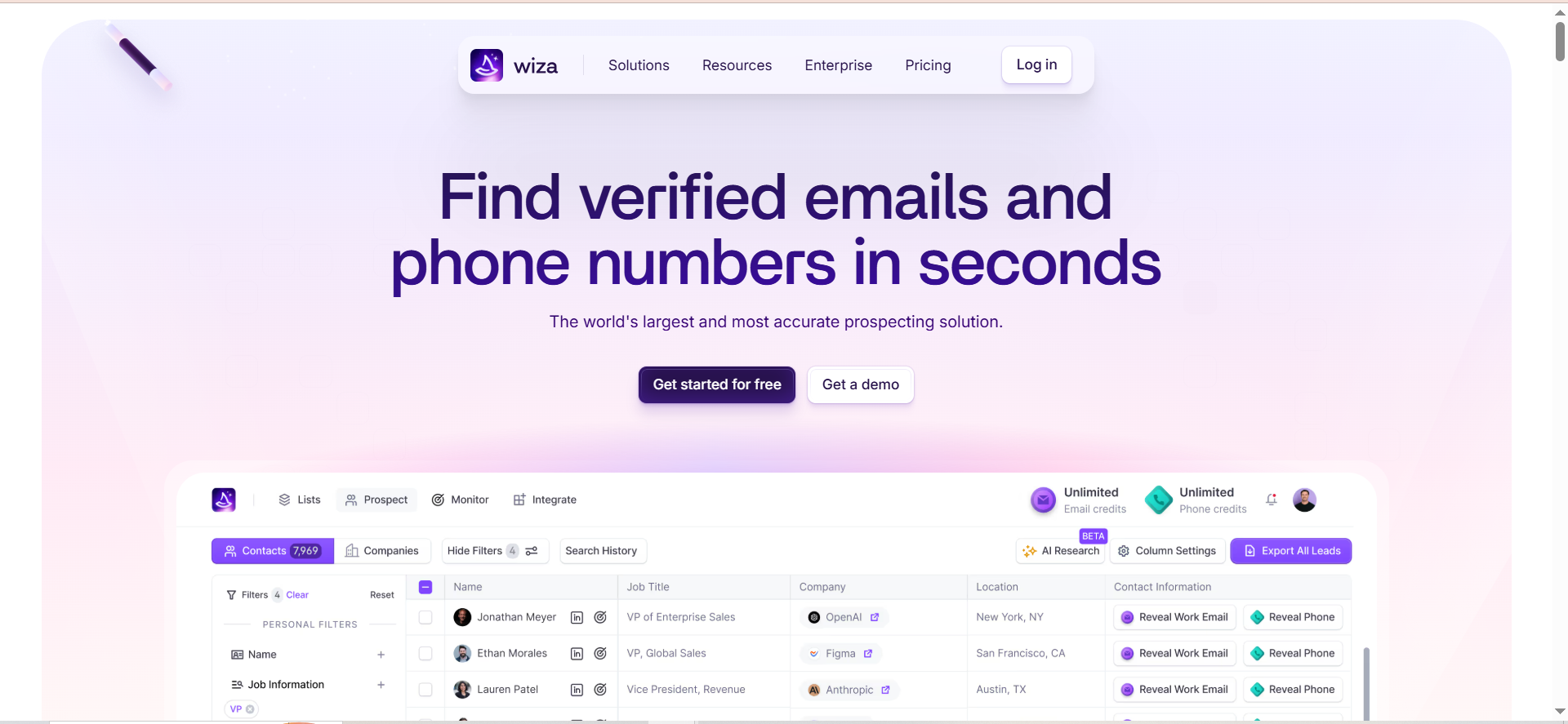
Wiza is a LinkedIn-focused prospecting tool that extracts verified contact information from LinkedIn and Sales Navigator profiles in real time. It offers access to over 850 million contact profiles, a Chrome extension for one-click prospecting, bulk export capabilities, and built-in email verification targeting 99%+ deliverability rates.
Why Teams Use It
Teams choose Wiza because it pulls contact data directly from LinkedIn in real time rather than relying on a static database. This means the data reflects current job titles and company affiliations, reducing the risk of reaching out to someone who changed roles six months ago. The bulk export feature is particularly useful for teams that need to build large prospect lists from LinkedIn searches quickly.
What It's Good For
Wiza is built for teams that prospect heavily on LinkedIn and need to extract contact data at scale. If you regularly run Sales Navigator searches and need to pull hundreds of verified emails and phone numbers from the results, Wiza handles that efficiently. It also works well for teams that need to verify existing contact lists against current LinkedIn data.
When It's a Good Fit
Wiza fits teams that already use LinkedIn Sales Navigator and want to maximize the ROI of that subscription. It is ideal for outbound-heavy teams that need fresh, real-time data rather than database snapshots. Solo reps and small teams benefit from the lower price point compared to enterprise alternatives.
When It's Not a Good Fit
Wiza requires LinkedIn Sales Navigator ($79 to $149/month) to unlock its full potential, which adds significant cost. If your team does not prospect on LinkedIn, Wiza offers limited value. The tool also lacks the AI writing features and job change alerts that competitors like LeadIQ include.
How to Use It
Install the Wiza Chrome extension. Open LinkedIn Sales Navigator and run your target search. Use Wiza to extract verified emails and phone numbers from the search results, either one at a time or in bulk. Export the data to CSV or sync directly to your CRM. Use Wiza Monitor to track job changes for saved contacts.
Key Capabilities
Wiza offers real-time contact extraction from LinkedIn and Sales Navigator, bulk export of verified emails and phone numbers, 850M+ contact database with 40+ data points per profile, Chrome extension for one-click prospecting, built-in email verification with 99%+ deliverability target, Wiza Monitor for job change alerts, CSV export and CRM sync capabilities, and AI Research for prospect enrichment.
Pricing
Wiza offers a Free plan (20 email credits, 5 phone credits). The Starter plan is $49/month (100 email and phone credits). The Email plan is $83/month annually ($99/month monthly) for unlimited emails. The Email + Phone plan is $166/month annually ($199/month monthly) for unlimited emails and phones. The Team plan starts at $449/month annually for 3+ users with unlimited data and API access.
Free Tier?
Yes. The Free plan includes 20 email credits and 5 phone credits per month, plus access to the Chrome extension and Wiza Prospect.
Downsides / Limitations
LinkedIn Sales Navigator is an additional cost not included in any Wiza plan. Monthly credits expire at the end of each billing cycle. The tool is heavily dependent on LinkedIn data, so coverage for contacts not on LinkedIn is limited. It lacks built-in email sequencing or AI writing features.
4. RocketReach
What It Does
RocketReach is a contact intelligence platform that provides verified emails, direct phone numbers, and social profiles for over 700 million professionals across 35 million companies. It is designed to help sales teams reach specific individuals, including hard-to-find executives and decision makers in niche industries, using a combination of search filters, org chart mapping, and API access.
Why Teams Use It
Teams use RocketReach when they need to reach specific people who are difficult to find through standard prospecting tools. The platform excels at surfacing contact details for senior executives, board members, and stakeholders in industries where public contact information is scarce. The org chart feature helps reps understand reporting structures and identify the right person to contact within complex organizations.
What It's Good For
RocketReach is strongest when you need to find a specific person's contact details rather than building broad prospect lists. If you know the name and company of the decision maker you want to reach, RocketReach is fast and reliable at surfacing their email, phone, and social profiles. The technographic data and company intelligence features add context for personalization.
When It's a Good Fit
RocketReach is a good fit for account-based sales teams that target specific companies and need to find the right stakeholder within each account. It works well for teams selling into enterprise accounts, government, healthcare, or other industries where decision makers are harder to reach through standard channels.
When It's Not a Good Fit
RocketReach is less practical for high-volume list building on a budget. The credit-based pricing means costs scale quickly for teams that need hundreds of lookups per month. Phone numbers and advanced integrations require the Pro or Ultimate tiers, and the Essentials plan only includes email-only access.
How to Use It
Sign up and use the search bar to find individuals by name, company, title, or location. Use the advanced filters to narrow results by industry, company size, or technology stack. View org charts to understand reporting structures. Export verified contact details to your CRM or use the API for automated enrichment workflows.
Key Capabilities
RocketReach provides verified professional emails, direct phone numbers, and social media profiles, org chart mapping to visualize reporting structures and buying committees, technographic data to identify technologies used by target companies, Salesforce and HubSpot integrations for direct CRM sync, API access for automated enrichment and workflow integration, company intelligence including revenue, employee count, and industry classification, and browser extension for quick lookups on LinkedIn and company websites.
Pricing
RocketReach's Essentials plan is $33/user/month (email-only, 1,200 lookups/year, billed annually). The Pro plan is approximately $75/user/month annually ($119/month monthly) and adds phone numbers. The Ultimate plan is approximately $175/month annually with 10,000 lookups and full API access. Enterprise plans start at $6,000/year. A limited free plan is available.
Free Tier?
Yes. RocketReach offers a free plan with 5 lookups per month, access to personal and professional emails, basic person search, and the browser extension. No credit card is required. It is useful for testing data quality but not for sustained prospecting.
Downsides / Limitations
The credit-based system means costs scale with usage and can become expensive for large teams. Phone numbers require the Pro tier or above. Lookup overages cost $0.30 to $0.45 per additional lookup. The Essentials plan is email-only, which limits value for teams that need phone numbers. API access is restricted to the Ultimate tier.
5. Leadfeeder (by Dealfront)
What It Does
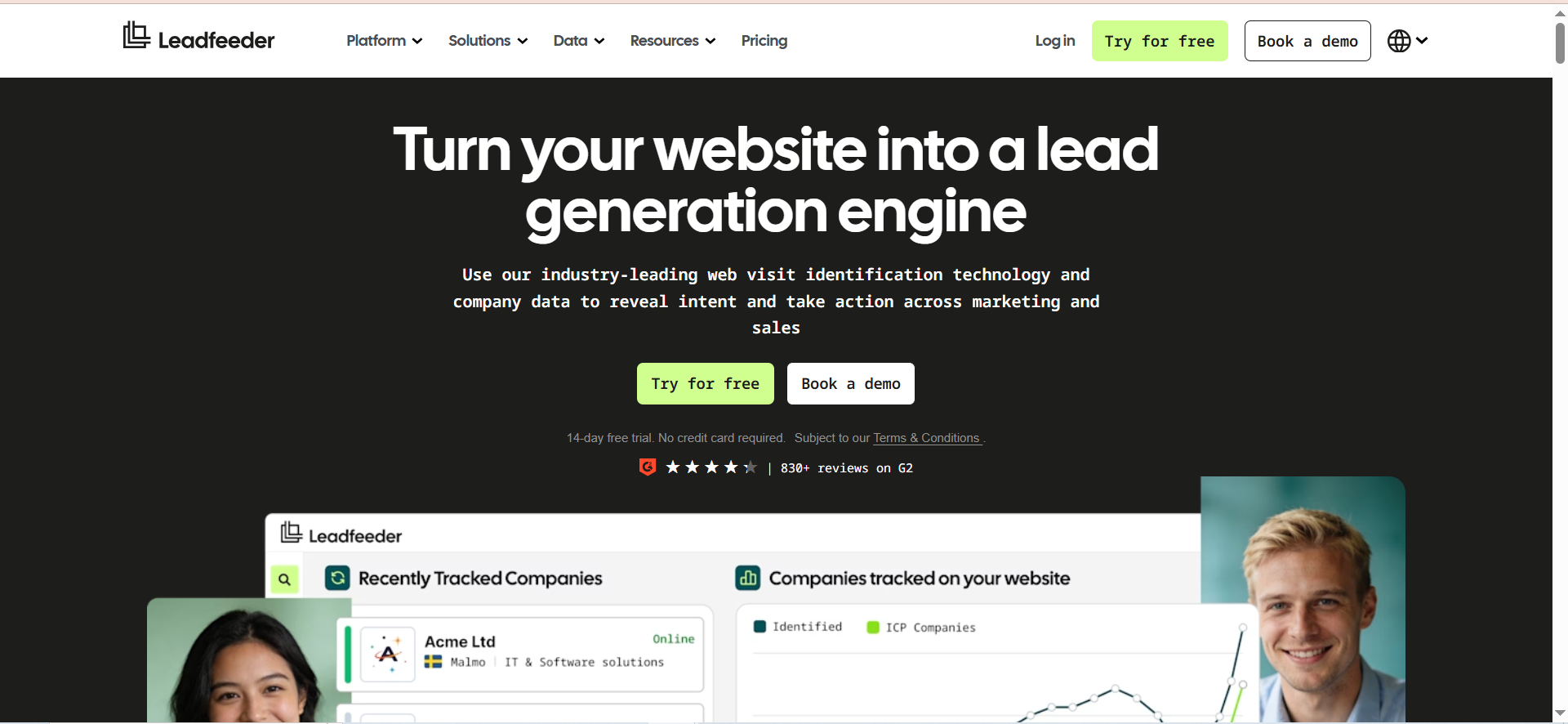
Leadfeeder, now part of the Dealfront platform, is a website visitor identification tool that reveals which companies are visiting your website, what pages they view, and how long they spend on your site. Unlike the other tools in this list that rely on outbound search, Leadfeeder uses first-party tracking and IP-to-company matching to turn anonymous website traffic into identifiable sales leads. It then provides employee contact details for the identified companies.
Why Teams Use It
Teams use Leadfeeder because it surfaces buying intent that is otherwise invisible. If a company visits your pricing page three times in a week, that is a signal your sales team should know about. Leadfeeder captures this behavior and pushes the account to your CRM with firmographic details and employee contacts so reps can follow up while the intent is hot.
What It's Good For
Leadfeeder excels at inbound lead identification. It is most valuable for companies with meaningful website traffic that want to convert anonymous visitors into actionable sales leads. It works particularly well alongside outbound tools, adding a demand capture layer that identifies accounts already showing interest in your product.
When It's a Good Fit
Leadfeeder is a good fit for B2B companies with an established website that generates regular traffic from target accounts. It works best when paired with an outbound prospecting tool so you can prioritize accounts that are already visiting your site. Marketing and sales teams that want to align on account-level intent data will get the most value.
When It's Not a Good Fit
Leadfeeder is not a replacement for outbound prospecting tools. It identifies companies, not individuals, so you still need a contact data tool to find the specific decision maker within the identified company. If your website traffic is low or primarily consumer-based, Leadfeeder will not surface enough actionable leads to justify the cost.
How to Use It
Install the Leadfeeder tracking script on your website. Connect your CRM (Salesforce, HubSpot, Pipedrive, or Microsoft Dynamics). Set up custom feeds to filter visitors by company size, industry, behavior (e.g., visited pricing page), or source. Review the daily feed of identified companies and use the employee contact details to reach out to decision makers at accounts showing intent.
Key Capabilities
Leadfeeder offers first-party website visitor identification via IP-to-company matching, page-level visitor behavior tracking showing which pages were viewed and for how long, employee contact details including emails and phone numbers for identified companies, custom feed filters to segment visitors by firmographic and behavioral criteria, two-way CRM integrations with Salesforce, HubSpot, Pipedrive, and Microsoft Dynamics, marketing channel attribution to measure which campaigns drive target account visits, and automatic lead scoring based on visit frequency and page engagement.
Pricing
Leadfeeder's Free plan identifies up to 100 companies per month with 7-day data retention. The Paid plan starts at €99/month billed annually (€165/month monthly) for up to 50 identified companies and scales up to €1,199/month annually for 20,001 to 40,000 companies. Annual billing saves approximately 40%. A 14-day free trial of the paid plan is available with no credit card required.
Free Tier?
Yes. The Free plan identifies up to 100 companies per month with 7-day data retention and unlimited users. It is a practical way to test whether your website traffic produces enough identifiable companies to justify upgrading.
Downsides / Limitations
Leadfeeder identifies companies, not individual decision makers, so you need a separate contact data tool to find the right person. Pricing scales with the number of identified companies, which can get expensive for high-traffic sites. Legacy Leadfeeder customers have reported 20 to 40% price increases during the transition to the Dealfront platform. Data retention on the free plan is limited to 7 days
How Do You Identify the Right Decision Maker at a Company?
Start by defining who has budget authority and signing power for the type of product you sell. For most B2B purchases, this is a VP, director, or C-level executive in the relevant department. Use LinkedIn to research the company's org structure, then cross-reference with a contact data tool like UpLead or RocketReach to find verified emails and phone numbers. Look for titles that include words like "Head of," "VP," "Director," or "Chief." In smaller companies, the founder or CEO is often the decision maker. In enterprise accounts, expect a buying committee of 6 to 10 people and focus on the economic buyer who controls the budget.
What Is the Difference Between a Decision Maker and an Influencer in B2B?
A decision maker has the authority to approve a purchase, allocate budget, and sign a contract. An influencer can recommend, evaluate, or champion a product internally but cannot make the final call alone. In practice, most B2B deals involve both: influencers (often end users or managers) who evaluate options and decision makers (often VPs or C-suite) who approve the spend. Effective prospecting targets both, but your outreach messaging should differ. Influencers respond to product capabilities and ease of use. Decision makers respond to business outcomes, ROI, and risk reduction.
How to Find Decision Makers on LinkedIn?
Use LinkedIn Sales Navigator's advanced filters to search by job title, seniority level, company size, industry, and geography. Filter for "VP," "Director," "Head of," or "C-Suite" seniority levels. Look at the company page to understand the org structure. Check who is posting about topics related to your product category as these people are often the active buyers. Once you identify the right person, use a tool like LeadIQ, Wiza, or RocketReach to extract their verified email and phone number directly from their LinkedIn profile. Always verify contact data before outreach to avoid bounced emails and wasted effort.
What Data Points Matter When Evaluating Decision Maker Finder Tools?
The most important data points are email accuracy rate (look for 95%+ verification), phone number availability (especially mobile direct dials), data freshness (how recently records were updated), database size and coverage for your target market, CRM integration depth, credit or pricing model transparency, and compliance with data privacy regulations like GDPR. Secondary factors include technographic data, intent signals, org chart mapping, and AI features for personalization. The best tool for your team depends on which of these factors matters most given your sales process, target market, and budget.
How Accurate Is Contact Data From Prospecting Tools?
Accuracy varies significantly across tools and is the single most important factor in choosing a decision maker finder. UpLead guarantees 95% email accuracy with real-time verification at the point of export. RocketReach claims high accuracy but does not publish a specific guarantee. LeadIQ and Wiza verify data in real time as you capture it from LinkedIn, which tends to produce fresher results. B2B contact data decays at roughly 22.5% per year as people change jobs, companies restructure, and email addresses become invalid. Tools that verify data in real time or at the point of export consistently outperform tools that rely on static databases.
Can Intent Data Help You Find Decision Makers Faster?
Yes. Intent data identifies companies that are actively researching topics related to your product category. Tools like UpLead include buyer intent data that flags accounts showing research activity, allowing your team to prioritize outreach to companies with active buying signals. Leadfeeder takes a different approach by tracking which companies visit your website and which pages they view, providing first-party intent data. Combining intent signals with contact data tools lets you reach the right person at the right time. Instead of cold-calling into a company with no context, you can reference their research activity or website visits to make your outreach relevant and timely.
How to Reach Decision Makers Who Don't Respond to Cold Email?
If cold email is not getting responses, diversify your approach. Try LinkedIn direct messages, which often get higher response rates for senior executives. Use phone calls with mobile direct dials from tools like UpLead or RocketReach to bypass company switchboards. Attend industry events and conferences where decision makers are open to business conversations. Use Leadfeeder to identify when target accounts visit your website, then follow up with a reference to their browsing behavior. Warm introductions through mutual connections consistently outperform cold outreach. Finally, create content that addresses the decision maker's specific challenges and use retargeting ads to stay visible while they are in research mode.
What Is the Best Free Tool for Finding Decision Makers?
Among the tools in this guide, LeadIQ's Free plan offers the most value at no cost: 50 Universal Credits per month (1 credit per email, 10 per phone number) with the Chrome extension for LinkedIn prospecting. Wiza's Free plan gives 20 email credits and 5 phone credits. RocketReach and UpLead offer limited free trials rather than permanent free plans. Leadfeeder's Free plan identifies up to 100 companies visiting your website but does not provide individual contact details on the free tier. For teams testing the category before committing budget, LeadIQ's free plan paired with Leadfeeder's free plan gives you both outbound contact data and inbound visitor identification at zero cost.
How Do Decision Maker Finder Tools Integrate With CRMs?
Most decision maker finder tools offer native integrations with Salesforce and HubSpot as the baseline. UpLead integrates with Salesforce, HubSpot, Zoho, Pipedrive, Outreach, and others. LeadIQ syncs directly with Salesforce, HubSpot, Salesloft, and Outreach. Wiza supports CRM sync and CSV export. RocketReach connects to Salesforce and HubSpot, with API access for custom integrations on the Ultimate tier. Leadfeeder offers two-way CRM integrations with Salesforce, HubSpot, Pipedrive, and Microsoft Dynamics. The key differentiator is integration depth: some tools only push contacts to CRM, while others support two-way sync, automatic enrichment of existing records, and activity logging.
How to Verify Decision Maker Contact Information Before Outreach?
Use tools with built-in real-time verification. UpLead verifies emails at the point of export and credits back any that bounce. LeadIQ and Wiza verify data as you capture it from LinkedIn. For additional verification, run email lists through a dedicated verification service like ZeroBounce, NeverBounce, or Hunter before loading them into your outreach tool. Check LinkedIn profiles to confirm the person still holds the title and works at the company you are targeting. For phone numbers, prioritize mobile direct dials over company switchboard numbers, and test a small batch before launching a full calling campaign.
What Role Does Org Chart Mapping Play in B2B Sales?
Org chart mapping helps you understand who reports to whom, which departments influence purchasing decisions, and where budget authority sits. RocketReach offers org chart visualization that shows reporting structures within target companies. This is particularly valuable for enterprise sales where multiple stakeholders are involved in a purchase decision. By mapping the org chart, you can identify the economic buyer (who controls budget), the technical evaluator (who assesses fit), the champion (who advocates internally), and potential blockers. This information lets you tailor your outreach to each stakeholder's priorities and build a multi-threaded approach instead of relying on a single point of contact.
How Many Decision Makers Are Involved in a Typical B2B Purchase?
Research consistently shows that B2B purchases involve an average of 6 to 10 decision makers, and this number increases with deal size. For deals under $50K, you may deal with 2 to 3 stakeholders. For enterprise deals above $100K, expect buying committees of 8 to 12 people spanning multiple departments. This is why tools that provide org chart data and multi-contact access per company are valuable. Building relationships with multiple stakeholders reduces the risk of a deal dying because your single contact changes roles, goes on leave, or loses internal influence. Use your decision maker finder tool to identify all relevant stakeholders at each target account and run parallel outreach threads.



