

TL;DR
LinkedIn is where B2B buying decisions start, where executives share company news, and where brand perception shifts through employee posts and thought leadership. If you are running a B2B SaaS company at the Growth stage and your brand is mentioned in a LinkedIn thread about your category, you need to know about it before your competitor responds. LinkedIn brand monitoring tools track those conversations, surface sentiment shifts, and give brand, comms, and growth teams the data to act on professional-network signals instead of guessing.
This guide compares five LinkedIn brand monitoring tools across professional-network tracking depth, pricing, and day-to-day usability. Brandwatch and Talkwalker lead on enterprise-grade analytics and AI-powered listening. Sprout Social combines monitoring with publishing and inbox management in one seat, Hootsuite adds monitoring on top of its scheduling core, and Mention offers accessible entry-level listening for teams watching their budget.
Best LinkedIn Brand Monitoring Tools (Quick Comparison)
| Tool | Best For | Starting Price | LinkedIn Depth |
|---|---|---|---|
| Brandwatch | Enterprise teams needing deep consumer intelligence | ~$800/mo (custom) | Owned-page analytics, full post coverage, sentiment analysis |
| Talkwalker | Mid-market to enterprise teams wanting AI-powered insights | ~$750/mo (custom) | Multi-network listening including LinkedIn, 187 languages |
| Sprout Social | Teams wanting publishing + monitoring in one platform | $199/seat/mo | Scheduling, analytics, inbox; listening as add-on |
| Hootsuite | Teams already scheduling who want basic monitoring | $99/user/mo | Streams for keyword tracking; full listening on Enterprise only |
| Mention | Mid-market teams needing focused social listening | $599/mo | Web + social mention tracking, Boolean search |
1. Brandwatch
What It Does
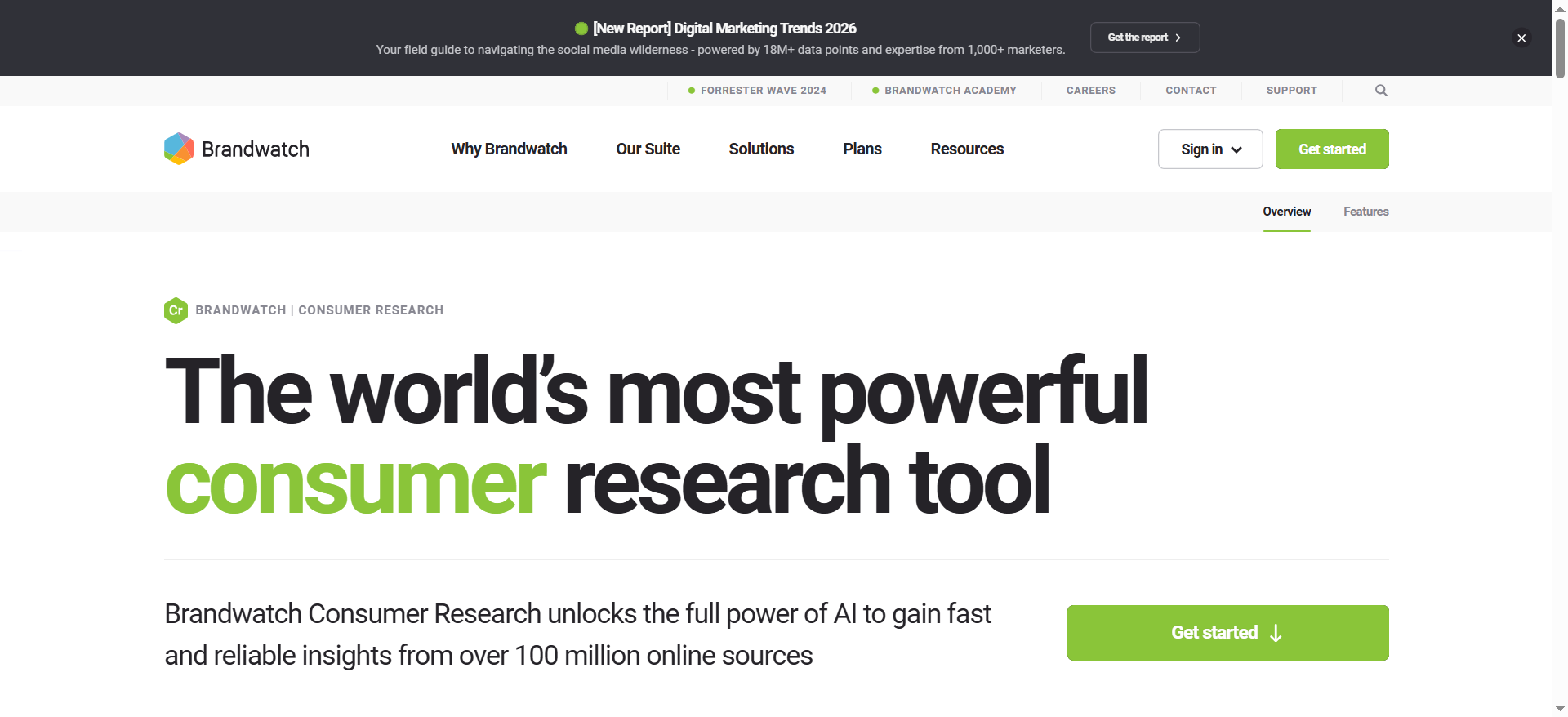
Brandwatch is an enterprise-grade consumer intelligence and social media management platform that pulls data from over 100 million online sources. For LinkedIn specifically, authenticating your Company Page unlocks full coverage of up to 200 posts within the last year, including images, videos, captions, likes, and impressions. The platform combines deep social listening with publishing, engagement, and analytics across every major social channel.
Why Teams Use It
Brand and comms teams at larger organizations choose Brandwatch because it goes beyond surface-level mention counting. The platform offers AI-enriched sentiment analysis, audience segmentation, and historical data access stretching back years. For B2B SaaS companies tracking how their brand is perceived among professional audiences, the ability to authenticate LinkedIn pages and pull structured data directly into dashboards is a meaningful differentiator from tools that only scrape public mentions.
What It Is Good For
Brandwatch excels at deep consumer intelligence research. If your team needs to track share of voice over time, compare sentiment across product launches, or segment LinkedIn conversations by audience demographics, Brandwatch gives you the data granularity to do it. The platform also handles content publishing, scheduling, and community management through its Social Media Management module, so larger teams can centralize their entire LinkedIn workflow.
When It Is a Good Fit
Brandwatch fits organizations with dedicated research or insights teams and annual budgets exceeding $25,000 for monitoring tools. It works well for B2B SaaS companies at the Growth or Enterprise stage that need to combine LinkedIn intelligence with broader market research across news, forums, reviews, and other social networks. If you are a VP of Marketing or CMO who needs boardroom-ready reports on brand perception, Brandwatch delivers the depth to support that.
When It Is Not a Good Fit
Brandwatch is not a good fit for small teams, early-stage startups, or anyone looking for a quick plug-and-play monitoring setup. The platform has a steep learning curve, and building custom queries requires time and expertise. If your primary need is simple mention alerts on LinkedIn without deep analytics, you will be paying for capabilities you will not use.
How to Use It
After signing up, authenticate your LinkedIn Company Page in the Consumer Research module. Set up topic queries using Boolean operators to track brand mentions, competitor names, and industry keywords. Build dashboards that pull LinkedIn data alongside other channels so your team can compare professional-network sentiment with broader social and news coverage. Use the Engage module to respond to LinkedIn comments and messages directly from Brandwatch.
Key Capabilities
Brandwatch's key capabilities include AI-powered sentiment analysis across 100 million+ sources, LinkedIn Company Page authentication for full post analytics, historical data access for long-term trend analysis, image and logo recognition in visual content, customizable dashboards and automated reporting, content publishing and scheduling for LinkedIn company pages and personal profiles, and an engagement inbox for responding to LinkedIn messages and comments.
Pricing
Brandwatch uses custom pricing that typically ranges from $800 to $15,000 per month depending on the number of topics, users, and modules included. Annual contracts are standard. Organizations monitoring 5 to 10 topics with 3 to 5 users can often negotiate below-list pricing, especially when bundling Consumer Intelligence with Social Media Management.
Free Tier?
No. Brandwatch does not offer a free tier or free trial through its website. Prospective buyers typically get a guided demo and custom quote.
Downsides and Limitations
The learning curve is significant for new users due to the depth and complexity of query building. Pricing puts it out of reach for most small and mid-sized teams. LinkedIn monitoring is limited to owned Company Page data rather than broad keyword listening across all public LinkedIn posts, which is a constraint imposed by LinkedIn's API rather than Brandwatch itself. Setup and onboarding can take weeks for teams unfamiliar with enterprise analytics platforms.
2. Talkwalker
What It Does
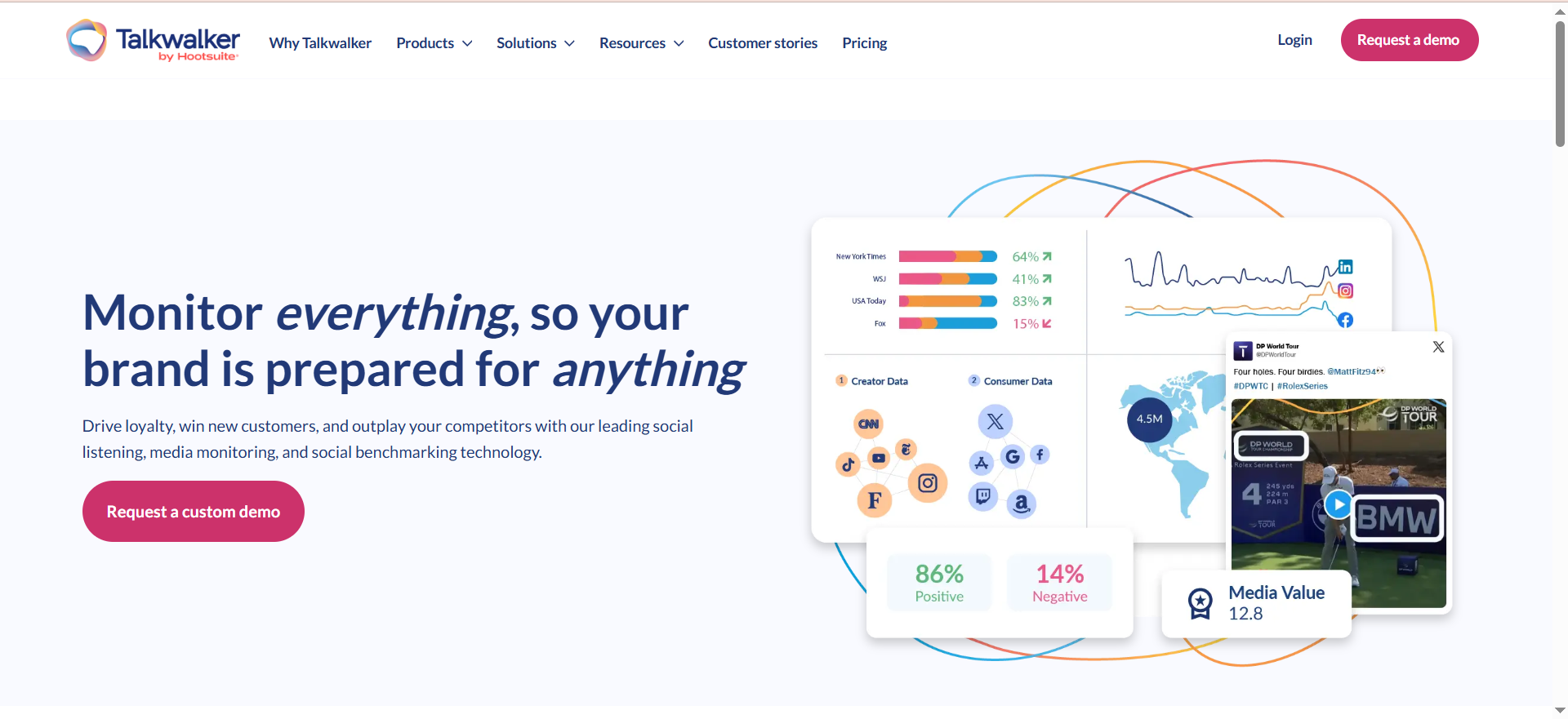
Talkwalker is a social listening and consumer intelligence platform now owned by Hootsuite. It monitors over 30 social networks, including LinkedIn, along with 150 million websites, blogs, forums, podcasts, newsletters, and news sources across 187 languages. The platform uses its proprietary Blue Silk AI engine, trained on more than 3 trillion data points, to analyze sentiment, forecast trends, and detect brand logos in visual content.
Why Teams Use It
Marketing and brand teams use Talkwalker when they need AI-powered insights that go beyond basic mention tracking. The Blue Silk AI engine provides predictive capabilities like topic volume forecasting and automated trend summarization, which help teams spot emerging conversations on LinkedIn before they peak. For B2B companies operating across multiple geographies, the 187-language coverage means you can track how your brand is discussed in professional networks worldwide.
What It Is Good For
Talkwalker is strong at cross-channel brand intelligence. It combines LinkedIn listening with data from traditional media, blogs, podcasts, and forums into a single analytical view. The image recognition capability is particularly useful for brands that want to track visual mentions, such as when their product appears in LinkedIn post screenshots or presentation slides shared on the platform. Customizable dashboards let teams build LinkedIn-specific views while keeping broader social and media coverage accessible.
When It Is a Good Fit
Talkwalker fits mid-market to enterprise B2B SaaS companies that need global monitoring coverage and AI-assisted analysis. It is well-suited for teams with 3 or more members who need collaborative dashboards and reporting. If your company operates in multiple markets and you need to track LinkedIn conversations in different languages simultaneously, Talkwalker handles this natively. Growth-stage companies that have outgrown entry-level tools but do not yet need full Brandwatch-level depth often find Talkwalker hits the right balance.
When It Is Not a Good Fit
Talkwalker is not ideal for solo practitioners or very small teams on tight budgets. The platform requires an investment of time to set up properly, and its pricing puts it above casual-use territory. If you only need to monitor a single LinkedIn company page and do not care about cross-channel intelligence, Talkwalker offers more capability than you need. Teams that primarily want a scheduling and publishing tool with light monitoring bolted on should look elsewhere.
How to Use It
Start by setting up topics with Boolean queries targeting your brand name, competitors, and industry terms. Configure LinkedIn as a source channel and build dashboards that separate LinkedIn data from other social and web sources. Use the Blue Silk AI summaries to get quick reads on sentiment shifts and emerging trends. Set up alerts for spikes in mention volume so your team can respond quickly to LinkedIn conversations that are gaining traction.
Key Capabilities
Talkwalker's key capabilities include Blue Silk AI for sentiment analysis, trend forecasting, and topic summarization; monitoring across 30+ social networks and 150 million web sources; image and logo recognition in visual content; 187-language support for global brand monitoring; customizable dashboards with real-time data; crisis detection with automatic volume-spike alerts; and integration with Hootsuite for combined listening and publishing workflows.
Pricing
Talkwalker pricing starts at approximately $750 per month, with custom plans typically ranging from $9,000 to $27,000 per year depending on data volume, features, and the number of topics tracked. Pricing is negotiable and depends heavily on how many topics and results you need to track. Since the Hootsuite acquisition, bundled pricing with Hootsuite is sometimes available.
Free Tier?
No. Talkwalker does not offer a permanent free tier. Some plans may include a trial period, but the platform is positioned as a paid enterprise tool.
Downsides and Limitations
The onboarding process can be complex, and building effective Boolean queries takes practice. Like all third-party tools, LinkedIn monitoring depth is constrained by LinkedIn's API access policies, meaning you get the most value from owned-page data and publicly available content. The relationship with Hootsuite creates some overlap and confusion about which platform handles which capabilities. Pricing transparency is limited since most plans are custom-quoted.
3. Sprout Social
What It Does
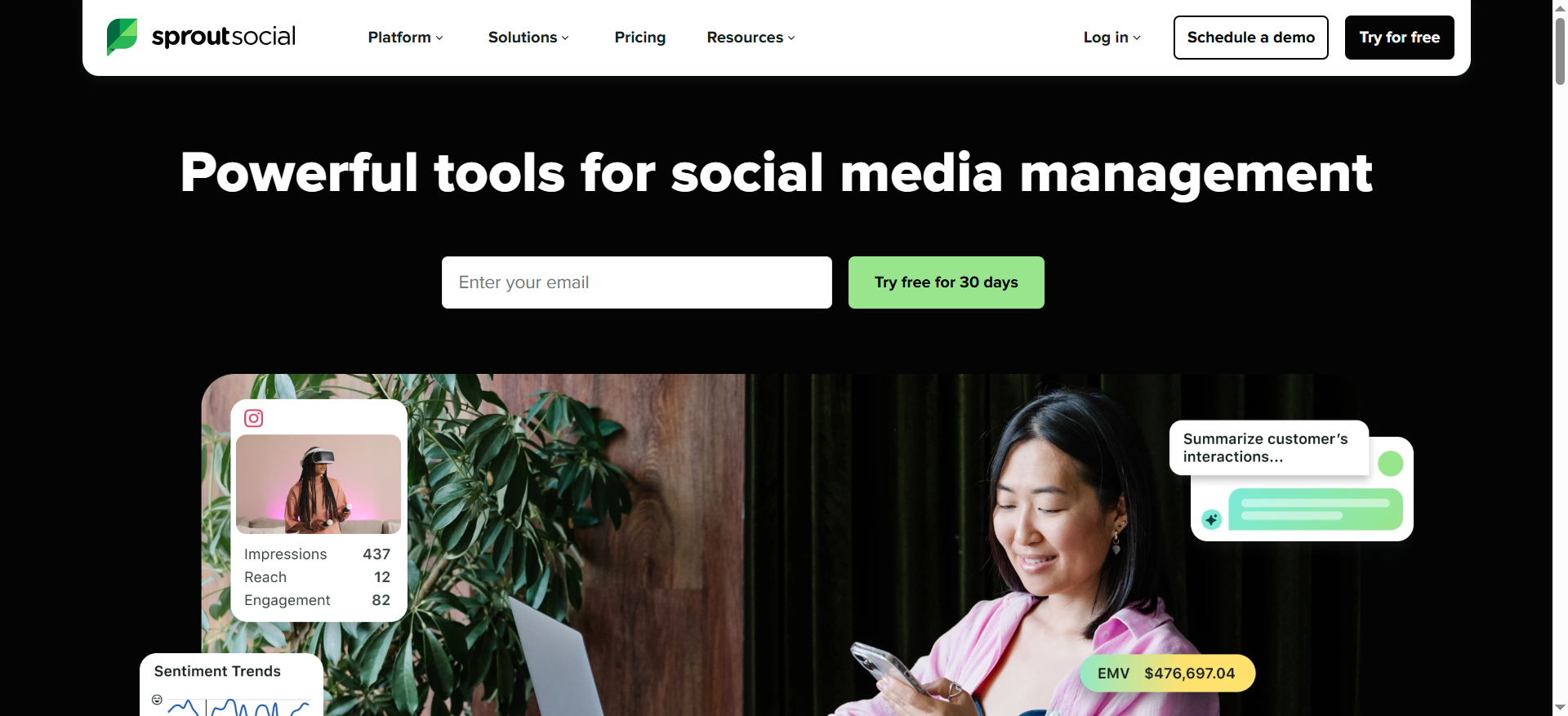
Sprout Social is a social media management platform that combines publishing, analytics, engagement, and listening across major platforms including LinkedIn, Facebook, Instagram, X, Pinterest, YouTube, TikTok, and Google Business Profile. For LinkedIn, Sprout Social supports scheduling posts, tracking analytics, and managing inbox messages from a unified dashboard. Social listening is available as a paid add-on that monitors brand mentions, sentiment, and trends across social and web sources.
Why Teams Use It
Teams choose Sprout Social when they want one platform that handles both the operational side of LinkedIn management (scheduling, publishing, responding) and the intelligence side (analytics, reporting, mention tracking). The unified inbox pulls LinkedIn messages and comments alongside other platform notifications, so community managers do not need to switch between tabs. For Growth-stage SaaS companies with lean marketing teams, consolidating tools into a single seat reduces complexity.
What It Is Good For
Sprout Social is strongest when your team needs to manage LinkedIn content and monitor brand activity in the same workflow. The publishing calendar, approval workflows, and team collaboration features make it practical for teams of 3 to 10 people who need to coordinate LinkedIn posting across multiple stakeholders. The analytics module provides post-level performance data including likes, reactions, shares, comments, link clicks, and engagement rates, which is useful for understanding what content drives professional-network engagement.
When It Is a Good Fit
Sprout Social fits B2B SaaS companies that need a combined publishing and monitoring solution at the team level. It works well for Content Leads and Growth Marketers who manage LinkedIn alongside 3 to 5 other social channels and want consistent reporting across all of them. If your primary need is to schedule LinkedIn content, respond to engagement, and get monthly performance reports with some brand monitoring layered in, Sprout Social covers that use case without requiring a separate listening tool.
When It Is Not a Good Fit
Sprout Social is not the right choice if deep LinkedIn listening is your primary requirement. The social listening feature is a paid add-on with per-user and per-topic pricing, which can push total costs significantly higher than the base seat price. The platform also lacks LinkedIn-specific capabilities like job-change alerts or keyword monitoring across all public LinkedIn posts. If you are a solo practitioner, the per-seat pricing model makes Sprout Social expensive relative to what you get.
How to Use It
Connect your LinkedIn company page and any personal profiles to the Sprout Social dashboard. Use the publishing calendar to schedule and approve LinkedIn content. Set up the Smart Inbox to centralize LinkedIn messages, comments, and mentions alongside other platforms. If you purchase the listening add-on, configure topics to track brand mentions and competitor activity. Use the analytics module to generate LinkedIn performance reports for your team or stakeholders.
Key Capabilities
Sprout Social's key capabilities include a unified inbox for LinkedIn messages, comments, and mentions; content publishing calendar with approval workflows; post-level analytics covering engagement rate, clicks, shares, and reactions; social listening as a paid add-on for brand monitoring and sentiment tracking; team collaboration with task assignment and internal notes; support for LinkedIn company pages and personal profiles; and multi-platform reporting across LinkedIn and other channels.
Pricing
Sprout Social pricing starts at $199 per seat per month (billed annually) for the Standard plan, $299 per seat per month for Professional, and $399 per seat per month for Advanced. An Essentials plan is also available at $79 per seat per month for individuals and smaller teams who need basic publishing and reporting across up to 5 social profiles. Enterprise pricing is custom. The Standard plan includes 5 social profiles, while Professional, Advanced, and Enterprise plans include unlimited profiles. Social listening, premium analytics, and employee advocacy are priced as add-ons on top of the base seat cost. All plans require annual billing.
Free Tier?
No permanent free tier. Sprout Social offers a 30-day free trial on some plans.
Downsides and Limitations
Per-seat pricing adds up quickly for larger teams. The social listening feature requires an additional purchase, so the base plan only covers basic analytics and inbox monitoring rather than proactive brand listening. LinkedIn monitoring depth is limited compared to dedicated listening platforms like Brandwatch or Talkwalker. The Standard plan caps you at 5 social profiles, which can be restrictive if you manage multiple brands or regional pages.
4. Hootsuite
What It Does
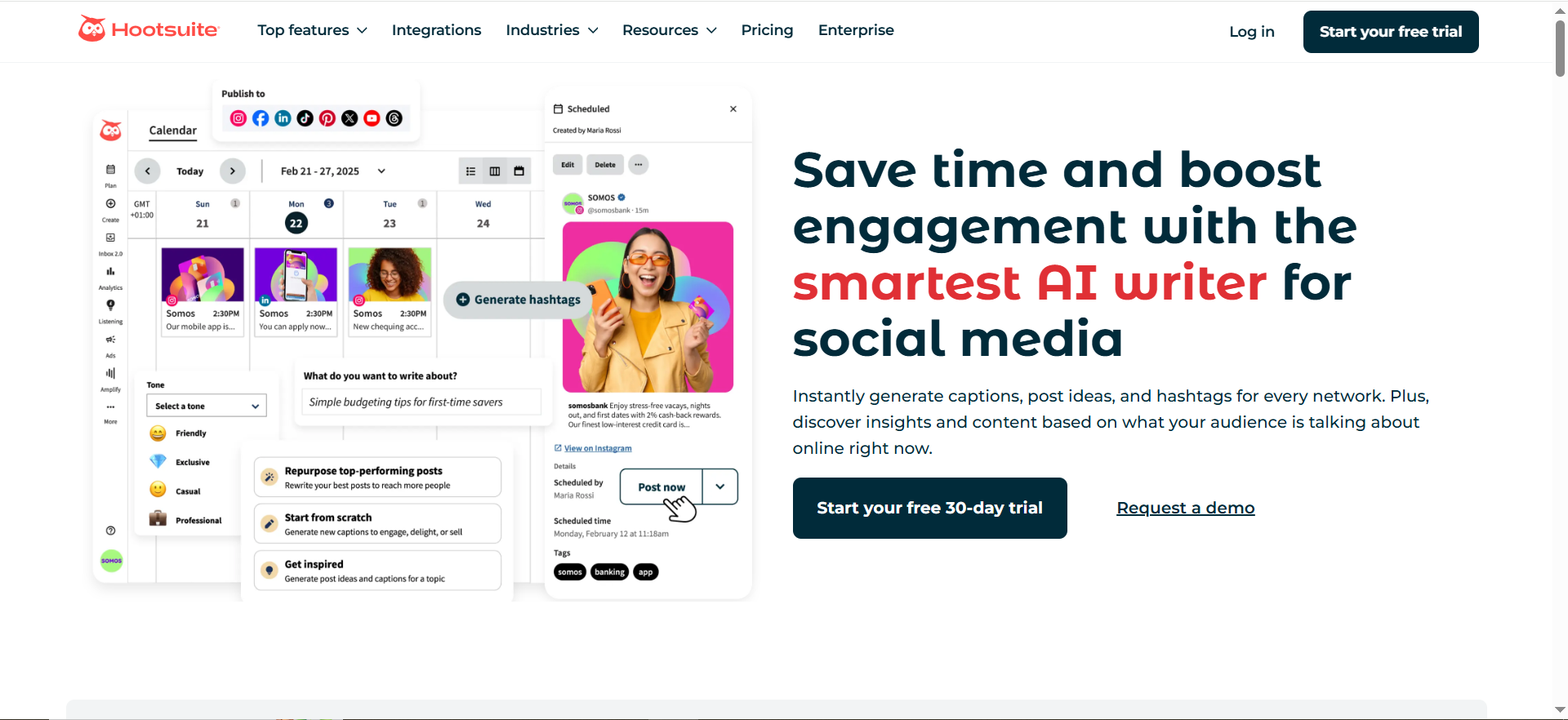
Hootsuite is a social media management platform built around scheduling, publishing, and monitoring across multiple channels including LinkedIn. The Streams feature lets teams monitor brand mentions, keywords, and hashtags in real-time from a single dashboard. Hootsuite acquired Talkwalker in 2024 to add deeper social listening capabilities, though the full Talkwalker-powered listening features are currently available primarily through the Enterprise plan.
Why Teams Use It
Teams already embedded in Hootsuite's scheduling ecosystem use it for LinkedIn monitoring because it keeps everything in one interface. Rather than switching between a scheduling tool and a separate listening platform, Hootsuite lets you publish a LinkedIn post, track its performance, and monitor keyword-based streams from the same dashboard. For teams managing multiple social profiles across LinkedIn, X, Instagram, and Facebook, the centralized approach reduces operational friction.
What It Is Good For
Hootsuite works well as a LinkedIn management hub where scheduling is the primary need and monitoring is secondary. The Streams feature provides real-time feeds based on keywords and hashtags, which is useful for tracking LinkedIn conversations around your brand, product, or industry terms. With the Talkwalker integration on Enterprise plans, Hootsuite can deliver deeper social listening that covers LinkedIn alongside traditional media, blogs, and forums.
When It Is a Good Fit
Hootsuite fits teams that are already using it for social scheduling and want to add lightweight LinkedIn monitoring without adopting a second platform. It is a practical choice for Growth-stage B2B SaaS companies managing multiple social profiles where LinkedIn is one channel among several. If your team's primary workflow is content scheduling with some real-time monitoring layered in, Hootsuite covers that without the complexity of a dedicated listening tool. Enterprise teams can unlock Talkwalker's full listening capabilities for deeper insights.
When It Is Not a Good Fit
Hootsuite is not the best option if deep LinkedIn brand monitoring is your primary use case. The Standard plan offers basic monitoring only, and full social listening requires the Enterprise plan. LinkedIn's API restrictions also limit what third-party tools can monitor on the platform, and Hootsuite's listening capabilities are stronger on X and public platforms than on LinkedIn. If you need advanced sentiment analysis, historical data, or image recognition, a dedicated listening platform will serve you better.
How to Use It
Connect your LinkedIn profiles and company pages to Hootsuite. Set up Streams to monitor keywords, hashtags, and mentions relevant to your brand. Use the Composer to schedule LinkedIn posts and the Analytics module to track performance. If you are on the Enterprise plan, configure Talkwalker-powered listening topics for deeper brand intelligence. Set up automated alerts for mention spikes so your team can respond to LinkedIn conversations quickly.
Key Capabilities
Hootsuite's key capabilities include Streams for real-time keyword, hashtag, and mention monitoring; content scheduling and publishing for LinkedIn and other platforms; analytics and reporting for post performance tracking; Talkwalker-powered social listening on Enterprise plans; team collaboration with content approval workflows; integration with over 150 third-party apps; and support for up to 10 social accounts on the Standard plan with unlimited accounts on the Advanced plan.
Pricing
Hootsuite pricing starts at $99 per user per month (billed annually) for the Standard plan, which includes 1 user and up to 10 social accounts. The Advanced plan is $249 per user per month (billed annually) with unlimited social accounts. Enterprise plans are custom-priced. Monthly billing is available at higher rates: $149 per user per month for Standard and $399 per user per month for Advanced.
Free Tier?
No. Hootsuite removed its free plan. A free trial is available on some plans.
Downsides and Limitations
Full social listening and advanced monitoring features are locked behind the Enterprise plan, making them inaccessible to most small and mid-sized teams. The Standard plan provides basic stream monitoring but lacks the depth needed for serious brand intelligence. LinkedIn's API limitations mean Hootsuite's monitoring works better on more open platforms like X. The Talkwalker integration is still being consolidated, which can create confusion about which features live where.
5. Mention
What It Does
Mention is a media monitoring and social listening tool designed for tracking brand mentions across social media, news, blogs, forums, and review sites. The platform covers LinkedIn as part of its broader monitoring network and provides real-time alerts when your brand, competitors, or industry keywords appear in online conversations. As of January 2026, Mention focuses exclusively on monitoring and listening after retiring its Publish and Respond features.
Why Teams Use It
B2B SaaS teams choose Mention because it offers social listening at a fraction of the cost of enterprise tools like Brandwatch or Talkwalker. The platform provides enough monitoring depth to track LinkedIn mentions, competitor activity, and industry conversations without requiring a dedicated analyst to set up and manage queries. For teams that need to know when their brand is discussed on LinkedIn and across the web but do not need deep consumer intelligence, Mention covers the core use case efficiently.
What It Is Good For
Mention excels at real-time alert-based monitoring. When your brand is mentioned on LinkedIn, in a blog post, or on a review site, Mention sends you a notification so you can respond quickly. The Boolean search capabilities let you build precise queries to filter out noise and focus on the mentions that matter. For Growth-stage SaaS companies running lean, Mention provides enough data to support brand monitoring, basic competitive intelligence, and PR coverage tracking without overcomplicating the workflow.
When It Is a Good Fit
Mention fits mid-market B2B SaaS companies that need focused brand monitoring without enterprise complexity. It works well for Content Leads who want daily mention alerts and weekly reports on brand visibility without investing in a full enterprise listening suite. If you are managing brand monitoring as one part of a broader role rather than as a dedicated function, Mention's straightforward setup and clear alerting system keeps the overhead low.
When It Is Not a Good Fit
Mention is not the right tool for teams that need deep analytics, historical data analysis, or AI-powered sentiment insights. The platform covers monitoring breadth but lacks the analytical depth of Brandwatch or Talkwalker. If you need to track share of voice trends over time, build custom segmentation models, or generate enterprise-level brand perception reports, you will outgrow Mention quickly. The 50,000 monthly mention cap on the Company plan can also be limiting for companies with high brand visibility. Teams that need publishing and engagement tools alongside monitoring will need to pair Mention with a separate social management platform since those features were retired in January 2026.
How to Use It
Create an alert for your brand name, product names, and key competitors. Configure the sources to include LinkedIn along with web, news, and other social channels. Set up daily or real-time email notifications so your team stays informed without needing to log in constantly. Use the analytics dashboard to review mention volume, sentiment breakdowns, and top sources. Build Boolean queries to refine your monitoring and reduce noise from irrelevant mentions.
Key Capabilities
Mention's key capabilities include real-time mention alerts across social media, news, blogs, and forums; Boolean search for precise query building and noise filtering; monitoring across LinkedIn, Facebook, Instagram, X, Reddit, TikTok, Pinterest, YouTube, and 75+ review sites; sentiment analysis on tracked mentions; competitor monitoring and comparison reports; a mention feed for reviewing and triaging alerts; and automated reporting with customizable delivery schedules.
Pricing
Mention's Company plan is priced at $599 per month with 50,000 monthly mentions and 5 alerts. This is currently the only plan available to new customers. Legacy plans (Solo at $49 per month, Pro at $99 per month, and ProPlus at $179 per month) were discontinued for new sign-ups in mid-2025, though existing subscribers retain access. Annual billing saves approximately two months of cost.
Free Tier?
No permanent free tier. Mention offers a 14-day free trial to test the platform before committing to a paid plan.
Downsides and Limitations
The legacy pricing tiers (Solo, Pro, ProPlus) are no longer available to new customers, pushing new users toward the higher-priced Company plan at $599 per month. The 50,000 monthly mention cap can be restrictive for brands with significant online presence. The platform lacks the advanced AI capabilities, image recognition, and historical data depth found in enterprise tools. LinkedIn monitoring is limited to what LinkedIn's API allows, and Mention's LinkedIn coverage is less granular than its coverage of more open platforms. The retirement of Publish and Respond features in January 2026 means teams now need a separate tool for social media management.
How to Choose a LinkedIn Brand Monitoring Tool
Picking the right LinkedIn brand monitoring tool depends on three factors: how deep your monitoring needs go, how many platforms you manage alongside LinkedIn, and what your budget looks like.
If you need deep consumer intelligence with historical analysis and AI-powered sentiment tracking, Brandwatch or Talkwalker are the strongest options. Brandwatch suits larger enterprises with dedicated research teams, while Talkwalker offers similar depth at a more accessible price point with its Blue Silk AI engine.
If your team manages LinkedIn content alongside other social channels and wants monitoring built into the same platform, Sprout Social or Hootsuite make practical sense. Sprout Social gives you stronger analytics out of the box, while Hootsuite offers a larger app ecosystem and, through its Enterprise plan, access to Talkwalker's listening capabilities.
If budget is your primary constraint and you need straightforward mention alerts without enterprise complexity, Mention provides focused listening with enough functionality to support a lean brand monitoring practice, though teams should note that Mention is now a listening-only platform and will need a separate tool for publishing and engagement.
What Makes LinkedIn Monitoring Different from Other Social Platforms
LinkedIn monitoring presents unique challenges compared to platforms like X or Instagram. LinkedIn's API restricts third-party data access more aggressively than most social networks, which limits what any monitoring tool can capture. Most tools can track owned-page analytics, including post performance, follower growth, and engagement metrics on your company page. However, broad keyword listening across all public LinkedIn posts is not available through standard API access the way it is on X.
This means LinkedIn brand monitoring tends to focus on three areas: owned-page performance analytics, web and social mentions that reference LinkedIn activity, and cross-channel sentiment that includes LinkedIn alongside other sources. Teams that need comprehensive LinkedIn listening often supplement their primary monitoring tool with LinkedIn-native features like Sales Navigator alerts or manual monitoring of key industry hashtags and groups.
LinkedIn Brand Monitoring for B2B SaaS Companies
B2B SaaS companies have specific LinkedIn monitoring needs that differ from B2C brands. Professional-network conversations directly influence buying decisions, making LinkedIn mentions more commercially significant per mention than those on most other platforms. Key monitoring use cases for B2B SaaS include tracking competitor mentions in industry discussions, monitoring decision-maker sentiment around your product category, identifying when prospects share content about challenges your product solves, and catching executive job changes that signal budget reallocation or new buying cycles.
For Growth-stage B2B SaaS companies, the most practical approach is choosing a tool that combines LinkedIn monitoring with broader social listening rather than investing in a LinkedIn-only solution. Every tool in this guide covers multiple channels, but Brandwatch and Talkwalker offer the deepest cross-channel analysis for B2B use cases.
How to Set Up LinkedIn Brand Monitoring Alerts
Setting up effective LinkedIn monitoring requires more than entering your brand name into a tool. Start by building a query that covers your brand name, common misspellings, and product names. Add competitor brand names as separate monitoring topics so you can compare mention volume and sentiment side by side. Include industry category terms that prospects use when discussing solutions in your space.
Configure alert thresholds so you get notified about mention spikes without being overwhelmed by every individual mention. Most tools let you set daily digest emails for routine monitoring and real-time alerts for volume spikes or negative sentiment shifts. Assign team members to specific alert categories so responses happen quickly and consistently.
Free vs Paid LinkedIn Monitoring Tools
None of the five tools in this guide offer a permanent free tier, which reflects the reality that LinkedIn monitoring requires sustained API access and data processing that free tools typically cannot support at scale. Free alternatives like Google Alerts can catch some LinkedIn mentions that appear in indexed web results, but they miss social-only conversations and lack sentiment analysis.
If budget is a constraint, Mention's 14-day trial and Sprout Social's 30-day trial let you test the monitoring workflow before committing. For teams that cannot justify paid monitoring yet, combining LinkedIn's native analytics with a free Google Alerts setup covers basic needs while you evaluate whether the volume and value of your LinkedIn mentions justify investing in a dedicated tool.
How AI Is Changing LinkedIn Brand Monitoring
AI is transforming LinkedIn brand monitoring from reactive mention counting to predictive intelligence. Brandwatch and Talkwalker both use AI models to analyze sentiment with nuance that goes beyond positive, negative, and neutral classifications. Talkwalker's Blue Silk AI can forecast mention volume trends and summarize emerging topics automatically, which helps teams prioritize where to focus their attention.
AI-powered image recognition is another advancement. Both Brandwatch and Talkwalker can detect brand logos in images shared on LinkedIn and other platforms, catching visual mentions that text-based monitoring would miss entirely. As LinkedIn becomes increasingly visual with carousel posts, infographics, and video content, image recognition is moving from a nice-to-have to a core monitoring capability.
LinkedIn Brand Monitoring vs Social Listening
Brand monitoring and social listening are related but distinct disciplines. Brand monitoring tracks specific mentions of your brand, product, or competitors across defined channels. Social listening takes a broader view, analyzing conversations around industry topics, trends, and audience sentiment regardless of whether your brand is mentioned directly.
For LinkedIn specifically, brand monitoring tells you when someone mentions your company in a post or comment. Social listening tells you that your product category is being discussed more frequently this quarter, or that sentiment around a competitor's recent product launch is shifting negative. The tools in this guide support both approaches to varying degrees, with Brandwatch and Talkwalker offering the most sophisticated social listening capabilities and Mention focusing primarily on brand monitoring.



