

TL;DR
If your brand is getting talked about on X and you are not tracking it, you are flying blind. Conversations on X move fast — a single viral thread, a product complaint, or a competitor mention can shift perception in hours. The right monitoring tool catches those conversations in real time so your team can respond, measure sentiment, and spot trends before they snowball. This guide compares the five strongest X/Twitter brand monitoring tools in 2026 — Talkwalker, Brandwatch, Sprout Social, Hootsuite, and Mention — across the factors that actually matter: real-time capture speed, filtering accuracy, pricing transparency, and the kind of team each tool serves best. If you are a CMO, content lead, or head of growth at a B2B SaaS or PLG company in growth stage, this is the shortlist you need.
Best X/Twitter Brand Monitoring Tools (Quick Comparison)
| Tool | Best For | Starting Price | Free Tier |
|---|---|---|---|
| Talkwalker | Enterprise teams needing deep analytics across massive source volumes | ~$9,600/year (custom) | Yes (limited) |
| Brandwatch | Large orgs needing consumer intelligence + visual analytics | ~$800/month (custom) | No |
| Sprout Social | Mid-to-large marketing teams wanting all-in-one management | $199/user/month | No (free trial) |
| Hootsuite | Teams needing scheduling + monitoring in one dashboard | $99/month | No (free trial) |
| Mention | PR and comms teams tracking brand mentions broadly | $599/month | No |
1. Talkwalker
What It Does
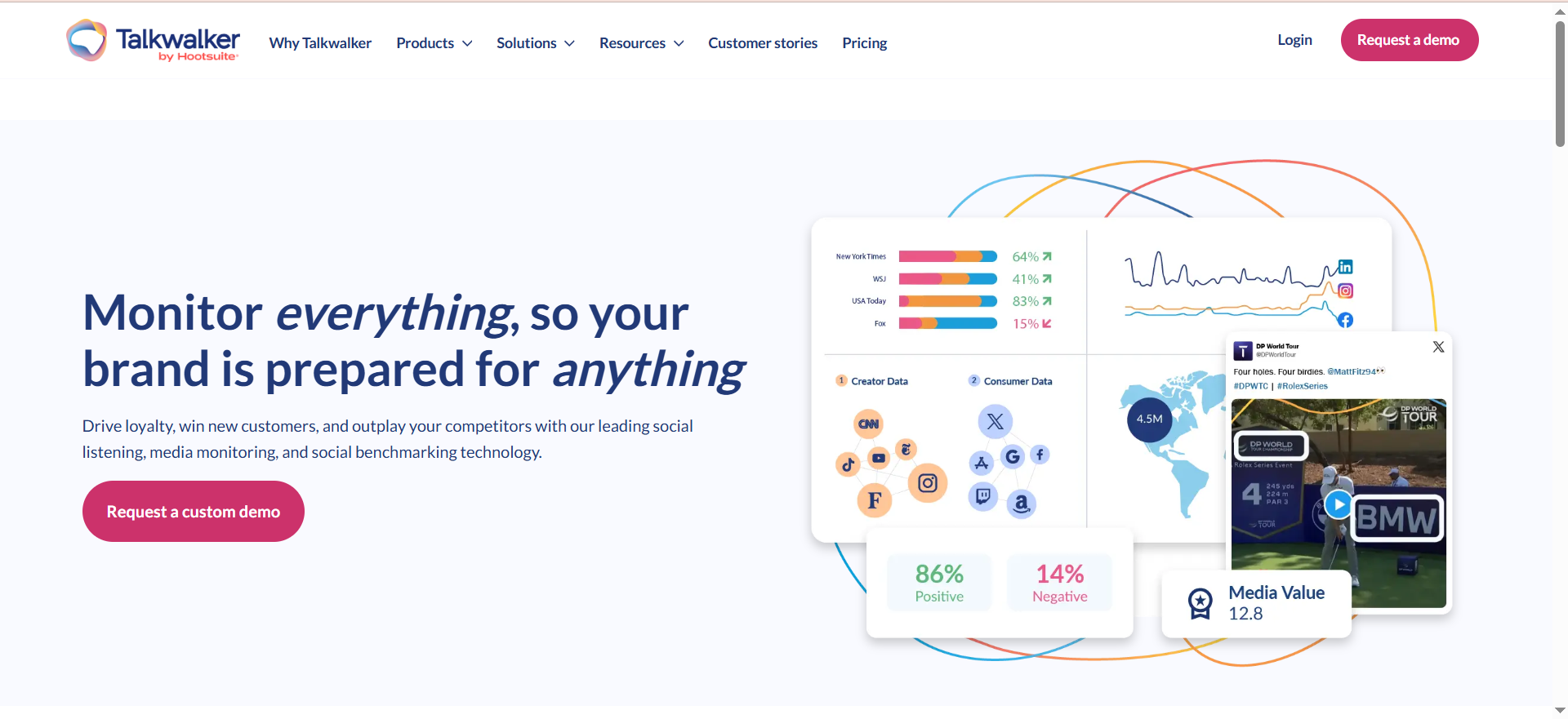
Talkwalker is a consumer intelligence and social listening platform that monitors over 150 million sources — including X/Twitter, news outlets, blogs, forums, and review sites — in 187 languages. It is now part of the Hootsuite family but operates as its own product with a separate interface and feature set. The platform uses AI-powered analytics to process massive volumes of social data and surface the mentions, trends, and sentiment shifts that matter to your brand.
Why Teams Use It
Teams choose Talkwalker when they need industrial-strength listening that goes well beyond basic mention tracking. The platform's image and video recognition is a standout — it can detect your brand logo in photos and videos posted on X even when the text of the post never mentions your brand name. For consumer brands with strong visual identities, this opens up an entire layer of monitoring that text-only tools miss completely. The customizable dashboards and automated reporting make it straightforward to present insights to stakeholders without spending hours building slide decks.
What It Is Good For
Talkwalker excels at large-scale brand intelligence. If your team tracks multiple brands, product lines, or competitors across dozens of markets, Talkwalker handles that volume without choking. Its competitive benchmarking features let you measure your share of voice on X against specific competitors over time, and the crisis detection module flags unusual spikes in negative sentiment before they become full-blown PR events. The AI-powered sentiment analysis is notably more accurate than rule-based alternatives, especially for nuanced or sarcastic posts common on X.
When It Is a Good Fit
Talkwalker fits best when you are a growth-stage or enterprise B2B SaaS company with a global footprint, multiple products, and a need to monitor X conversations across languages and regions. It is also a strong pick if your brand relies heavily on visual content and you want to catch untagged logo appearances on X. Teams that already use Hootsuite for publishing sometimes layer Talkwalker on top for deeper listening.
When It Is Not a Good Fit
If you are a small team with a single product and a limited budget, Talkwalker is overkill. The platform's depth means a steeper learning curve, and the pricing puts it out of reach for early-stage startups. Talkwalker also has limited listening capability on Facebook and Instagram due to API restrictions from Meta, so if your brand monitoring needs span heavily into those platforms alongside X, that is a gap worth noting. Solo marketers or teams that just need basic keyword alerts on X will find simpler, cheaper tools more practical.
How to Use It
You start by setting up topics — essentially search queries that define what Talkwalker monitors. A typical X brand monitoring topic might include your brand name, common misspellings, product names, key hashtags, and competitor handles. The Query Builder supports Boolean logic, so you can get precise with inclusion and exclusion rules. Once your topics are live, Talkwalker continuously pulls matching mentions from X and your other configured sources. You view results in dashboards, filter by sentiment, source, language, or geography, and set up real-time alerts for volume spikes or sentiment drops. Reports can be scheduled for automatic delivery to your inbox or your leadership team.
Key Capabilities
Talkwalker's key capabilities for X/Twitter monitoring include real-time mention tracking across 150M+ sources in 187 languages, AI-powered sentiment analysis with high accuracy on nuanced and sarcastic content, image and video recognition that catches untagged brand logos, competitive benchmarking and share-of-voice tracking, crisis detection with automated spike alerts, customizable dashboards and automated report scheduling, Boolean query builder for precise topic definition, and trend analysis with historical data access.
Pricing
Talkwalker does not publish fixed pricing on its website. Reported pricing ranges from approximately $9,600 to $26,400 per year depending on the number of topics, users, and historical data access included. All plans are custom-quoted. Expect to start a conversation with their sales team and negotiate based on your monitoring volume. Multi-year commitments can bring the price down.
Free Tier?
Yes (limited). Talkwalker offers a free version with limited features, including access to its Quick Search tool for basic social data exploration. A free trial of the full platform is also available upon request, with no credit card required.
Downsides / Limitations
Talkwalker's pricing is opaque, which makes budget planning harder. The platform has a steeper learning curve than simpler monitoring tools — expect your team to need onboarding time. Listening on Facebook and Instagram is limited due to Meta's API restrictions, so it is strongest on X, news, blogs, and forums. For smaller teams, the depth of features can feel overwhelming when all you need is basic mention alerts.
2. Brandwatch
What It Does
Brandwatch is a consumer intelligence platform that combines deep social listening with social media management and influencer marketing. For X/Twitter monitoring specifically, Brandwatch provides full firehose-level access to X data, meaning it captures the broadest possible set of public posts, replies, and conversations. The platform is built for organizations that treat social data as a core input into marketing strategy, product development, and competitive intelligence rather than just a mention-counting exercise.
Why Teams Use It
Teams gravitate to Brandwatch when they need to go beyond surface-level mention tracking and into genuine consumer research. The platform's Consumer Intelligence suite lets you segment X conversations by demographics, interests, and affinities — turning raw mention data into actionable audience profiles. Brandwatch's image analytics can recognize your brand logo in photos posted on X, catching visual mentions that text-based tools miss entirely. The dashboard builder is one of the most flexible in the category, allowing you to create custom views for different stakeholders and schedule automated report delivery.
What It Is Good For
Brandwatch is strongest when you need to answer questions like "who is talking about us on X, what do they care about, and how does our brand perception compare to competitors?" Its competitive intelligence features let you track multiple competitors simultaneously and benchmark your sentiment, reach, and share of voice against theirs. The historical data access goes back years, so you can analyze long-term brand perception trends rather than just reacting to what happened this week. For companies running product launches, campaign tracking, or crisis monitoring on X, Brandwatch provides the depth of analysis that simpler tools cannot match.
When It Is a Good Fit
Brandwatch fits when you are a mid-to-large B2B SaaS company with a dedicated brand, comms, or insights team that will use the platform regularly. It is particularly well-suited for companies where X is a major channel for customer conversation — whether that is support, product feedback, or industry discussion. If your leadership team regularly asks for data-backed brand health reports, Brandwatch's dashboards and automated reporting make that deliverable significantly easier to produce.
When It Is Not a Good Fit
Brandwatch's custom pricing model means you will not know the cost until you talk to sales, and the reported range starts at approximately $800/month and can climb to $5,000+ for larger configurations. That pricing, combined with the platform's depth, makes it a poor fit for small teams, solo marketers, or early-stage startups with tight budgets. If your X monitoring needs are limited to basic keyword alerts and you do not need audience segmentation or consumer intelligence, Brandwatch delivers far more than you will use — and you will pay for that excess capability.
How to Use It
Setting up X monitoring in Brandwatch starts with creating a project and defining your search queries. The query builder supports complex Boolean logic with AND, OR, and NOT operators, plus filters for language, location, and author type. Once your queries are active, Brandwatch ingests matching X posts into your dashboard where you can filter, segment, and analyze them. The platform categorizes mentions by sentiment automatically, and you can create custom categories and rules to tag mentions by topic, product, or campaign. Alerts notify you when mention volume or sentiment crosses thresholds you define. Dashboards are fully customizable — drag and drop widgets for sentiment over time, top authors, word clouds, geographic distribution, and more.
Key Capabilities
Brandwatch's core capabilities for X monitoring include full firehose X data access for maximum coverage, consumer intelligence with audience segmentation and demographic insights, AI-powered sentiment analysis with custom category tagging, image analytics with brand logo recognition in X photos, competitive benchmarking across multiple competitors, flexible dashboard builder with automated report scheduling, historical data access spanning years, and an influencer marketing suite for discovery and campaign tracking.
Pricing
Brandwatch operates on a custom-quote pricing model with no published rates. Reported pricing starts at approximately $800/month for smaller configurations and scales to $5,000 or more per month for enterprise-level access. Pricing depends on the number of topics monitored, user seats, historical data access, and which product suites you include. Multi-year commitments and bundling Consumer Intelligence with Social Media Management can unlock discounts. Onboarding fees and add-on costs for features like influencer marketing are additional.
Free Tier?
No. Brandwatch does not offer a free plan. A demo is available upon request.
Downsides / Limitations
The lack of transparent pricing makes comparison shopping difficult and can slow down procurement cycles. The platform's depth means a meaningful learning curve — teams typically need several weeks of onboarding to get comfortable. Onboarding fees and add-on costs can push the total investment higher than the base quote suggests. For teams that only need X monitoring without the full consumer intelligence stack, Brandwatch's breadth becomes unnecessary complexity.
3. Sprout Social
What It Does
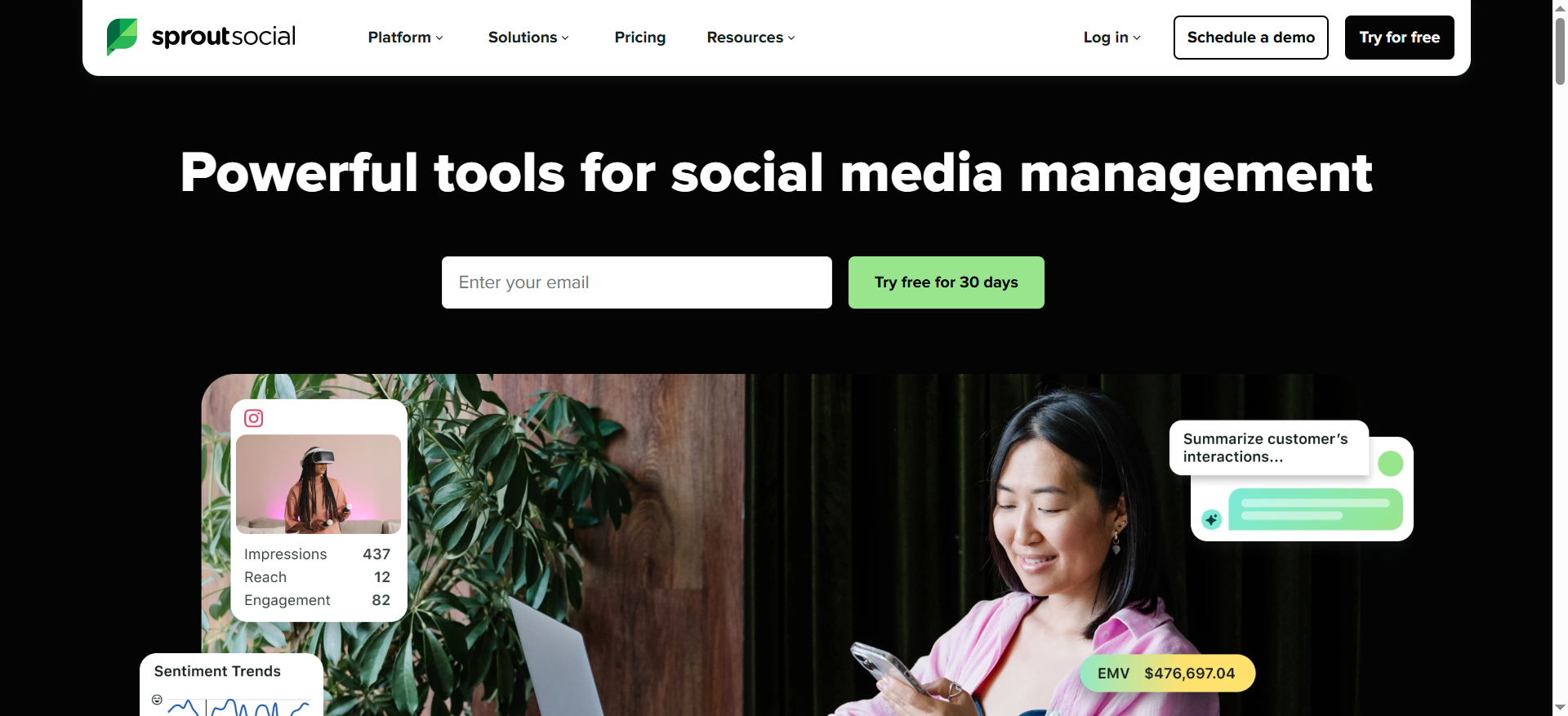
Sprout Social is an all-in-one social media management platform that combines publishing, engagement, analytics, and social listening in a unified interface. For X/Twitter brand monitoring, its Social Listening add-on monitors brand mentions, keywords, hashtags, and competitor activity across X and other major platforms in real time. The platform's Listening Spike Alerts notify your team the second conversation volume around your brand jumps unexpectedly, making it possible to catch emerging crises or viral moments as they happen rather than after the fact.
Why Teams Use It
Teams choose Sprout Social because they want their X monitoring integrated directly into the same platform they use for publishing, responding, and reporting. Instead of switching between a listening tool and a management tool, everything lives in one place. The Smart Inbox pulls in all your X mentions, DMs, and tagged posts alongside mentions from other platforms, so your community manager can respond without leaving the app. The Query Builder for Social Listening lets you set up detailed search queries with Boolean logic and see results within minutes.
What It Is Good For
Sprout Social is strongest when your team needs to both monitor and act on X conversations within the same workflow. If a negative mention spikes, your team can see it in Listening, pull up the specific posts in the Smart Inbox, and respond — all without switching tools. The competitive reporting features let you benchmark your X performance against specific competitors, and the analytics suite ties engagement metrics to business outcomes. For B2B SaaS companies where X serves as a real-time customer feedback channel, Sprout Social's unified approach reduces response time and keeps nothing falling through the cracks.
When It Is a Good Fit
Sprout Social fits mid-to-large marketing teams that manage active X presences and want their monitoring, publishing, and engagement in one platform. It works especially well when multiple team members handle X — the assignment and approval workflows keep responses coordinated. Growth-stage SaaS companies that are scaling their social operations and need professional-grade reporting for leadership will find Sprout Social's analytics dashboards particularly useful.
When It Is Not a Good Fit
Sprout Social's per-user pricing adds up fast for larger teams — at $199 to $399 per user per month, a team of five is looking at $1,000 to $2,000 monthly before the Listening add-on. Social Listening itself is sold separately and priced based on user count and topic volume, so the total cost for monitoring plus management can climb significantly beyond the base plan price. If your primary need is deep consumer intelligence or large-scale sentiment research (rather than real-time monitoring plus response), a dedicated listening platform like Brandwatch or Talkwalker will give you more analytical depth for the investment.
How to Use It
Start by selecting a Sprout Social plan and adding the Social Listening add-on. In the Listening module, create topics using the Query Builder — define your brand keywords, competitor mentions, hashtags, and any exclusion terms. Sprout Social begins monitoring X and other sources immediately. The dashboard shows mention volume, sentiment breakdown, trending terms, and top posts. Listening Spike Alerts can be configured to notify you via email or in-app when mention volume exceeds your defined thresholds. For day-to-day monitoring, the Smart Inbox aggregates all incoming X mentions and messages for your team to review, assign, and respond to directly.
Key Capabilities
Sprout Social's key capabilities for X monitoring include real-time Social Listening with customizable Query Builder, Listening Spike Alerts for immediate notification of volume changes, Smart Inbox that unifies X mentions, DMs, and tagged posts, sentiment analysis with automatic categorization, competitive benchmarking and performance comparison, team collaboration with message assignment and approval workflows, analytics dashboards with exportable reports for leadership, and multi-platform support including X, Instagram, Facebook, TikTok, Reddit, and LinkedIn.
Pricing
Sprout Social's base plans are priced per user per month, billed annually. The Essentials plan starts at $79/user/month, Standard at $199/user/month, Professional at $299/user/month, and Advanced at $399/user/month. Social Listening is a separately priced add-on — the cost depends on user seats and topic volume and is not published on the website. No free plan is available, but a free trial lets you evaluate the platform before committing. Annual billing is required for the published pricing; monthly billing carries a premium.
Free Tier?
No. Sprout Social does not offer a free plan. A 30-day free trial is available.
Downsides / Limitations
The per-user pricing model makes Sprout Social expensive for larger teams. Social Listening is an add-on with non-transparent pricing, which means the true cost of X monitoring is higher than the published plan prices suggest. The platform prioritizes integrated management over deep analytics — if your primary need is consumer research or large-scale sentiment analysis rather than real-time monitoring and response, a dedicated listening tool will serve you better. The Essentials tier ($79/user/month) does not include Listening, so entry-level users must upgrade to access monitoring features.
4. Hootsuite
What It Does
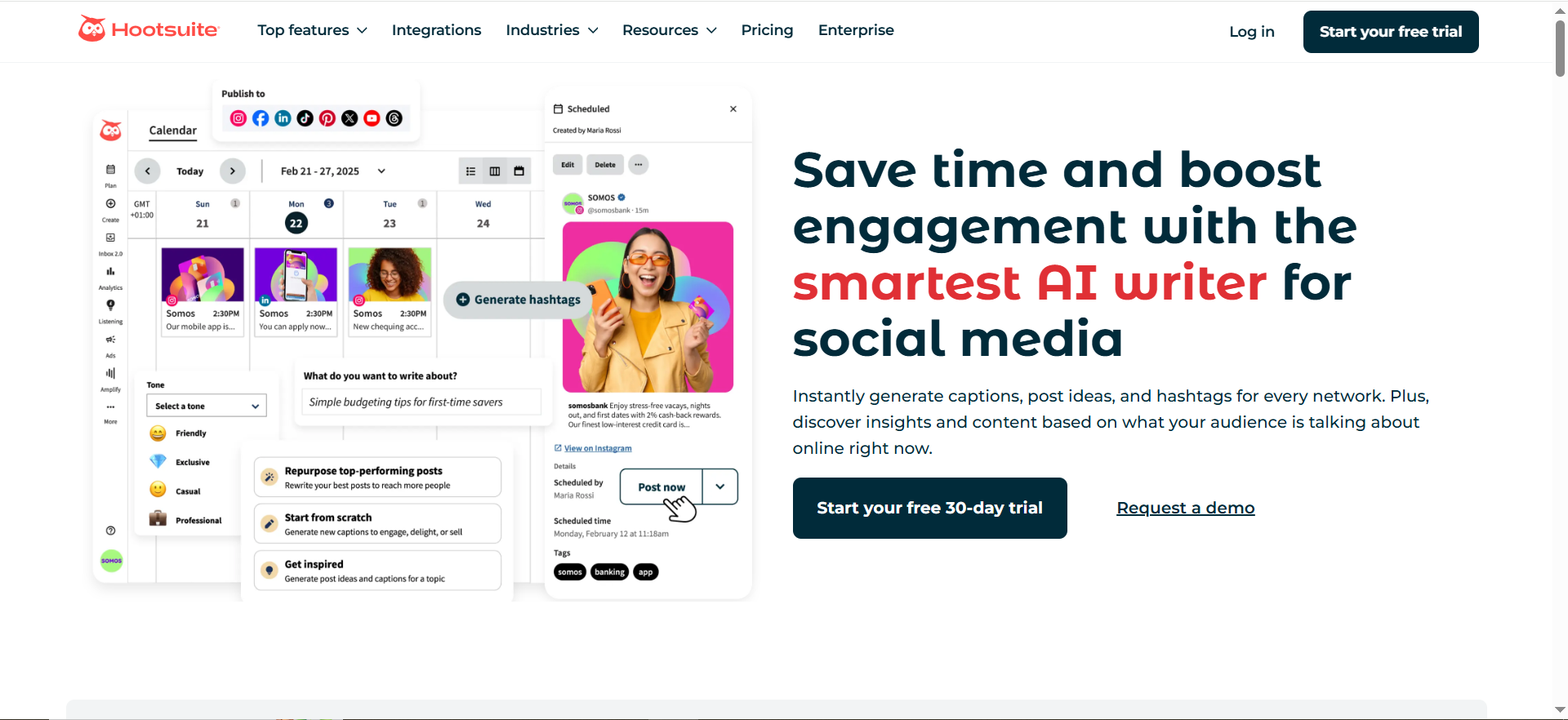
Hootsuite is a social media management platform built around scheduling, publishing, and monitoring across multiple social networks from a single dashboard. For X/Twitter brand monitoring, Hootsuite offers customizable streams that let you track brand mentions, keywords, hashtags, and competitor activity in real time. The Enterprise tier includes Talkwalker-powered social listening for deeper monitoring capabilities, including sentiment analysis and cross-platform brand intelligence.
Why Teams Use It
Teams use Hootsuite because it puts their publishing calendar, engagement inbox, and monitoring streams in one place. The customizable streams feature is Hootsuite's signature approach to X monitoring — you create columns that each track a different search query, hashtag, or mention feed, and they update in real time as new posts match your criteria. For teams that manage multiple X accounts or need to coordinate responses across team members, Hootsuite's assignment and tagging features keep workflows organized. The integration with X Ads also lets you connect your paid and organic social strategies in the same dashboard.
What It Is Good For
Hootsuite works best as a do-everything social management tool where X monitoring is one of several things you need it to handle. If your team publishes daily to X, responds to customer mentions, and wants to keep an eye on competitor activity and industry keywords — all from the same interface — Hootsuite delivers that without requiring multiple subscriptions. Agencies managing multiple client accounts also find the multi-account dashboard particularly useful. The streams-based monitoring approach is intuitive and visual, making it easy for team members to scan what is happening on X at a glance. For teams already using Hootsuite for scheduling and publishing, adding monitoring requires zero new tool adoption.
When It Is a Good Fit
Hootsuite fits teams that need a reliable, established platform for managing their day-to-day X operations with built-in monitoring. It is a practical choice for growth-stage SaaS companies that want one tool for scheduling, engaging, and monitoring rather than stitching together multiple point solutions. The Team plan at $249/month supports three users and twenty social accounts, which covers most mid-size marketing teams. If your monitoring needs are centered on tracking specific keywords, hashtags, and direct mentions rather than deep sentiment research, Hootsuite's streams handle that well.
When It Is Not a Good Fit
Hootsuite's social listening — the advanced, sentiment-analysis-powered monitoring — is only available on Enterprise plans with custom pricing. If you need serious listening capabilities on X without committing to an enterprise contract, Hootsuite's standard plans will feel limited. The streams-based monitoring is useful for real-time scanning but lacks the analytical depth of dedicated listening platforms like Brandwatch or Talkwalker. Teams whose primary goal is in-depth X brand analysis and reporting will find Hootsuite's monitoring features too surface-level compared to purpose-built alternatives.
How to Use It
After signing up, connect your X account and create streams in your Hootsuite dashboard. Each stream tracks a specific feed — your X mentions, a keyword search, a hashtag, a competitor's handle, or a list. Arrange streams side by side in your dashboard for real-time scanning. When you spot a mention that needs a response, click directly into it to reply without leaving Hootsuite. For teams, assign mentions to specific members and tag conversations for follow-up. On Enterprise plans, Hootsuite Insights (powered by Talkwalker) adds sentiment analysis, trend tracking, and automated alerts on top of the streams-based monitoring.
Key Capabilities
Hootsuite's key capabilities for X monitoring include customizable real-time streams for brand mentions, keywords, and hashtags, team collaboration with mention assignment and conversation tagging, X Ads integration connecting paid and organic monitoring, multi-account management from a single dashboard, Talkwalker-powered social listening on Enterprise plans, scheduled publishing and content calendar alongside monitoring, performance analytics with exportable reports, and support for X, Facebook, Instagram, LinkedIn, TikTok, Pinterest, and YouTube.
Pricing
Hootsuite's Professional plan starts at $99/month for one user and up to ten social accounts. The Team plan is $249/month for three users and twenty accounts. Enterprise pricing is custom and includes Talkwalker-powered social listening, compliance tools, and dedicated support. Annual billing offers up to 38% savings over monthly rates. No free plan is available, but a free trial is offered.
Free Tier?
No. Hootsuite discontinued its free plan. A free trial is available to evaluate the platform.
Downsides / Limitations
The most significant limitation for X brand monitoring is that advanced social listening is locked behind the Enterprise tier. Standard plans offer streams-based monitoring, which is useful for real-time scanning but does not include sentiment analysis, trend detection, or automated alerts. The pricing has increased notably over recent years, and the removal of the free plan means there is no way to use Hootsuite without paying. For teams that specifically need deep X listening capabilities, paying for Hootsuite Enterprise when your primary goal is monitoring — not publishing and scheduling — may not be the most efficient use of budget compared to a dedicated listening tool.
5. Mention
What It Does
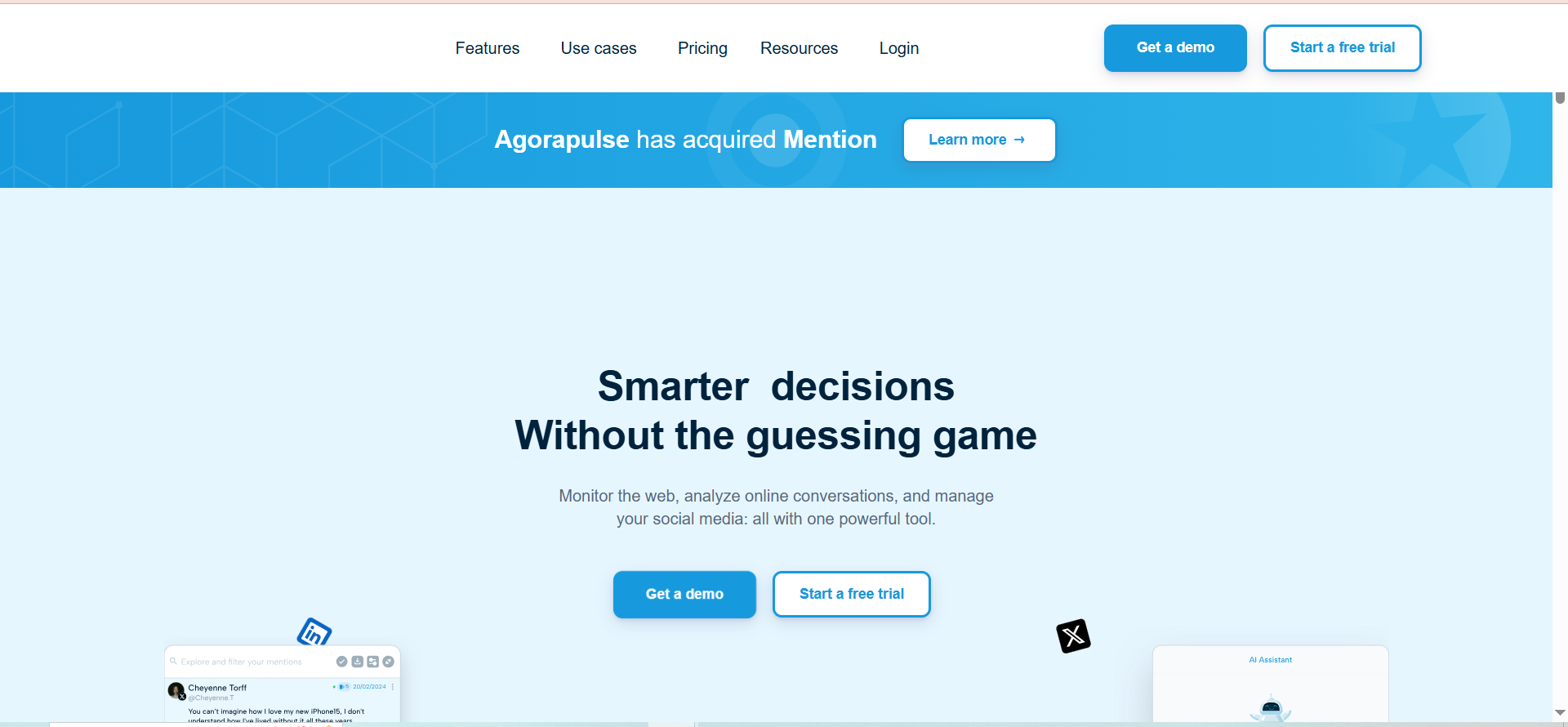
Mention is a media monitoring platform that tracks brand mentions across X/Twitter, other social networks, news sites, blogs, forums, and the broader web — over one billion sources in total. It delivers real-time alerts when your brand, product, or chosen keywords appear in public conversations, giving PR, comms, and growth teams the ability to spot and respond to relevant mentions as they happen. Mention's Boolean search capabilities let you define precisely what you want to track and filter out noise.
Why Teams Use It
Teams choose Mention when their monitoring needs extend beyond X alone and they want a single tool that covers social media, news, blogs, and forums simultaneously. The real-time alert system is fast — mentions are surfaced within minutes of appearing — and the Boolean search lets you build complex queries that capture relevant conversations while excluding irrelevant noise. For PR and comms teams that need to track brand mentions across the entire public web, not just social platforms, Mention's breadth of source coverage is a key differentiator.
What It Is Good For
Mention excels at broad, cross-platform brand monitoring where X is one of several channels you need to cover. If your team tracks media coverage alongside social mentions — whether you are in ecommerce, SaaS, or services — Mention consolidates everything into a single feed. The sentiment analysis helps you gauge whether conversations about your brand are trending positive, negative, or neutral, and the competitive analysis features let you track competitor mentions alongside your own. For B2B SaaS companies where brand conversations happen across LinkedIn, X, industry forums, and tech news sites simultaneously, Mention's wide source coverage prevents blind spots.
When It Is a Good Fit
Mention fits PR, comms, and brand teams at growth-stage SaaS companies that need to monitor their brand across the full public web — not just X — and want real-time alerts plus sentiment analysis. It is a strong choice when your monitoring needs are centered on catching and responding to mentions rather than deep consumer intelligence or audience research. Teams that work with media relations, track press coverage, and monitor industry conversations alongside social mentions will get the most value from Mention's cross-platform approach.
When It Is Not a Good Fit
Mention's pricing shifted significantly in mid-2025 when the legacy self-serve plans (Solo at $49/month, Pro at $99/month, ProPlus at $179/month) were discontinued for new customers. The only plan currently available for new sign-ups is the Company Plan at $599/month with annual billing required. This makes Mention a significant investment — especially for smaller teams that would have previously used the Solo or Pro tier. Additionally, Mention retired its social publishing and engagement features in January 2026, so if you need a combined monitoring and publishing tool, you will need a separate platform for content management. Teams that need deep X-specific analytics or consumer intelligence will find dedicated listening tools like Brandwatch or Talkwalker more capable in those areas.
How to Use It
Create an account and set up your first alert by defining the keywords, brand names, or phrases you want to track. Use Boolean operators (AND, OR, NOT) to refine your query and reduce noise. Mention begins monitoring immediately and surfaces matching results in your dashboard feed, organized by source, sentiment, and date. Configure real-time email or in-app alerts for specific conditions — such as mentions from high-authority sources or negative sentiment spikes. The analytics dashboard shows mention volume over time, sentiment distribution, top sources, and geographic breakdown. Use the competitive analysis feature to create parallel alerts for competitor brands and compare your mention volume and sentiment against theirs.
Key Capabilities
Mention's key capabilities for X monitoring include real-time mention tracking across 1B+ sources including X, news, blogs, and forums, Boolean search with complex query building for precise monitoring, sentiment analysis with positive, negative, and neutral categorization, competitive analysis with side-by-side brand comparison, real-time email and in-app alerts with configurable triggers, analytics dashboard with mention volume, sentiment trends, and source breakdown, geographic and language filtering for targeted monitoring, and API access for custom integrations and data export.
Pricing
Mention's only currently available plan for new customers is the Company Plan at $599/month, billed annually. The previously available Solo ($49/month), Pro ($99/month), and ProPlus ($179/month) plans were discontinued for new sign-ups in July 2025. Existing subscribers on legacy plans retain access but cannot switch between tiers. The Company Plan includes advanced analytics and API access.
Free Tier?
No. Mention does not currently offer a free plan or a free tier for new customers.
Downsides / Limitations
The biggest limitation for new customers is the pricing jump — the only available plan is $599/month, which is a steep entry point compared to the discontinued self-serve tiers. Mention also retired its social publishing and engagement features in January 2026, meaning it is now a monitoring-only tool and you will need a separate platform like Agorapulse for publishing and community management. While Mention covers X well, it does not offer the depth of X-specific analytics that platforms like Brandwatch or Sprout Social provide — its strength is breadth of coverage across sources rather than depth on any single platform.
How Does X/Twitter Brand Monitoring Work?
X/Twitter brand monitoring is the process of systematically tracking public conversations, mentions, keywords, and hashtags on X that relate to your brand, products, competitors, or industry. Monitoring tools connect to X's data through APIs or firehose-level access agreements to pull in posts that match your defined search criteria in real time or near-real time.
The basic mechanics work like this: you define what you want to track — your brand name, product names, competitor handles, industry keywords, specific hashtags — and the monitoring tool continuously scans X for matching content. When a match is found, it is logged, categorized (usually by sentiment, source authority, and engagement level), and surfaced in your dashboard or sent as an alert. More advanced tools layer AI-powered sentiment analysis, trend detection, geographic filtering, and audience segmentation on top of the raw mention data.
The value for brand, comms, and growth teams comes from three areas. First, real-time awareness — knowing what is being said about your brand as it happens rather than discovering it days later. Second, actionable intelligence — understanding whether brand conversation is trending positive or negative and identifying the specific posts driving that trend. Third, competitive context — tracking how your brand's X presence compares to competitors in terms of mention volume, sentiment, and share of voice.
What Is the Difference Between Social Listening and Social Monitoring on X?
Social monitoring and social listening on X are related but distinct activities. Social monitoring is the reactive process of tracking and responding to direct mentions, tags, DMs, and conversations about your brand as they happen. It answers the question "what are people saying about us right now?" Social listening is broader and more analytical — it tracks not just direct mentions but also untagged conversations, industry keywords, competitor activity, and sentiment trends to answer "what does our audience think, and how is that changing over time?"
In practical terms, social monitoring on X means watching your notifications, tracking your @mentions, and responding to customer questions or complaints in real time. Most social media management tools — including Hootsuite and Sprout Social — handle this well through their inbox and streams features. Social listening goes further by tracking conversations that mention your brand without tagging you, analyzing the sentiment and themes of those conversations, and identifying broader trends in your industry or competitive landscape.
For B2B SaaS companies, the distinction matters because many brand conversations on X happen without directly tagging your handle. A prospect might post asking for tool recommendations in your category, a customer might mention your product name in a thread without @mentioning you, or a competitor might be gaining traction in conversations where your brand is absent. Social listening catches all of this. Social monitoring alone would miss it.
Tools like Brandwatch and Talkwalker sit firmly in the social listening camp, while Hootsuite's standard plans are more oriented toward social monitoring. Sprout Social bridges both with its management features handling monitoring and its Listening add-on handling the broader analytical work.
Can You Track X Mentions Without the X API?
Technically, you can manually search X for your brand name, hashtags, and keywords using X's built-in search. X Pro (formerly TweetDeck) also offers a free way to set up multiple search columns for real-time tracking. However, for systematic, comprehensive brand monitoring at any meaningful scale, you need tools that access X's data programmatically — which means the X API.
The X API pricing changes in recent years have significantly impacted the monitoring tool landscape. X restructured its API tiers, making full "firehose" access (which captures every public post in real time) available only through enterprise-level agreements that cost tens of thousands of dollars per month. This is why enterprise tools like Brandwatch and Talkwalker can offer the most comprehensive X coverage — they have the data access agreements to back it. Mid-tier tools work with more limited API access, which means they may not capture every single mention, especially during high-volume periods.
For teams with limited budgets, the practical approach is to use a monitoring tool that includes X data in its coverage (all five tools in this guide do) rather than trying to build a DIY solution on top of X's API tiers. The API costs for direct access would exceed what most monitoring tools charge for a complete solution that includes the interface, analytics, and alerting features on top of the raw data.
How Much Do X/Twitter Monitoring Tools Cost in 2026?
X/Twitter monitoring tool pricing in 2026 ranges from approximately $99/month for basic monitoring through social management platforms to $2,000+ per month for enterprise-grade social listening with full X data access. The market has shifted significantly — there are fewer low-cost options than in previous years, partly because X's API pricing increases have raised the cost floor for any tool that provides comprehensive X data coverage.
At the entry level, Hootsuite's Professional plan at $99/month includes streams-based X monitoring but not advanced sentiment analysis or listening. Sprout Social starts at $199/user/month for its Standard plan, with Social Listening available as a separate add-on at non-published pricing. Mention's only available plan for new customers is $599/month since the legacy lower-tier plans were discontinued. Brandwatch and Talkwalker both use custom pricing models, with Brandwatch starting around $800/month and Talkwalker at approximately $9,600/year.
The total cost depends heavily on what you need. Teams evaluating the broader digital marketing tool landscape should compare monitoring-specific tools against all-in-one platforms. If your requirement is basic keyword and mention tracking on X alongside scheduling and publishing, $99 to $249/month gets you started with Hootsuite. If you need real-time sentiment analysis, competitive benchmarking, and alert-based monitoring, expect to invest $500 to $1,000/month. For full consumer intelligence with audience segmentation, image analytics, and historical trend analysis, budget $1,000 to $5,000+ per month.
What Metrics Should You Track When Monitoring Your Brand on X?
The metrics that matter depend on whether you are focused on brand health, crisis management, competitive intelligence, or campaign performance. For ongoing brand health monitoring, the core metrics are mention volume (how often your brand is discussed), sentiment ratio (the balance of positive, negative, and neutral mentions), share of voice (your mention volume compared to competitors), and reach (the total potential audience exposed to mentions of your brand).
For crisis management, focus on sentiment velocity (how quickly sentiment is shifting negative), spike detection (sudden increases in mention volume), and top negative posts (the specific high-engagement posts driving negative conversation). For competitive intelligence, track competitor mention volume, competitor sentiment trends, and category conversation themes (what topics your industry is discussing on X). For campaign performance, measure campaign-specific keyword volume, hashtag adoption rate, and sentiment around campaign-related conversations.
Most of the tools in this guide surface these metrics through their dashboards — Brandwatch and Talkwalker provide the deepest analytical views, Sprout Social and Hootsuite integrate them into their management workflows, and Mention presents them through its cross-platform analytics dashboard. The key is defining which metrics align with your team's goals before setting up your monitoring. Teams focused on lead generation should also track purchase-intent mentions and demo request signals, so you configure alerts and dashboards around what actually drives decisions rather than drowning in data.
How to Set Up Real-Time Brand Alerts on X/Twitter
Setting up effective real-time brand alerts on X requires three things: choosing the right tool, defining precise search queries, and configuring alert thresholds that surface important signals without overwhelming your team with noise.
Start with your search queries. At minimum, track your brand name (including common misspellings), product names, your X handle, and any branded hashtags. Add competitor brand names and handles if competitive monitoring is a priority. Use Boolean operators to refine — for example, tracking your brand name AND "pricing" or AND "alternative" captures high-intent conversations. Exclude irrelevant matches with NOT operators to reduce noise.
Next, configure alert thresholds. Most tools let you set alerts based on mention volume spikes (such as "alert me when mentions exceed 200% of the daily average"), sentiment shifts (such as "alert me when negative sentiment exceeds 40% of mentions"), and high-authority mentions (such as "alert me when an account with 10,000+ followers mentions our brand"). The goal is to catch the signals that require action while filtering out routine conversation.
In Sprout Social, this is handled through Listening Spike Alerts. In Brandwatch, you configure alerts within your project settings. In Talkwalker, alerts are set up through the alerting module with customizable triggers. Hootsuite's Enterprise tier uses Talkwalker's alerting under the hood. Mention offers email and in-app alerts configurable per search query.
X/Twitter Monitoring for Crisis Management
X is often where brand crises surface first — a customer complaint goes viral, a product issue gets amplified, or a PR misstep gets called out publicly. Effective crisis monitoring on X requires speed, accuracy, and escalation workflows.
Speed means your monitoring tool must detect the spike before it is trending. Tools with real-time alerting — Sprout Social's Spike Alerts, Talkwalker's crisis detection module, Brandwatch's volume and sentiment alerts — give your team minutes rather than hours of lead time. The difference between catching a negative spike at 50 mentions versus 5,000 mentions is the difference between managing a situation and reacting to a crisis.
Accuracy means your sentiment analysis must correctly identify the tone and severity of the conversation. Sarcasm, irony, and nuanced criticism on X are notoriously difficult for basic sentiment tools to parse. Talkwalker and Brandwatch's AI-powered sentiment analysis handles this better than rule-based alternatives, which is why enterprise teams often choose those platforms for crisis-sensitive monitoring.
Escalation workflows mean your team has a clear process for who gets alerted, who responds, and who approves messaging during a crisis. Sprout Social and Hootsuite's team assignment features support this within their platforms. For teams using standalone monitoring tools like Mention or Talkwalker, the escalation workflow typically runs through Slack or email notifications connected to the alert system.
Free vs Paid X/Twitter Monitoring Tools
The free option for X monitoring in 2026 is essentially limited to X Pro (formerly TweetDeck), X's native advanced search, and manual keyword searching. X Pro lets you create multiple columns tracking different searches, hashtags, or lists in real time — it is the best free option for basic X monitoring. Google Alerts can supplement this by catching mentions of your brand on news sites and blogs, though it does not monitor X directly.
The limitations of free tools are significant. They offer no sentiment analysis, no automated alerting, no historical data access, no competitive benchmarking, and no reporting or dashboard capabilities. You are doing everything manually — scanning columns, interpreting tone yourself, and building your own reports. For a solo founder or very early-stage startup with a minimal X presence, this can work temporarily. For any team that needs systematic, reliable brand monitoring, paid tools are necessary.
The paid tool tier starts at $99/month with Hootsuite for basic streams-based monitoring and scales to thousands per month for enterprise listening. The gap between free and paid is not just features — it is the difference between hoping you catch important mentions and knowing you will catch them. For growth-stage B2B SaaS companies, the cost of missing a brand crisis, a competitor move, or a high-intent prospect conversation on X typically exceeds the monthly cost of a monitoring subscription many times over.
How X API Pricing Changes Affect Brand Monitoring in 2026
X's API restructuring has been one of the most consequential changes in the social monitoring landscape. The shift to tiered API access — with full firehose data reserved for enterprise agreements costing tens of thousands per month — has created a clear divide between tools that have premium data access and those that work with more limited feeds.
For end users choosing a monitoring tool, this has several practical implications. Enterprise platforms like Brandwatch and Talkwalker maintain firehose or near-firehose access through direct data agreements with X, meaning they capture the most comprehensive set of public posts. Mid-tier tools may use more limited API tiers, which can result in sampling rather than complete capture during high-volume periods. The completeness of your X data depends on which tier of API access your chosen tool has secured.
The API cost increases have also contributed to pricing changes across the monitoring tool landscape. Mention's discontinuation of its lower-tier plans in mid-2025, for example, was partly driven by the rising cost of maintaining X data access at those price points. Expect monitoring tool pricing to continue reflecting X's API costs, particularly for tools that provide real-time, comprehensive X coverage.
For B2B SaaS brands evaluating monitoring tools, the takeaway is to ask specifically about each tool's X data access level during the sales process. The difference between full coverage and sampled coverage matters — especially during high-volume events like product launches, industry announcements, or crisis situations when the posts you miss could be the ones that matter most.
Best Practices for X/Twitter Brand Monitoring
Effective X brand monitoring goes beyond tool selection — it requires a systematic approach to query setup, workflow design, and insight activation. Start by building comprehensive search queries that cover your brand name, product names, common misspellings, branded hashtags, key executives, and competitor handles. Update these queries regularly as your product evolves and new competitors enter your space.
Define clear response protocols. Not every mention requires a reply, but your team should have guidelines for which types of mentions get responses (customer complaints, support questions, purchase-intent signals) and target response times for each category. Tools with team assignment features — Sprout Social, Hootsuite — make it easier to distribute this workload.
Set up tiered alerting. Configure your tool to send immediate alerts for crisis-level signals (sudden volume spikes, sharp negative sentiment shifts, mentions from high-authority accounts) and daily or weekly digest alerts for routine monitoring updates. This prevents alert fatigue while ensuring you never miss a critical signal.
Review and refine your monitoring setup monthly. Check which queries are generating useful results and which are producing mostly noise. Adjust Boolean operators, add new exclusion terms, and update competitor lists as needed. The best monitoring setups are living configurations that evolve alongside your brand and market, not static setups that go stale over weeks.
Finally, close the loop between monitoring and action. The data from X monitoring should feed into marketing strategy discussions, product feedback loops, and competitive intelligence briefings. A monitoring tool that generates dashboards nobody reads is wasted budget. Assign specific team members to translate monitoring insights into actionable recommendations on a regular cadence.



