

TL;DR
YouTube is now the second-largest search engine and the single biggest source of video-based brand conversations online. When someone reviews your product in a ten-minute walkthrough, mentions your competitor in a tutorial, or drops your brand name mid-podcast clip uploaded to YouTube, that signal matters — and most teams miss it entirely because their monitoring stack only watches text-based channels.
The five tools below are purpose-built (or purpose-extended) to catch brand mentions across YouTube video titles, descriptions, comments, transcripts, and even spoken audio. We evaluated each on three axes that matter most for brand, comms, and growth teams: how deeply it tracks video mentions, what it costs relative to the value it delivers, and how quickly a mid-market or growth-stage team can actually get it running.
If you need the short answer: Brandwatch is the strongest all-around pick for enterprise teams that want YouTube monitoring folded into a full social intelligence suite, YouScan is the standout for visual and audio-first monitoring at a more accessible price point, and Sprout Social is the best option if your primary need is managing YouTube alongside daily social publishing and engagement workflows.
Best YouTube Brand Monitoring Tools (Quick Comparison)
| Tool | Best For | YouTube-Specific Strength | Starting Price | Free Tier |
|---|---|---|---|---|
| Brandwatch | Enterprise social intelligence with deep YouTube analytics | Keyframe analysis + speech-to-text transcription + 12-month video/comment collection | ~$800/mo (custom quote) | No |
| Talkwalker | AI-powered visual and video listening at scale | Analyzes 50M+ videos/day with logo, scene, and object recognition | ~$500/mo (custom quote) | No |
| YouScan | Visual and audio-first brand monitoring | AI audio monitoring that summarizes spoken brand mentions in YouTube videos | ~$499/mo (Starter 3 plan) | No |
| Sprout Social | Social media management teams needing YouTube in a unified workflow | Smart Inbox consolidation for YouTube comments + publishing + analytics | $199/user/mo (Standard) | 30-day trial |
| Meltwater | PR and comms teams needing YouTube data inside media intelligence | Explore+ unified dashboards combining YouTube with news and social data | ~$6,900/yr (custom quote) | No |
1. Brandwatch
What It Does
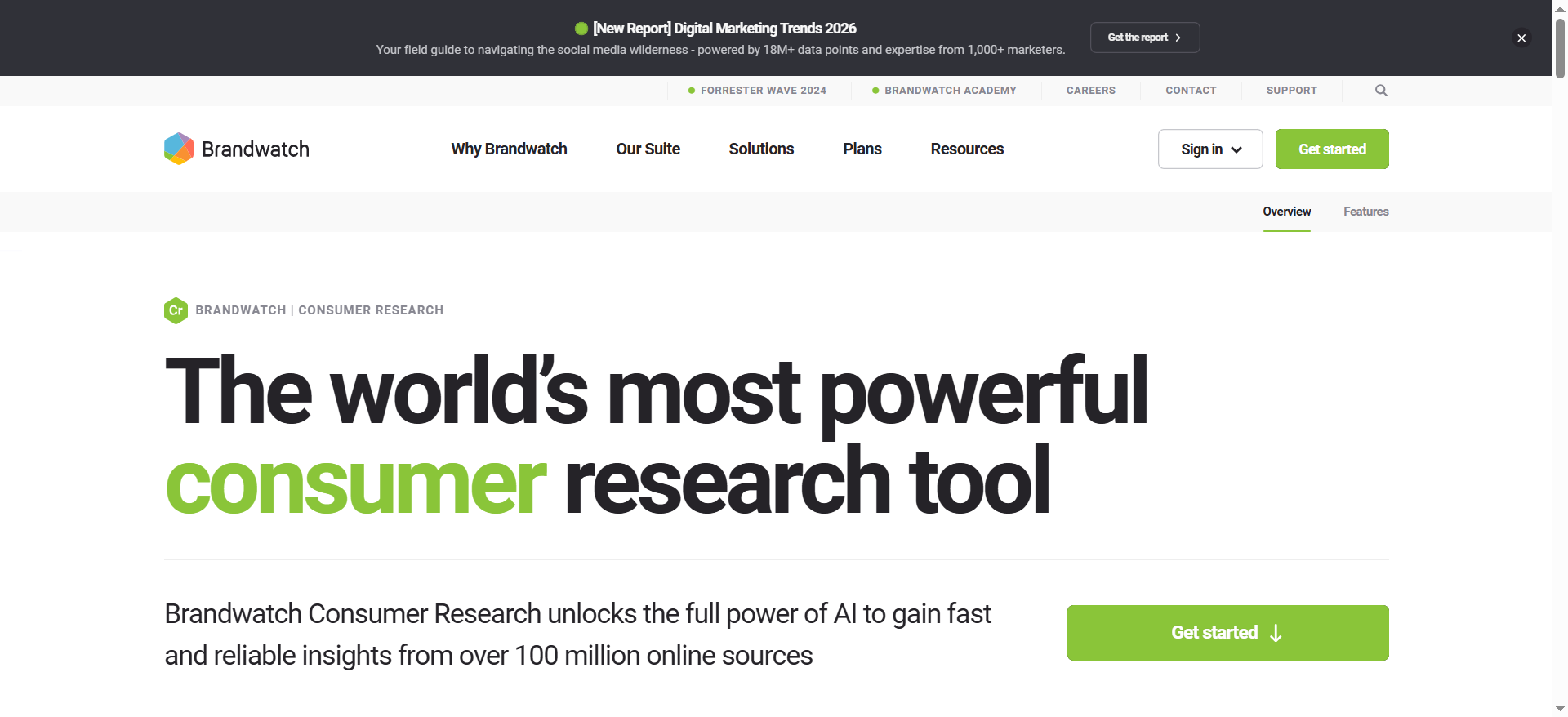
Brandwatch is an enterprise-grade social intelligence platform that combines consumer research, social media management, and influencer marketing into a single suite. For YouTube specifically, it collects video data and comments going back 12 months, runs keyframe analysis and speech-to-text transcription on video content, and surfaces brand mentions that would be invisible to text-only monitoring tools.
Why Teams Use It
Marketing and brand teams choose Brandwatch because it eliminates the need to run separate tools for social listening, competitive benchmarking, and influencer discovery. The platform's Listen module captures YouTube conversations alongside mentions from every other major social channel, while its Measure module tracks views, watch time, demographics, and engagement metrics in visual dashboards. For teams that need to understand not just what people are saying about their brand on YouTube but also how that compares to competitors, Brandwatch's built-in Benchmark toolset provides cross-channel competitive analysis out of the box.
What It Is Good For
Brandwatch excels in environments where YouTube monitoring is one piece of a larger social intelligence operation. Its strength lies in depth: the ability to search within video transcripts, analyze visual frames for brand logos, and combine that data with sentiment analysis from comments, forum threads, news articles, and social posts across dozens of platforms. The Influence module adds another layer by letting teams discover YouTube creators filtered by subscriber count, average views, growth trends, and audience demographics — useful for teams running influencer campaigns alongside brand monitoring.
When It Is a Good Fit
Brandwatch makes the most sense for growth-stage or enterprise B2B SaaS companies with dedicated brand, comms, or social teams that need comprehensive monitoring across many channels and want YouTube data integrated into their broader intelligence workflow. It is also a strong fit for agencies managing multiple client accounts, since the platform supports multi-brand monitoring with role-based access.
When It Is Not a Good Fit
Brandwatch is not the right choice for small teams or early-stage startups with limited budgets. Its custom-quote pricing model means you cannot self-serve a trial at low cost, and the feature set is designed for teams that will actively use competitive benchmarking, influencer discovery, and multi-channel reporting — if you only need YouTube mention alerts, you are paying for a significant amount of capability you will not touch. Teams that primarily need social publishing with light monitoring will find the platform heavier than necessary.
How to Use It
After onboarding, you set up brand queries in the Listen module to track your brand name, product names, and competitor names across YouTube (and other channels). The system begins collecting matching videos, comments, and transcripts. You can configure real-time alerts for spikes in mention volume or negative sentiment. Within Measure, you connect your owned YouTube channel to pull performance metrics into dashboards alongside your monitoring data. Influence lets you search for YouTube creators and evaluate partnership opportunities directly within the platform.
Key Capabilities
Brandwatch's YouTube-relevant capabilities include 12-month retroactive video and comment collection, keyframe analysis for visual brand detection, speech-to-text transcription for in-video mention tracking, real-time alerting on mention volume and sentiment shifts, competitive benchmarking across YouTube and other social platforms, influencer discovery filtered by YouTube-specific metrics, customizable dashboards and automated reporting, and a unified inbox for managing YouTube comments alongside messages from other channels.
Pricing
Brandwatch does not publish fixed pricing. Based on third-party data, reported pricing starts at approximately $800 per month and scales to $15,000+ per month for large enterprise configurations. Pricing is typically tiered based on seat count and data volume, with volume discounts available for larger teams. All plans require a custom quote through their sales team.
Free Tier
No. Brandwatch does not offer a free tier or a self-serve free trial. You need to request a demo to evaluate the platform.
Downsides and Limitations
The biggest limitation is cost — Brandwatch is one of the most expensive tools in this category and requires a sales conversation just to get pricing. The learning curve is steeper than lighter tools like Sprout Social, and smaller teams may find the interface overwhelming given the depth of features. Some users report that the initial setup and query configuration require significant time investment before the platform delivers its full value. Additionally, YouTube data collection is limited to 12 months of history, which may not be sufficient for teams needing longer-term trend analysis.
2. Talkwalker
What It Does
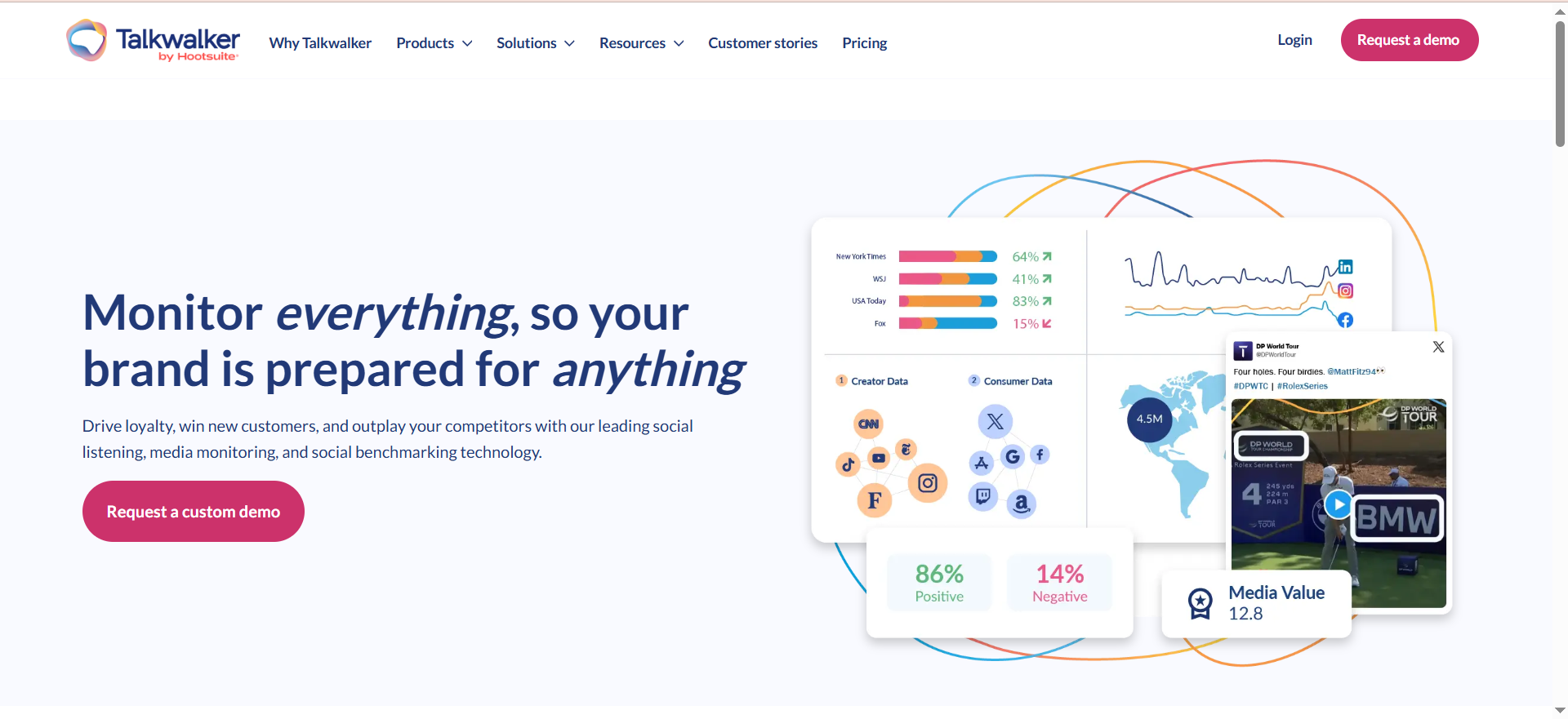
Talkwalker is an AI-powered consumer intelligence platform that monitors conversations across social media, news, blogs, forums, and video platforms — including YouTube. Its differentiator is visual listening technology capable of recognizing brand logos, scenes, objects, and products across images and video at massive scale, analyzing more than 50 million videos per day across 30,000 searchable visual categories.
Why Teams Use It
Brand and comms teams choose Talkwalker because it catches mentions that text-based monitoring misses entirely. When a YouTuber shows your product on screen without naming it in the title or description, Talkwalker's visual recognition can still flag the mention. This matters for consumer brands, CPG companies, and any SaaS company whose product appears in screen recordings, demo videos, or review content. The platform also provides hashtag tracking, trend analysis, and influencer identification specifically for YouTube alongside other social channels.
What It Is Good For
Talkwalker is strongest when the monitoring need extends beyond keyword matching into visual and contextual analysis. Its AI can identify brand logos appearing in video thumbnails, in-video product placements, and branded merchandise in user-generated content. For YouTube specifically, this means catching brand exposure in video content that would be completely invisible to tools that only scan text metadata. The platform also supports crisis detection with real-time alerting and virality prediction, making it useful for teams that need to respond quickly when a negative brand mention starts gaining traction on YouTube.
When It Is a Good Fit
Talkwalker fits best for mid-market to enterprise teams that need visual listening as a core capability, not just a nice-to-have. If your brand appears frequently in video content — product reviews, unboxings, screen recordings, event footage — and you need to quantify that exposure, Talkwalker delivers something most competitors cannot. It is also a strong pick for global teams, since it supports monitoring in over 180 languages and covers regional video platforms alongside YouTube.
When It Is Not a Good Fit
Teams that only need basic YouTube mention tracking or comment monitoring will find Talkwalker overkill for their use case. The pricing reflects the depth of the visual analysis engine, so if you are not going to use visual listening extensively, you are paying a premium for capability that sits idle. The platform also requires a custom quote with no self-serve option, which adds friction for teams that want to test before committing to an annual contract.
How to Use It
You start by configuring monitoring queries with your brand names, product names, and competitor names. Talkwalker's crawlers begin scanning YouTube (and other channels) for text mentions in titles, descriptions, and comments, while the visual analysis engine processes video content for logo and product appearances. You can set up custom dashboards to track mention volume, sentiment, share of voice, and visual exposure over time. Alerts can be configured for anomaly detection — sudden spikes in mentions, negative sentiment shifts, or viral content trends.
Key Capabilities
Talkwalker's YouTube-relevant capabilities include AI-powered visual recognition across 30,000 categories analyzing 50M+ videos per day, logo detection in video thumbnails and in-video frames, speech and video content analysis, real-time mention tracking across video titles, descriptions, and comments, sentiment analysis with 90+ language support, crisis detection and virality prediction, competitive benchmarking and share of voice reporting, customizable analytics dashboards, and integration with business intelligence tools for automated reporting.
Pricing
Talkwalker's pricing is customized based on data volume and monitoring needs. Third-party sources indicate the Basic Plan starts at approximately $500 per month, the Corporate Plan at around $1,000 per month, and the Enterprise Plan at approximately $2,200 per month. However, enterprise contracts typically land between $13,000 and $100,000 annually depending on data volume, users, and features. All plans require a custom quote.
Free Tier
No. Talkwalker does not offer a free tier. Demo access is available upon request.
Downsides and Limitations
Talkwalker's pricing opacity is a significant barrier — you cannot estimate costs without a sales call. The visual listening capability, while powerful, is only available on higher-tier plans, so the entry-level pricing does not include the feature that most differentiates the platform. Some users report that the dashboard interface has a learning curve, and building custom reports requires time investment upfront. The platform is also better suited for monitoring and analysis than for day-to-day social media management, so teams that need publishing and community management alongside monitoring will need a separate tool or integration.
3. YouScan
What It Does
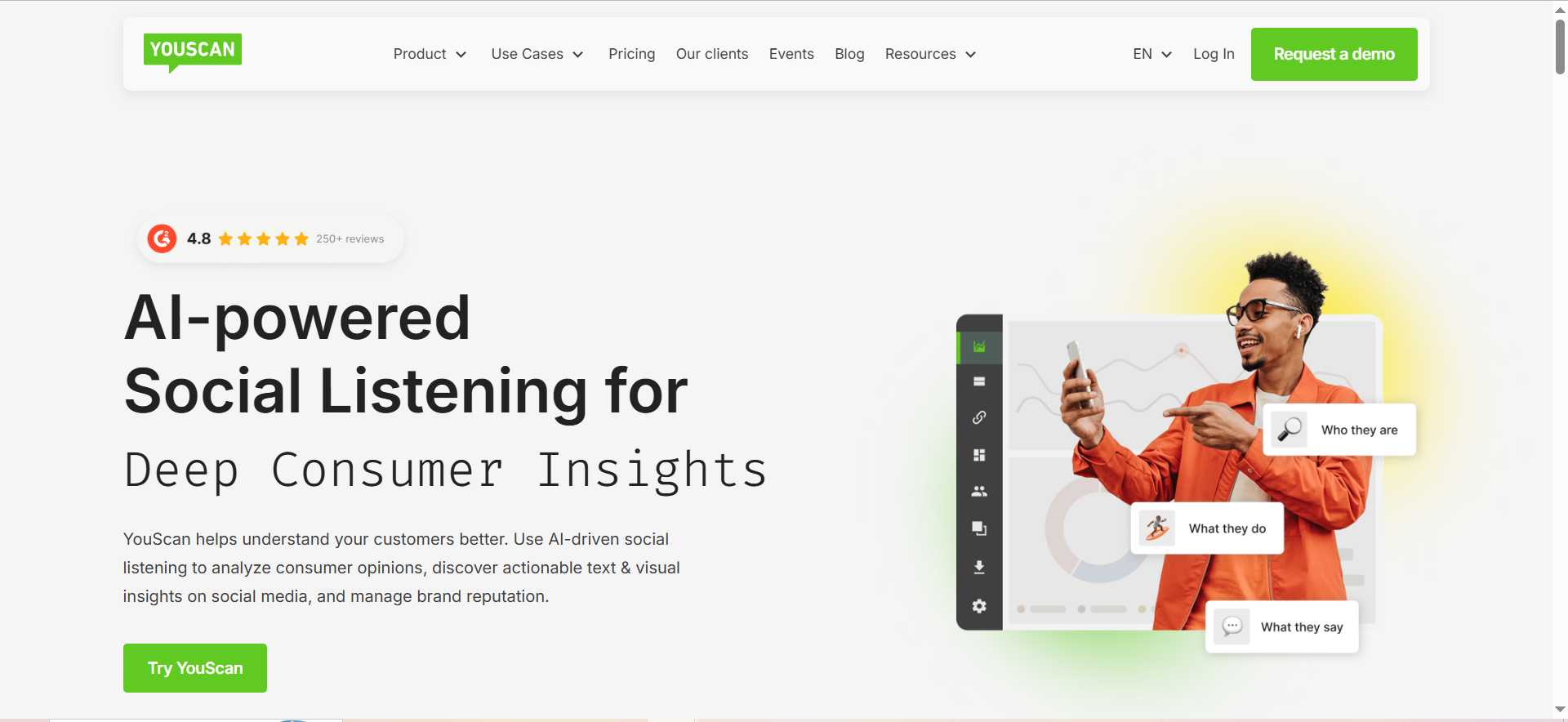
YouScan is an AI-powered social listening platform built around visual and audio intelligence. For YouTube specifically, YouScan goes beyond text monitoring by offering AI-powered audio monitoring that automatically listens to spoken content in YouTube videos, summarizes verbal brand mentions, and flags discussions about your brand that never appear in titles, descriptions, or comments. This makes it one of the few tools that can catch brand mentions embedded in spoken dialogue.
Why Teams Use It
Teams choose YouScan when they need to detect brand mentions that exist primarily in visual and audio content rather than text. A product review video where the host says your brand name but never types it, a cooking tutorial where your branded ingredient appears on-screen, a tech walkthrough where your competitor's logo is visible in a comparison — YouScan catches all of these through its Visual Insights engine and audio monitoring capabilities. The platform covers Facebook, Twitter, Instagram, YouTube, TikTok, LinkedIn, major forums, and news sites, but its YouTube audio monitoring is a standout feature that most competitors do not match.
What It Is Good For
YouScan is strongest in scenarios where brand exposure happens through visual and spoken content. Its Visual Insights engine uses machine learning to detect brand logos, identify demographic data of people in images, recognize objects and scenes, classify activities (running, cooking, driving, and 60+ others), and even determine occupations or hobbies of individuals in user-generated content. For YouTube, the AI audio monitoring adds another dimension — it transcribes and summarizes spoken brand mentions, making it possible to monitor YouTube at a depth that text-only tools cannot reach.
When It Is a Good Fit
YouScan is a good fit for brand teams at B2B SaaS companies, consumer brands, and agencies that need affordable access to visual and audio listening without the enterprise price tag of Brandwatch or Talkwalker. Its Starter plans begin at a lower price point than the other enterprise tools on this list, making it accessible for growth-stage companies that want advanced monitoring capabilities. It is also ideal for teams focused specifically on user-generated content analysis, since YouScan's visual recognition can detect how your product is being used in real-world contexts captured on video.
When It Is Not a Good Fit
YouScan is not the best choice if your primary need is social media management (publishing, scheduling, community management) — it is a listening and analytics tool, not a publishing platform. Teams that need integrated social management and monitoring in one tool should look at Sprout Social instead. Additionally, YouScan's most powerful differentiators — Visual Insights and Audience Insights — are paid add-ons only available on the Unlimited plan, so the entry-level Starter plans do not include the features that make YouScan most compelling. You need to verify which tier includes the capabilities you actually need before committing.
How to Use It
You set up monitoring topics with your brand keywords, product names, and competitor terms. YouScan's crawlers begin collecting mentions across YouTube and other platforms. For YouTube, the audio monitoring engine processes new videos matching your queries, transcribes spoken content, and highlights relevant brand mentions with summaries. The Visual Insights engine simultaneously scans video thumbnails and in-video frames for logo appearances. Results appear in a unified dashboard with sentiment analysis, mention volume trends, and source breakdowns.
Key Capabilities
YouScan's YouTube-relevant capabilities include AI-powered audio monitoring that transcribes and summarizes spoken YouTube mentions, Visual Insights with logo detection across images and video content, demographic analysis of people appearing in visual content, activity and scene recognition across 60+ categories, Insights Copilot AI agent for automated analysis and reporting, real-time alerts and smart notifications, sentiment analysis across multiple languages, topic and trend detection, and audience insights showing who is talking about your brand and where.
Pricing
YouScan pricing starts at approximately $499 per month for the Starter 3 plan, with annual billing available at $5,988 per year. The Unlimited plan with Visual Insights and Audience Insights starts at $15,000+ annually and requires a custom quote. Monthly billing starts at approximately $1,000 per month.
Free Tier
No. YouScan does not offer a permanent free tier. A demo is available upon request.
Downsides and Limitations
The most significant limitation is the per-feature pricing structure. Core differentiators like Visual Insights and Audience Insights are only available as paid add-ons on the Unlimited plan, meaning the lower-tier plans do not include the features that make YouScan stand out from competitors. The platform also lacks social publishing and management capabilities, so teams that need an all-in-one social tool will need to pair YouScan with a separate management platform. Additionally, while the audio monitoring feature for YouTube is unique and powerful, it is a relatively newer capability and may not yet cover every language or accent with the same accuracy.
4. Sprout Social
What It Does
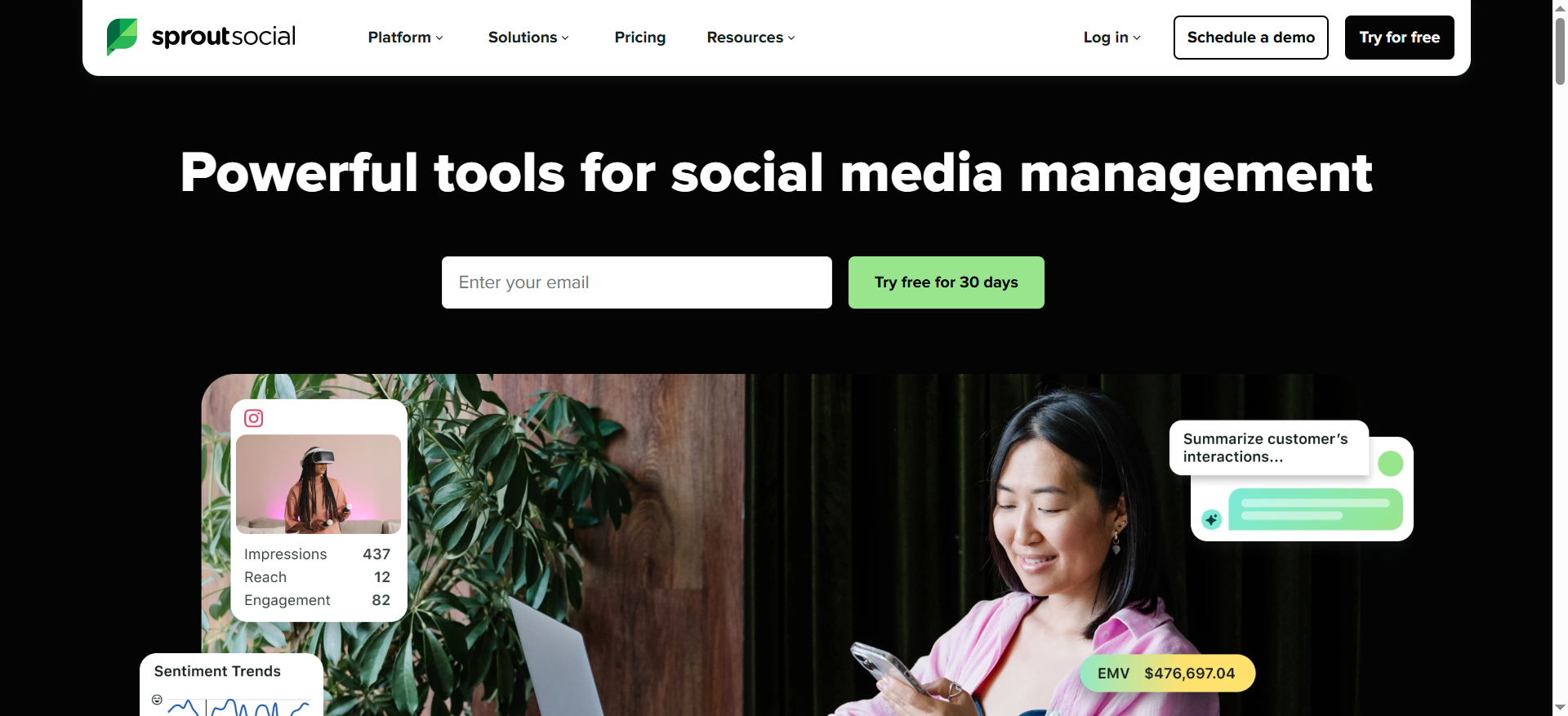
Sprout Social is a social media management and analytics platform that combines publishing, engagement, listening, and reporting across major social channels including YouTube. Unlike the other tools on this list that are primarily listening and intelligence platforms, Sprout Social is built for teams that need to manage their daily social operations — scheduling posts, responding to comments, and tracking performance — with monitoring capabilities layered on top.
Why Teams Use It
Social and marketing teams choose Sprout Social because it centralizes their entire YouTube workflow alongside every other social channel in one place. The Smart Inbox pulls YouTube comments into a single stream alongside Instagram DMs, Twitter mentions, Facebook messages, and LinkedIn comments, so community managers can respond to everything without switching between platforms. For teams whose primary job is managing social presence and engagement, Sprout Social eliminates tool fragmentation.
What It Is Good For
Sprout Social is strongest for teams that need a unified social media management workflow with YouTube as one of several channels. Its publishing and scheduling tools, combined with the Smart Inbox for engagement, make it the most operationally efficient option on this list for day-to-day social management. The analytics module provides YouTube performance metrics — views, engagement, audience demographics — in the same dashboards as your other channels, making cross-platform reporting straightforward. Sprout Social's listening module adds keyword and mention tracking, though it is positioned as an add-on rather than a core feature.
When It Is a Good Fit
Sprout Social is the right choice for marketing teams at growth-stage SaaS companies that manage YouTube as part of a multi-channel social strategy and need a single tool for publishing, engagement, and basic monitoring. It is especially well-suited for teams of 2-10 social managers who need role-based access, approval workflows, and collaborative features. If your primary need is operational efficiency in managing YouTube alongside other channels, Sprout Social delivers the best unified experience on this list.
When It Is Not a Good Fit
Sprout Social is not the right tool for teams whose primary need is deep brand intelligence or advanced video mention tracking. It does not offer visual recognition, audio transcription for in-video mentions, or the depth of consumer intelligence that Brandwatch, Talkwalker, or YouScan provide. The social listening module is a paid add-on, not included in standard plans, and even with listening enabled, the depth of YouTube-specific monitoring is lighter than dedicated listening platforms. For teams focused on catching every brand mention across YouTube video content, Sprout Social will miss mentions that exist only in spoken audio or on-screen visuals.
How to Use It
You connect your YouTube channel (and other social accounts) to Sprout Social during setup. The Smart Inbox immediately begins consolidating incoming comments and mentions. You can schedule and publish YouTube content using the publishing calendar, respond to comments directly from the inbox, and track performance through the analytics dashboards. To add keyword monitoring, you enable the Listening module (available as a paid add-on) and configure brand keyword queries.
Key Capabilities
Sprout Social's YouTube-relevant capabilities include Smart Inbox consolidation for YouTube comments alongside all social channels, video publishing and scheduling through a unified content calendar, analytics dashboards tracking YouTube views, engagement, and audience demographics, cross-platform performance reporting, team collaboration with approval workflows and role-based access, social listening module (add-on) for keyword and mention tracking, competitor performance tracking, and automated reporting with customizable templates.
Pricing
Sprout Social publishes transparent per-user pricing. The Standard plan costs $199 per user per month, the Professional plan costs $299 per user per month, and the Advanced plan costs $399 per user per month (all billed annually). The Essentials plan starts at $79 per user per month. Enterprise pricing is custom. Social listening and premium analytics are paid add-ons not included in any standard plan. For a team of four on the Professional plan, the actual monthly cost is $1,196 before add-ons.
Free Tier
Sprout Social offers a 30-day free trial across its plans, but there is no permanent free tier.
Downsides and Limitations
The per-user pricing adds up quickly for larger teams — a four-person team on the Professional plan pays nearly $1,200 per month before add-ons. Social listening is a separate paid module, which means the monitoring capabilities that make this list relevant require additional spend beyond the base plan. YouTube monitoring depth is shallower than dedicated listening platforms: no speech-to-text analysis of video content, no visual logo recognition, and no audio mention detection. The platform is optimized for social management first and monitoring second, so teams whose primary goal is brand intelligence rather than social operations will find better value in Brandwatch, Talkwalker, or YouScan.
5. Meltwater
What It Does
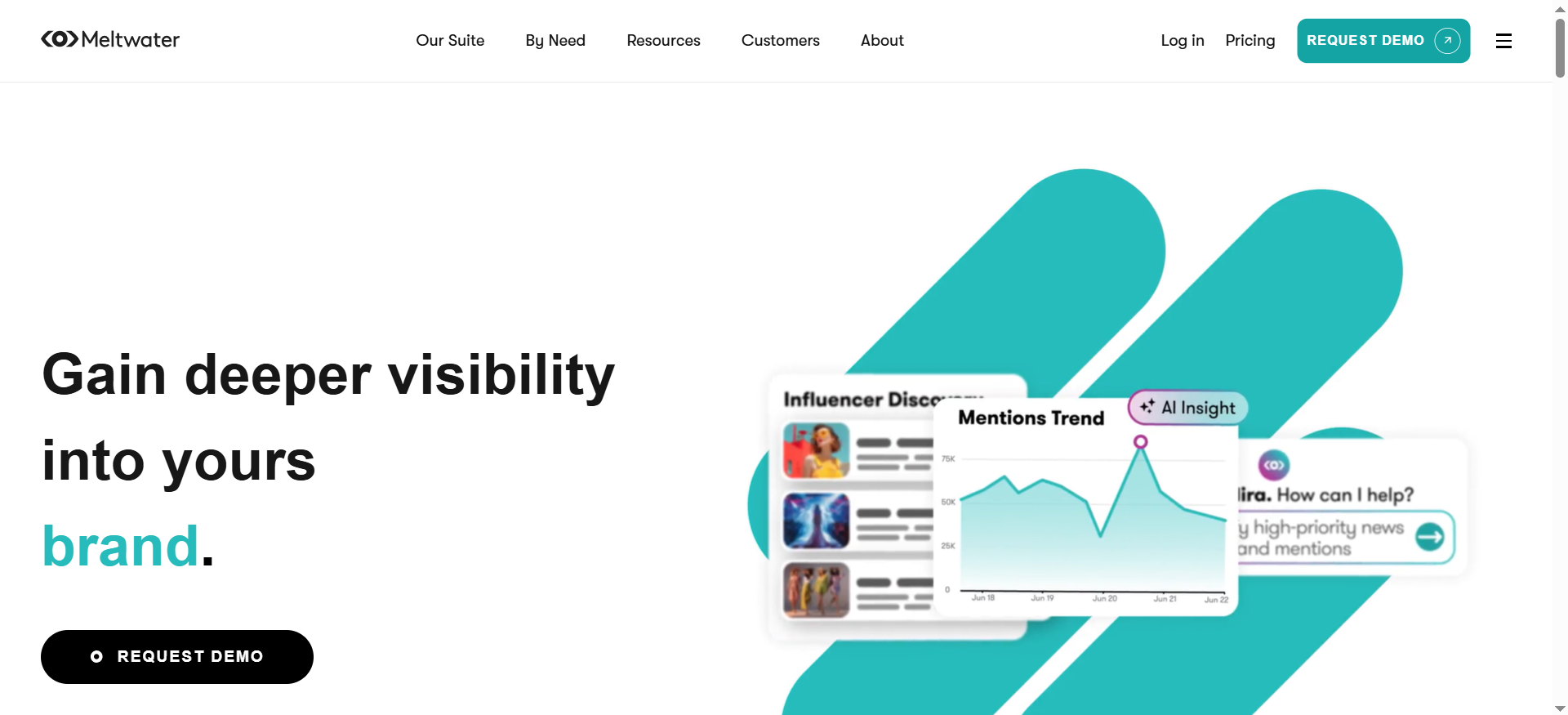
Meltwater is a media intelligence and social listening platform that combines traditional media monitoring (news, print, broadcast) with social media listening across YouTube, Instagram, TikTok, X, Facebook, LinkedIn, Reddit, and more. Its differentiator is the ability to place YouTube brand data inside the same dashboards as press coverage, broadcast mentions, and industry news — giving PR, comms, and brand teams a unified view of their brand presence across all media types, not just social channels.
Why Teams Use It
PR and comms teams choose Meltwater because they need to track brand mentions across both earned media and social channels in a single platform. When a YouTube review of your product goes viral and news outlets pick up the story, Meltwater lets you see the entire trajectory — from the initial YouTube mention through to press coverage and social amplification — in one unified dashboard. The platform's Explore+ module now includes expanded YouTube analytics, allowing teams to view YouTube data alongside media monitoring data without switching between separate tools.
What It Is Good For
Meltwater is strongest for teams that need YouTube monitoring as part of a broader media intelligence strategy. The Explore+ module provides engagement data, mention volume tracking, and trend detection for YouTube alongside news, blogs, forums, and other social channels. Unified dashboards in the Analyze module consolidate cross-channel metrics, removing data silos and enabling smarter campaign decisions. Meltwater also maintains one of the largest media contact databases in the industry, which is useful for teams that need to turn YouTube brand intelligence into proactive PR outreach.
When It Is a Good Fit
Meltwater is the right choice for PR, comms, and corporate brand teams at mid-market to enterprise companies that need to monitor YouTube brand mentions alongside traditional media coverage. It is especially strong for companies in industries where YouTube conversations frequently cross over into mainstream press — tech, consumer electronics, gaming, CPG, and any category where product reviews and unboxings on YouTube influence purchasing decisions and attract press attention. If your team reports on brand presence across all media types (not just social), Meltwater delivers the most comprehensive cross-media view on this list.
When It Is Not a Good Fit
Meltwater is not the best choice for teams whose monitoring needs are limited to social media. If you do not need traditional media monitoring, press release distribution, or media contact database access, you are paying for a large portion of the platform you will not use. The pricing reflects the full media intelligence suite, so social-only teams will find better value in Brandwatch or YouScan. Additionally, Meltwater's YouTube monitoring is newer than its core media monitoring capabilities, so teams that need the deepest possible YouTube-specific analysis (visual recognition, audio transcription) may find more mature capabilities in YouScan or Talkwalker.
How to Use It
You set up monitoring searches in Explore or Explore+ with brand keywords, product names, and competitor terms. Meltwater's crawlers begin collecting YouTube mentions alongside mentions from news, blogs, social channels, and broadcast media. The Monitor tab provides engagement context on YouTube content, allowing you to explore conversation threads and engagement metrics without leaving the platform. Unified dashboards in Analyze let you view YouTube data alongside all other media channels, and you can configure automated alerts and scheduled reports.
Key Capabilities
Meltwater's YouTube-relevant capabilities include expanded YouTube analytics within Explore+ and unified dashboards, YouTube mention tracking alongside news, broadcast, and social data, engagement trend analysis by source type including YouTube, content-level engagement metrics and conversation thread exploration, global coverage spanning 200+ countries and 240+ languages, media contact database for turning intelligence into outreach, automated alerting and scheduled reporting, API access for integrating YouTube data into existing workflows, and cross-media share of voice analysis.
Pricing
Meltwater does not publish fixed pricing. Based on third-party data, estimated costs range from approximately $6,900 to $100,000+ per year depending on the plan, number of users, modules included, and geographic coverage. The median enterprise contract is approximately $25,000 per year. All pricing requires a custom quote through the sales team.
Free Tier
No. Meltwater does not offer a free tier or self-serve trial. A demo is available upon request.
Downsides and Limitations
Meltwater's most significant limitation for YouTube monitoring specifically is that its YouTube analytics capabilities are newer additions to the platform, meaning they may not yet match the depth of tools like YouScan or Talkwalker that have built their core product around video and visual analysis. The pricing model is opaque and typically requires annual commitments, making it difficult to test before buying. The platform's breadth — covering news, broadcast, social, and influencer data — means the interface can feel complex for teams that only need YouTube and social monitoring. Additionally, some users report that the onboarding process requires more time than expected to configure monitoring searches and dashboards properly.
How to Choose the Right YouTube Brand Monitoring Tool
Choosing the right YouTube brand monitoring tool depends on three factors: what you need to detect, how YouTube fits into your broader monitoring strategy, and what your team will actually use day-to-day.
If your primary concern is catching every brand mention on YouTube — including spoken mentions in video audio and visual logo appearances in video frames — YouScan and Talkwalker offer the deepest detection capabilities. YouScan's audio monitoring transcribes spoken brand mentions, while Talkwalker's visual analysis engine processes over 50 million videos per day for logo and product recognition.
If YouTube monitoring is one piece of a larger social intelligence operation and you need competitive benchmarking, influencer discovery, and multi-channel analysis in a single platform, Brandwatch delivers the most comprehensive suite. It is the most expensive option, but it eliminates the need for multiple point solutions.
If your team's primary workflow is social media management — publishing, scheduling, responding to comments — and you need YouTube monitoring layered into that workflow, Sprout Social is the most operationally efficient choice. You sacrifice monitoring depth for workflow integration.
If your team needs YouTube brand data alongside traditional media coverage — press mentions, broadcast monitoring, news tracking — Meltwater is the only tool on this list that unifies social and media intelligence in a single dashboard.
What Is YouTube Brand Monitoring and Why Does It Matter
YouTube brand monitoring is the process of tracking mentions of your brand, products, competitors, and industry keywords across YouTube video titles, descriptions, comments, transcripts, and — with advanced tools — spoken audio and visual content. It matters because YouTube is the largest video platform globally and the second-largest search engine, making it a primary venue for product reviews, tutorials, unboxings, comparisons, and brand discussions that directly influence purchasing decisions.
For B2B SaaS companies specifically, YouTube brand monitoring surfaces signals that other channels miss. A competitor comparison video with 50,000 views can shape buying decisions for months. A negative product review can deter prospects before they ever enter your pipeline. A positive mention from an industry influencer can drive qualified traffic and pipeline opportunities. Without active monitoring, these signals pass unnoticed.
How YouTube Brand Monitoring Differs from General Social Listening
General social listening platforms monitor text-based mentions across social networks, forums, blogs, and news sites. YouTube brand monitoring extends this into video-specific territory, which introduces three unique challenges that general social tools often handle poorly.
First, spoken mentions — when someone says your brand name in a video but does not type it in the title or description. Only tools with speech-to-text or audio analysis capabilities (like YouScan and Brandwatch) can detect these. Second, visual mentions — when your product logo appears on-screen in a review, tutorial, or comparison without being named in text. Tools with visual recognition (Talkwalker and YouScan) catch these. Third, comment thread analysis — YouTube comment sections can contain hundreds or thousands of brand mentions, competitor comparisons, and sentiment signals that require dedicated monitoring to surface.
General social listening tools may cover YouTube at a surface level (scanning titles and descriptions), but they miss the majority of brand exposure that happens within video content itself.
Can You Monitor YouTube Brand Mentions for Free
Yes, but with significant limitations. YouTube Studio provides basic mention tracking for tagged mentions on your own channel's comments and mentions section. Google Alerts can surface YouTube videos that match keyword queries, though coverage is inconsistent and not real-time. Manual YouTube search lets you periodically check for brand mentions, but this is not scalable for any team monitoring more than a handful of keywords.
Free methods primarily catch explicit, text-based mentions in titles and descriptions. They completely miss mentions in video audio, visual brand appearances, and often miss mentions buried in comment threads. For any team serious about YouTube brand monitoring, a dedicated tool is necessary to achieve meaningful coverage.
What to Look For in a YouTube Brand Monitoring Tool
When evaluating YouTube brand monitoring tools, prioritize these capabilities based on your team's specific needs.
Detection depth is the most important differentiator. At minimum, your tool should monitor video titles, descriptions, and comments. More advanced tools add speech-to-text analysis for spoken mentions and visual recognition for on-screen logo and product appearances. The deeper the detection, the fewer mentions slip through.
Real-time alerting matters for teams that need to respond quickly to brand mentions — especially negative ones. Look for configurable alert thresholds based on mention volume spikes, sentiment shifts, or specific keyword triggers.
Sentiment analysis helps you distinguish between positive product reviews, neutral mentions, and negative complaints without manually reviewing every mention. AI-powered sentiment classification is standard in most paid tools on this list.
Competitive monitoring allows you to track competitor mentions alongside your own, giving you share-of-voice data and competitive intelligence from YouTube conversations.
Integration with your existing stack determines whether YouTube monitoring data flows into your reporting, CRM, or business intelligence tools without manual effort. Check for API access, native integrations, and export capabilities.
How Often Should You Review YouTube Brand Monitoring Data
The right cadence depends on your brand's YouTube exposure volume and your team's capacity to act on findings. For most growth-stage B2B SaaS companies, a weekly review of YouTube monitoring dashboards is sufficient to catch meaningful signals and trends. Set up real-time alerts for high-priority triggers — sudden mention volume spikes, negative sentiment from high-authority channels, competitor comparison videos gaining traction — so you can respond immediately when urgency demands it.
Monthly reporting should roll up YouTube brand monitoring data into broader brand health metrics alongside other channels. This gives leadership visibility into YouTube's contribution to brand exposure, competitive positioning, and sentiment trends over time.
How to Track Competitor Mentions on YouTube
Tracking competitor mentions on YouTube follows the same monitoring setup as tracking your own brand, but with competitor brand names, product names, and key personnel as query terms. All five tools on this list support competitor monitoring. Configure your monitoring queries to include each competitor's brand name, product names, and common misspellings. Then track mention volume, sentiment, and engagement metrics over time to build a competitive share-of-voice picture.
Pay particular attention to comparison videos where your brand is evaluated alongside competitors — these are high-intent content pieces that directly influence buying decisions. Tools like Brandwatch and Talkwalker provide dedicated competitive benchmarking features that automate this analysis.


